Download Apple Music on Windows: Official App & File Options

Summary: Install Apple Music for Windows, set up library syncing, and download songs for offline listening. Learn how to diagnose playback or quality problems and when a separate audio-file workflow fits.
Table of Contents
Trying to download Apple Music on Windows but unsure whether you need an installer or a song download? Get the official Apple Music app from Microsoft Store. With an active Apple Music subscription, sign in, add music to your library, and download it for offline listening.
An HP laptop, a browser tab, and a Windows app all lead to the same catalog, which makes “download” an easy word to misread. I’d treat this as a setup question before treating it as a file-conversion question. Getting the app onto your PC is just the starting point. I’ll walk through installation and offline songs, then separate playback problems from requests for audio files you can organize in another player.
Download and Set Up Apple Music for Windows
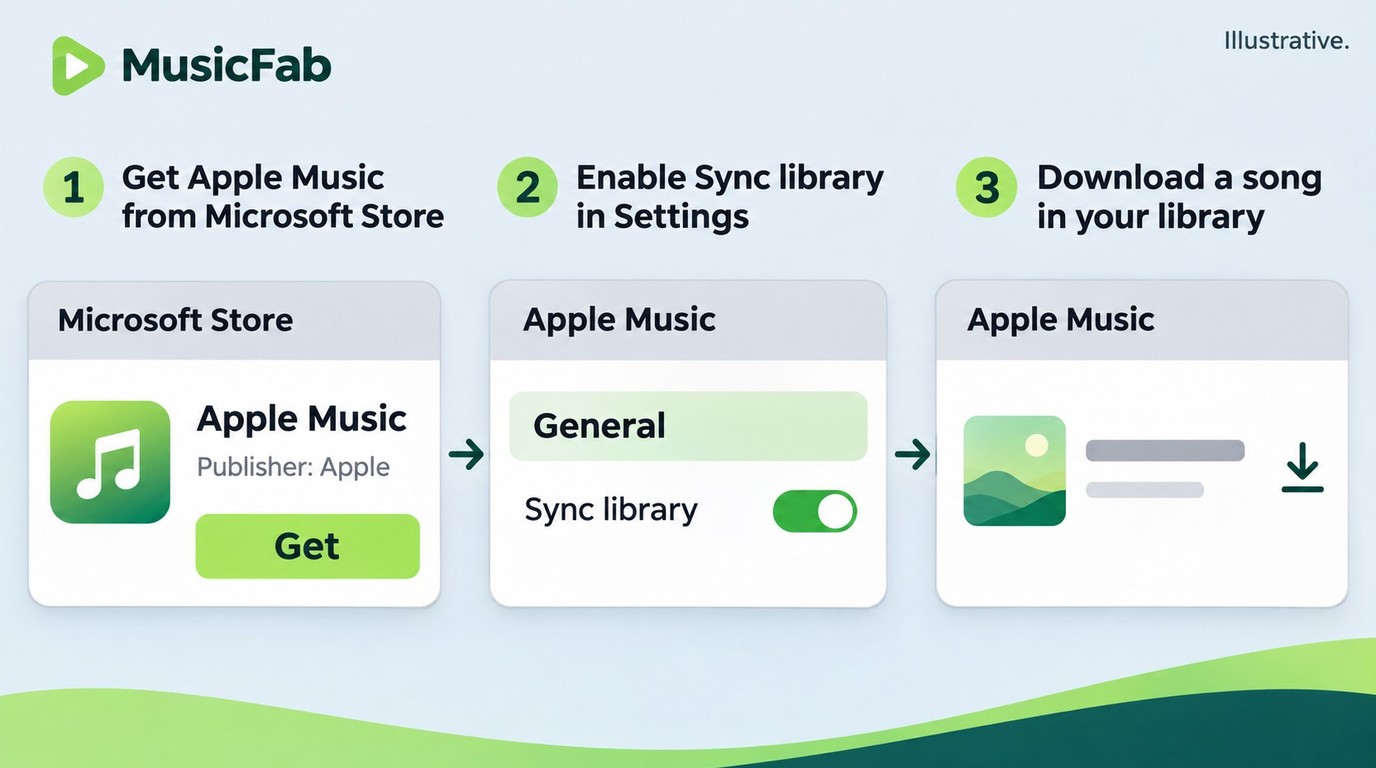
Apple Music for Windows comes from Microsoft Store, and subscription songs download within that app. Offline listening requires an active subscription and music downloaded onto this PC, not just entries in your synced library.
Before you start, have a compatible Windows PC, access to Microsoft Store, an internet connection, and your Apple Account credentials. An active Apple Music subscription is required for subscription-catalog downloads. Getting the app does not activate a subscription.
Install Apple Music from Microsoft Store
Start with Apple’s official download route. A poster in r/AppleMusic captured the initial confusion: “I have an HP laptop; can I open Apple Music on the Internet?” You can listen through the web, but the desktop installation is a separate route.
1. Open Apple’s Windows download page and follow its Apple Music link to Microsoft Store.
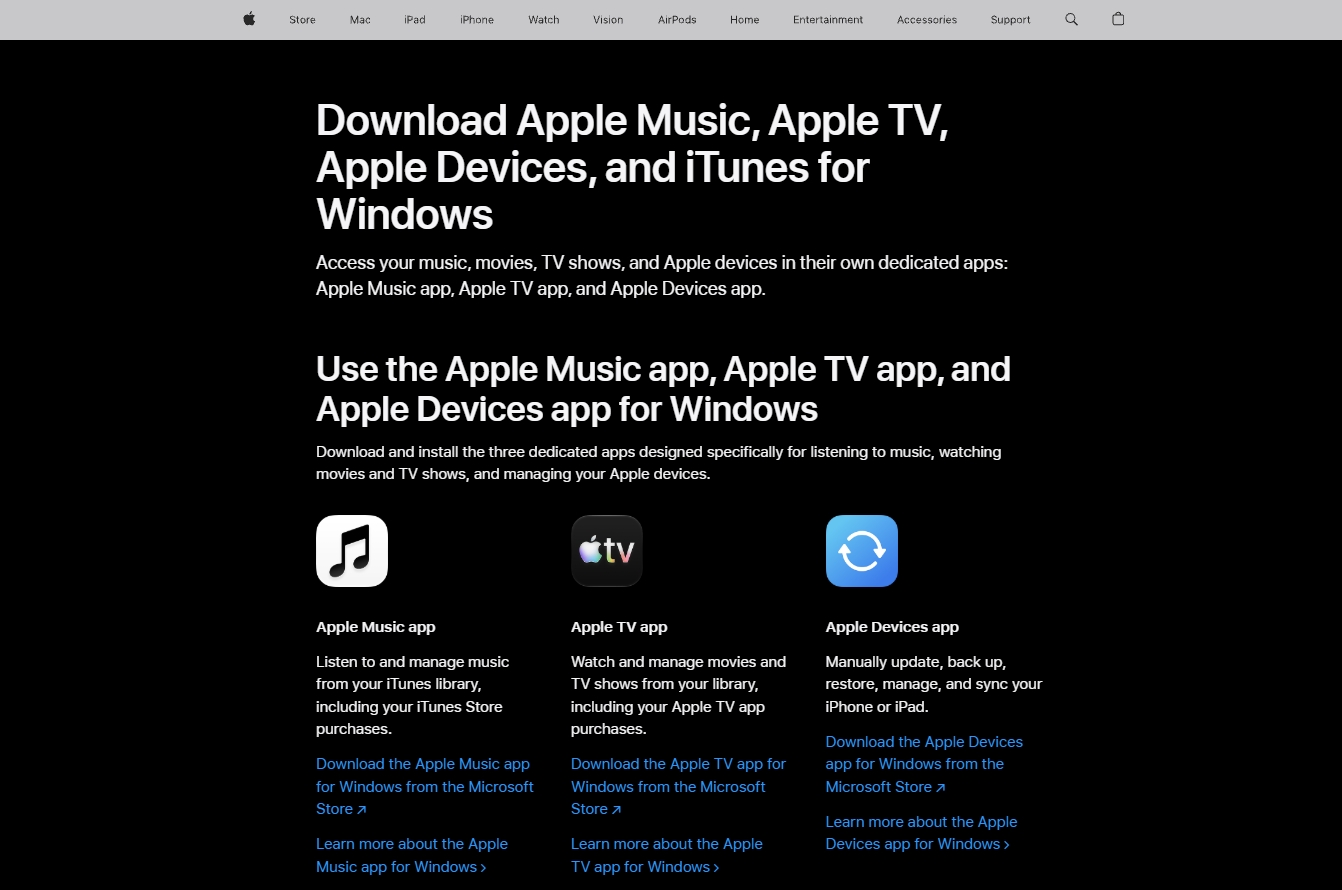
2. On the Apple Music listing, confirm that Apple is the publisher and that the Store offers installation for your PC.
3. Select Get or Install, then wait for installation to finish.
4. Launch Apple Music from Start and choose Sign In to access your Apple Account.
You should now be working in Apple’s player. If the Store shows an incompatibility message, the Windows 10 question in the FAQ covers the next route; downloading a converter does not install the official app.
Sign In and Add Music to Your Library
Use the account that holds your Apple Music subscription. If you already listen on another device, signing in with a different account will not bring that subscription and library across. Your Windows sign-in and your Apple Account serve different jobs.
Check library syncing before adding music again. At the top of the sidebar, open Sidebar Actions > Settings > General and turn on Sync library. Give your existing library time to appear. Syncing your library makes its entries available across devices; it is not the same as downloading every song onto this computer.
Add the music you want next. Find a song, album, or playlist in the Apple Music catalog, then select Add, or open More and choose Add to Library. This creates the library entry. It does not, by itself, establish that the audio is ready offline.
Download Songs and Albums for Offline Listening
Download from the library you just populated. Keep Apple Music for Windows open and your internet connection active while the transfer finishes.
- Select Songs, Albums, or another relevant view under Library in the sidebar.
- Select the item you added, then choose Download, either directly or through More > Download.
- Wait for completion, then disconnect from the network briefly and play the downloaded selection in Apple Music.
That final playback check answers the practical question: is this music available on this laptop? Before a trip, check the albums you actually intend to hear rather than assuming a populated library means the downloads finished.
Understand What an In-App Download Gives You
An offline subscription download belongs to the Apple Music app’s listening workflow. It is not an MP3 export. Apple’s Windows guidance says these subscription downloads cannot be burned to disc or manually transferred to an iPhone, iPad, or iPod; those devices download their own copies through Apple Music.
My recommendation is to finish this official setup when your goal is listening on this PC. A player that needs separate audio files presents a different requirement, which the file-workflow section below addresses.
When Apple Music Will Not Download or Sounds Different
Missing download options and unexpected audio quality call for different checks. Start with account, subscription, and Sync Library when adding music fails; inspect download-quality settings when the music plays but sounds different.
Match the check to the symptom:
- Add to Library is missing: Confirm the subscribed Apple Account is signed in and Sync library is enabled. These are the checks Apple identifies for absent Add options.
- The app opens but songs will not play: Try the same selection in Apple Music’s web player. This helps distinguish a desktop-app symptom from a problem affecting that selection across both routes.
- Downloads stall or fail: Check your connection and available storage, then look for Apple Music updates in Microsoft Store. Retry the affected item rather than rebuilding the entire library.
I would not make reinstallation the first diagnosis. One r/AppleMusic poster wrote, “I tried uninstalling and reinstalling it from the Microsoft Store, but the problem persists.” That describes an individual experience, not a universal defect or a fix to copy.
Check Download Quality Separately from Streaming Quality
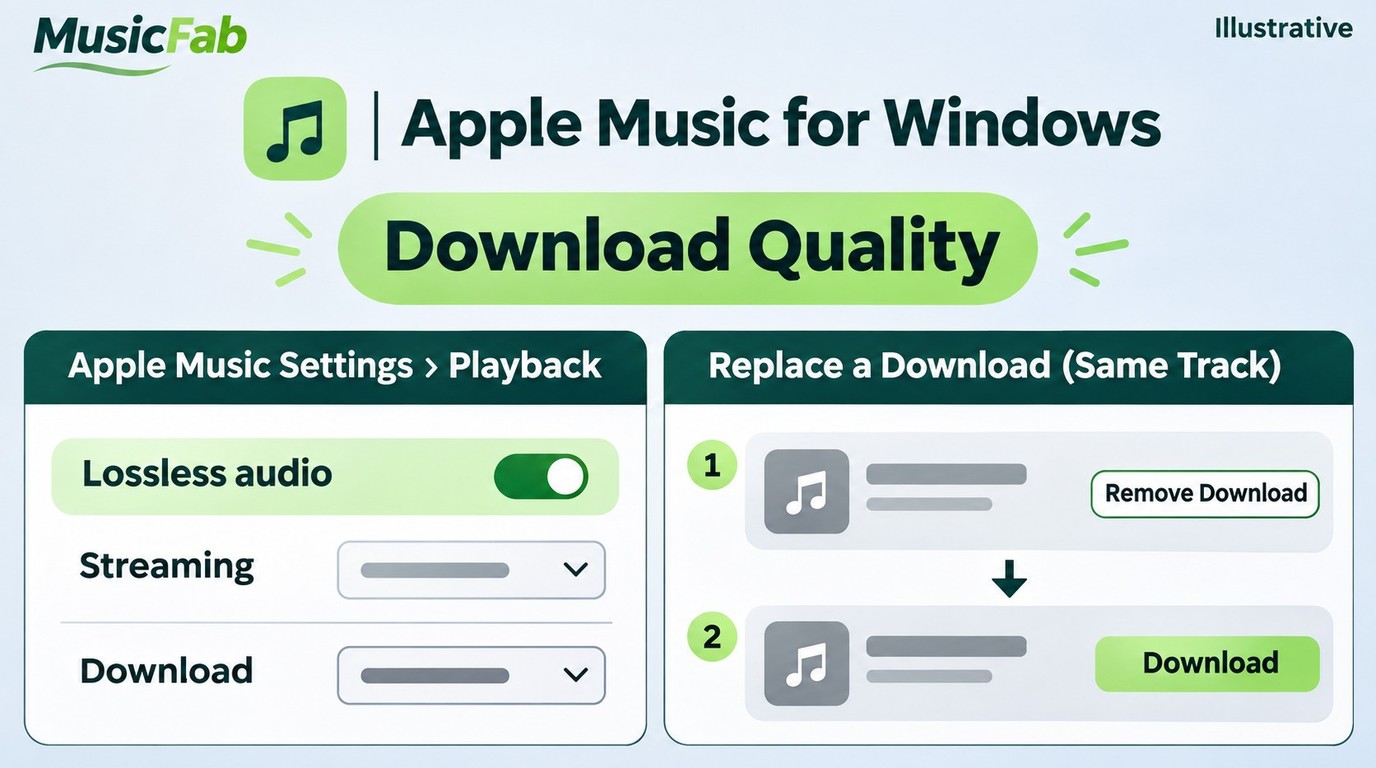
Your streaming setting does not settle download quality. In Apple Music, open Sidebar Actions > Settings > Playback and choose the quality for downloads separately from streaming. Turn on Lossless audio if that is the version you want.
Existing downloads need attention too. After enabling lossless, remove the earlier download and download that music again to obtain its lossless version. Use Remove Download, rather than deleting the library entry. Lossless downloads also consume more storage.
The playback connection matters after downloading. Apple identifies built-in speakers and wired headphones, receivers, or powered speakers for PC lossless listening. For sample rates above 48 kHz on Windows, Apple’s lossless guidance identifies an external digital-to-analog converter (DAC) as a playback requirement, with the need for an external unit depending on the PC’s hardware. I would inspect the saved version and listening connection before blaming the whole Windows app.
When MusicFab Fits a Separate Audio-File Workflow
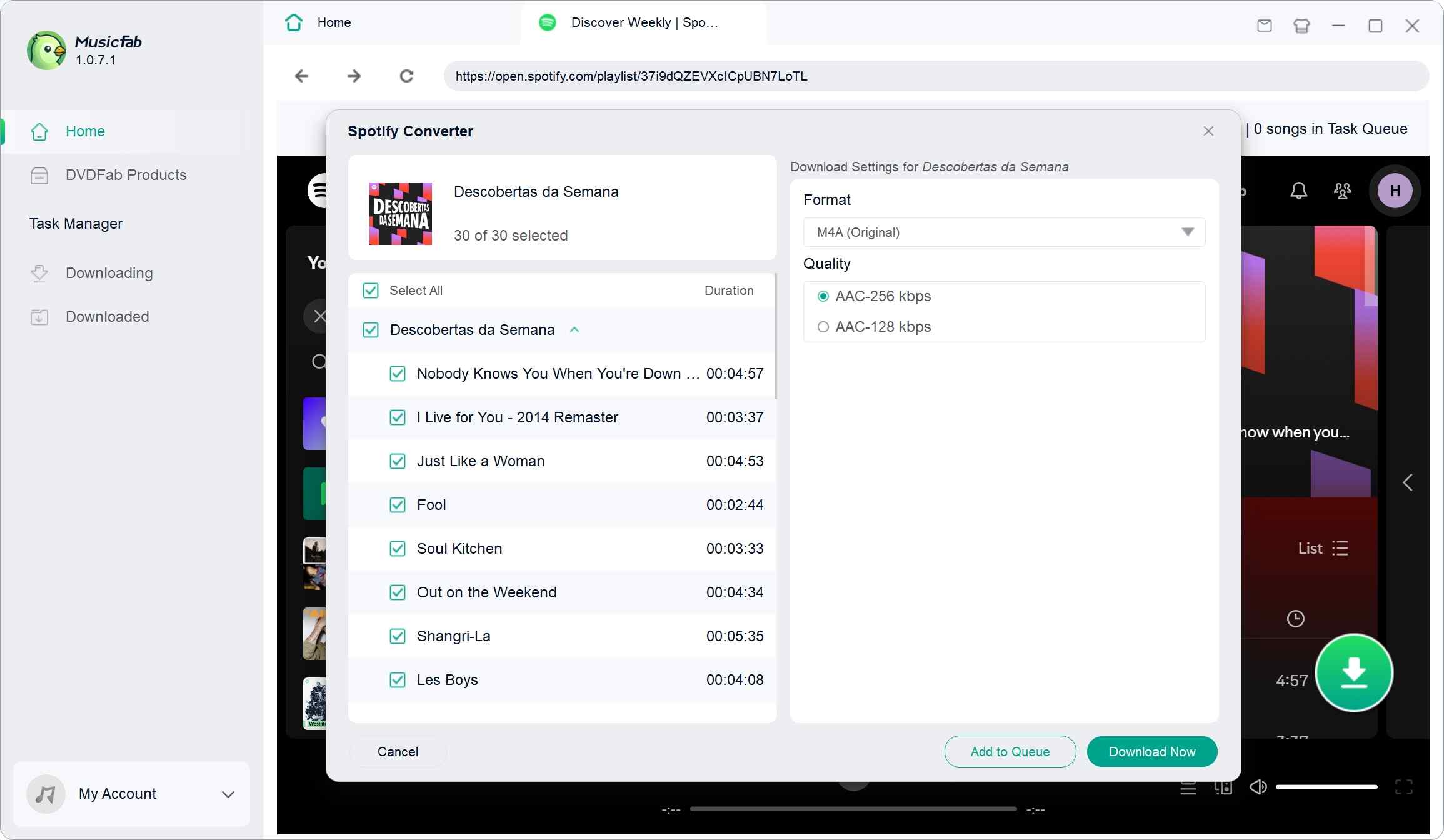
- Batch download songs, playlists, albums and podcasts from Apple Music
- Convert to MP3, M4A, WAV, FLAC and more up to lossless quality
- Save lyrics and ID3 tags
- Built-in web browser to search and download music all in one place
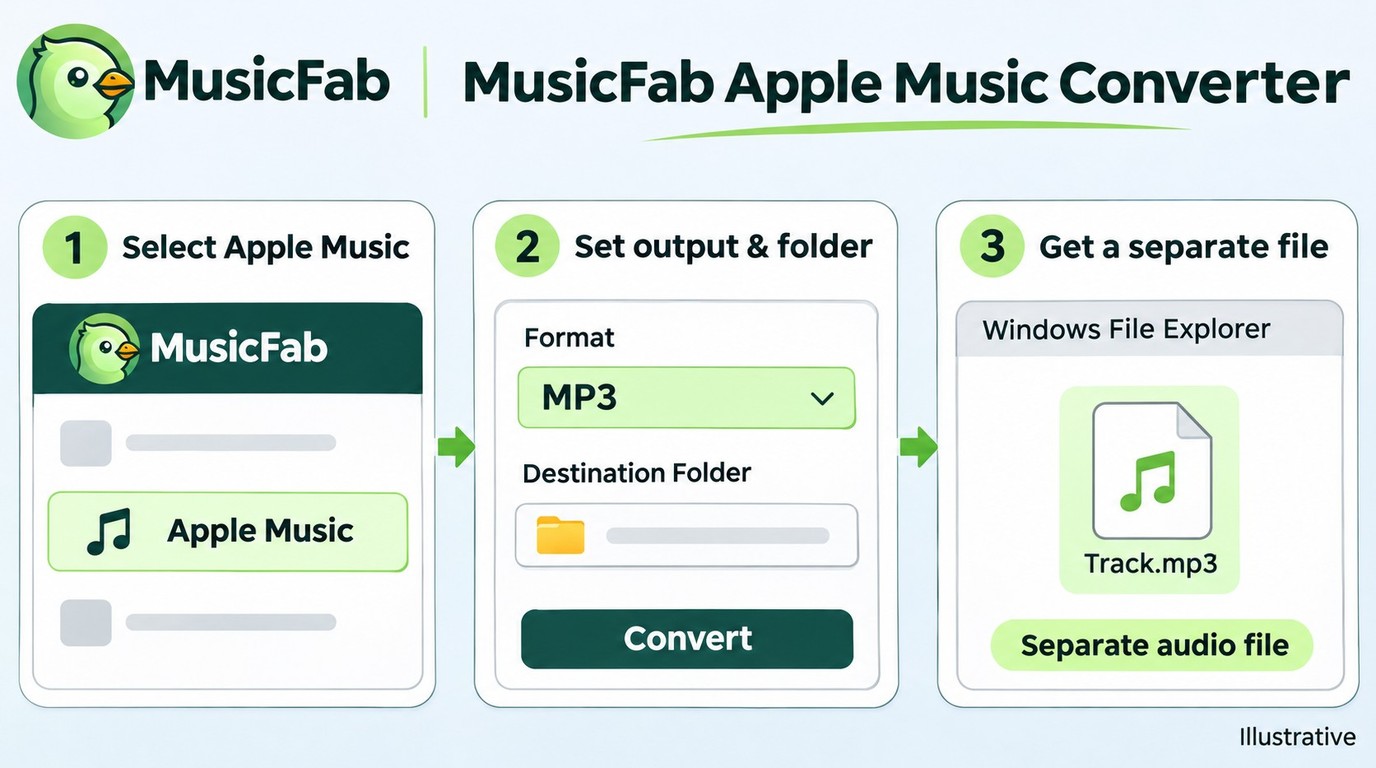
MusicFab Apple Music Converter fits you when another player needs separate audio files with track information and lyrics. For listening inside Apple Music on this PC, the official app already handles the task.
| Goal | Route | What you get | Main requirement |
|---|---|---|---|
| Install the app | Microsoft Store | Apple Music desktop app | Compatible Windows PC |
| Listen offline | Apple Music for Windows | In-app downloads | Active Apple Music subscription |
| Use separate files | MusicFab Apple Music Converter | MP3, M4A, WAV, FLAC, OPUS | Extra desktop installation |
Source: Apple Support and MusicFab’s official product page, as of November 2026.
I’d choose file conversion for player compatibility, not assume a FLAC filename proves a lossless source. MusicFab Apple Music Converter for Windows and Mac exports Apple Music to MP3, M4A (AAC), WAV, FLAC, or OPUS with ID3 tags, cover art, track numbers, and .lrc lyrics; its 30-day trial includes 3 full songs per service.
Our product-wide client usage records for October included AAC, FLAC, MP3, and WAV output, covering common player formats. Over the past 3 months, our client records logged more than 1,800,000 completed Apple Music download tasks.
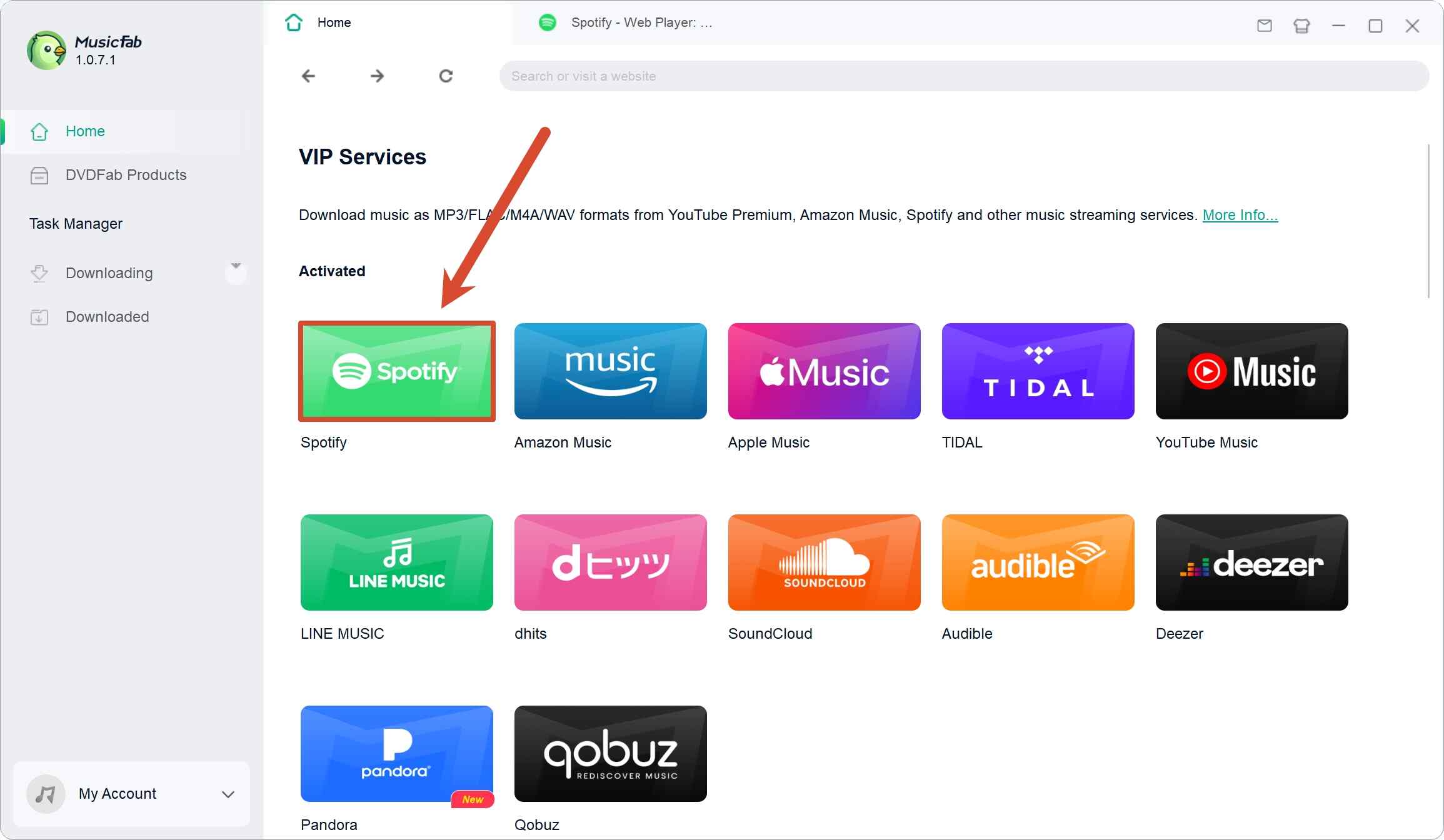
1. Open MusicFab, select Apple Music, and sign in through its built-in browser.
2. Find your music and choose the output format and destination folder.
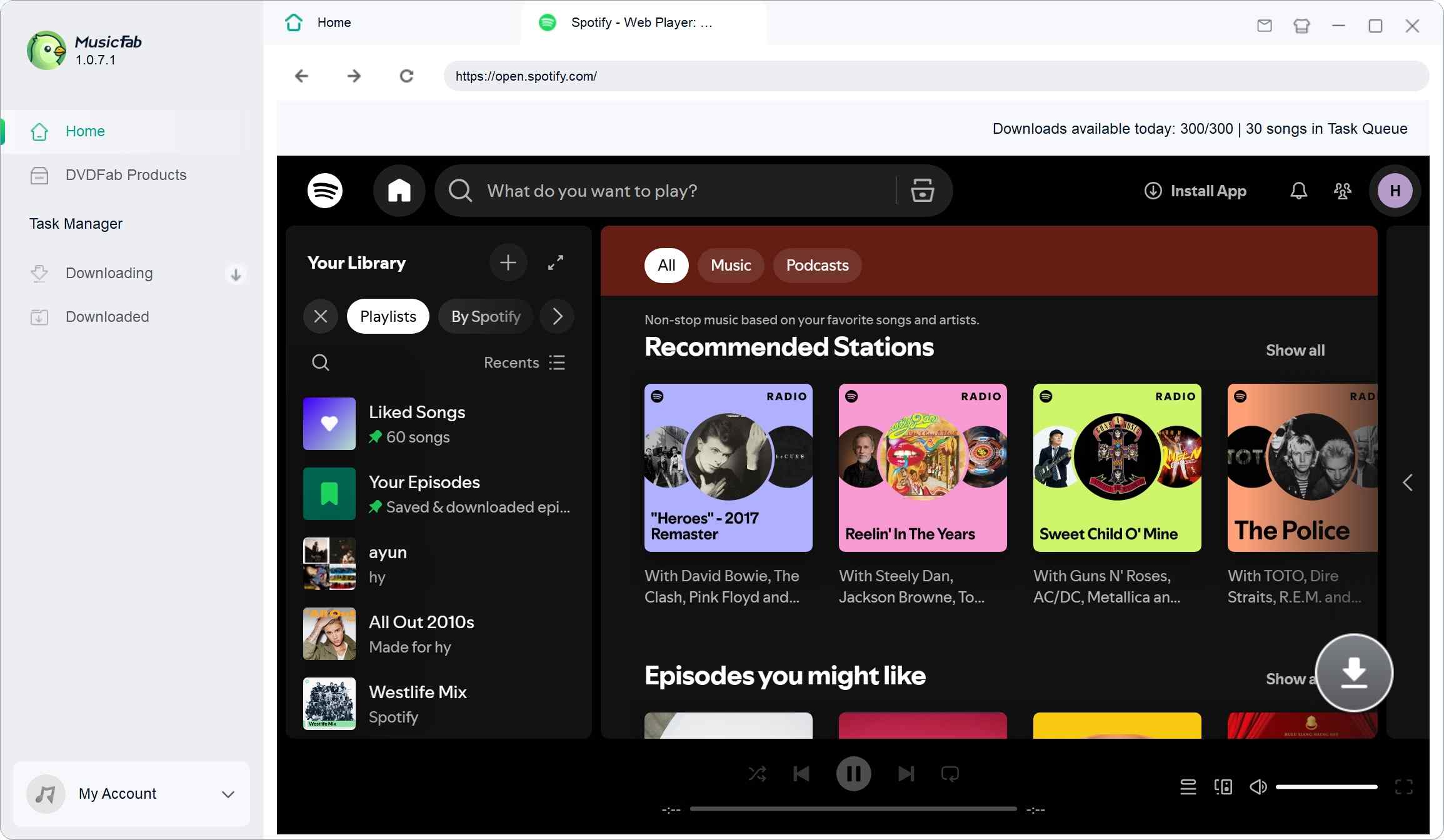
3. Start the download, then open the saved file in your intended player.
The extra desktop installation adds a setup step. Apple’s terms may restrict external clients; use an active subscription and save only content you’re authorized to copy under applicable law. Keep saved files for personal use, without redistribution or resale.
Frequently Asked Questions
Q1. Can I Install Apple Music Without Microsoft Store?
Apple directs Windows installation through Microsoft Store. If your work or school PC blocks Store access, ask its administrator to enable the approved installation route. I would not substitute an installer from a mirror or a forum attachment. For online listening without a desktop installation, use Apple’s web player at music.apple.com; it serves a different need from installing the app.
Q2. Can I Install the Current Apple Music App on Windows 10?
Use the current Microsoft Store listing’s compatibility result for your PC, rather than assuming an older Windows 10 tutorial still applies. If the Store marks the app incompatible, use Apple Music in your browser for online listening with your subscription. That gives you a listening route without following unofficial system patches or treating an old installer as the current app.
Q3. Is It Safe to Sign In to an Apple Music Converter?
Use an established tool obtained from its official download page, then inspect the Apple sign-in destination before entering account details. MusicFab provides an integrated browser for accessing Apple Music. Keep Apple Account two-factor authentication enabled, and do not send a password or verification code to an unknown downloader page or someone offering setup help. A recognizable name alone is not an account-security guarantee.
Q4. Do Apple Music Downloads Have a Fixed Offline Time Limit?
Do not plan an extended offline stay around an assumed number of days. Subscription downloads remain subject to your subscription and Apple’s access rules. Before leaving connectivity behind, finish downloading and check playback on the Windows laptop you will use. Treat that check as preparation for the trip, not a promise of indefinite access. Jane Chen recommends finishing the official listening setup, diagnosing the specific symptom, and adding file conversion when your player needs a separate file. Keep those jobs separate, and the download question becomes much easier to answer.


Spotify provides mobile and browser entry points for importing Apple Music playlists through TuneMyMusic. This guide covers account setup, missing-track checks, route-specific free limits, and the separate role of local audio files.
By Jane Chen - Nov 6, 2026
Send an Apple Music playlist from an iPhone or copy its link in a browser. Learn how listening links differ from public profiles and collaboration invites, and what to check when sharing fails.
By Jane Chen - Nov 6, 2026
Learn how lossless audio differs from hi-res and Spatial Audio, then configure Apple Music on your devices. Compare service specifications and understand the separate role of local-file exports.
By Jane Chen - Nov 6, 2026
This guide separates Apple Music's official offline downloads from local-file workflows, then evaluates two browser services and MusicFab for different library sizes. It also flags stale services, explains quality checks, and gives a practical selection rule for occasional tracks, playlists, and organized collections.
By Jane Chen - Oct 21, 2026