
Apple Music Family Plan 2026: Price, Members & How to Add

The Apple Music Family Plan costs $19.99 a month in the US for up to six people, but the real decision is whether your household will use enough seats and can manage Family Sharing comfortably. The key tradeoff is shared billing with separate Apple Accounts, libraries, and recommendations.
This guide answers what you came here for: how much it costs in 2026, how many people it covers, how the plan works under the hood, and exactly how to add or remove someone.
Quick Verdict
- Cost (US): $19.99/month for up to 6 people, about $3.33 per person if all six seats are used.
- Capacity: 6 members total, including the family organizer.
- Libraries: Each member gets their own library, playlists, and recommendations. Nothing is shared by default.
- Payment: Only the family organizer is billed. Everyone else uses their own Apple ID.
- Worth it if: Two or more active listeners would otherwise pay for separate Apple Music subscriptions. I see the strongest value when those seats will actually be used, not simply available.
- Not ideal if: You're a solo listener, since the Individual plan at $11.99/month is cheaper.
Apple Music Family Plan Price (2026)
As of August 2026, the Apple Music Family Plan costs $19.99/month in the US and covers up to six people on one subscription. That works out to about $3.33 per person when all six seats are used.
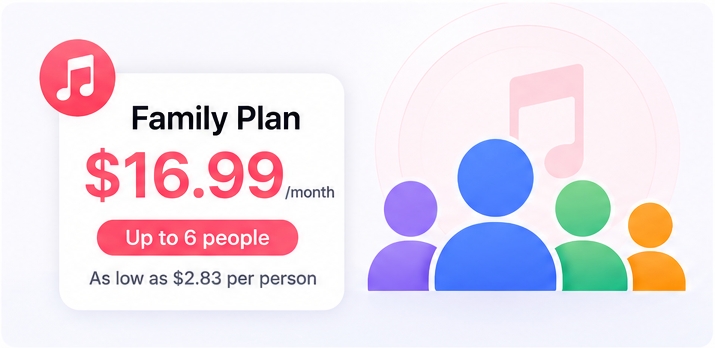
Apple Music Family Plan pricing in major markets, alongside the Individual and Student tiers for comparison:
| US plan | Monthly price | Who it fits |
|---|---|---|
| Family | $19.99 | Up to 6 people |
| Individual | $11.99 | One listener |
| Student | $6.99 | Eligible students |
The July 2026 Apple Music price increase brought the US Family plan to $19.99. Pricing varies by region.
Compared with the $11.99 Individual plan, the Family Plan costs $8 more each month. It becomes less expensive than two Individual subscriptions once two active listeners share it, while unused seats make the value less compelling.
Apple Music Family Plan Member Limit
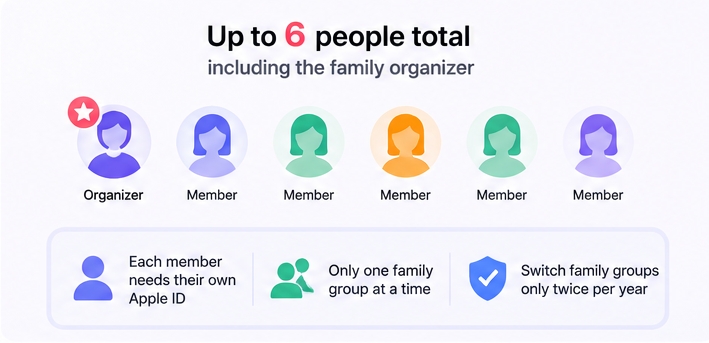
Up to 6 people total, including the family organizer, can share the plan through separate Apple Accounts.
A few practical limits worth knowing before you set the plan up:
- Each member needs their own Apple ID. Kids under 13 (age varies by country) need a child Apple ID created by the organizer through Family Sharing.
- Anyone can only belong to one Apple family group at a time. If someone is already in another family group, they have to leave it before joining yours.
- Apple lets a person switch family groups only twice per year. Cycling someone in and out can lock the slot for the rest of the calendar year.
Apple Music Family Plan vs. Family Sharing: What's the Difference?
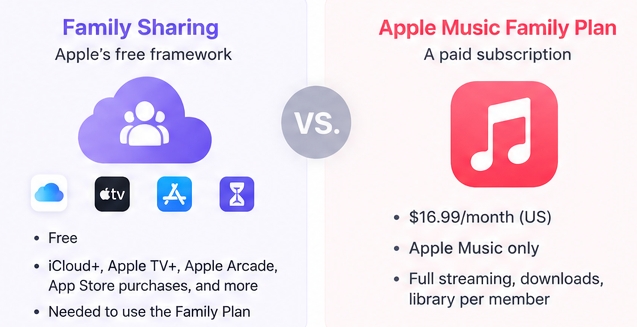
This is the single most common source of confusion, and it shows up constantly in Apple Music support threads. The two are not the same thing — Family Sharing is the underlying Apple feature, and the Apple Music Family Plan is one of the services that rides on top of it.
| Family Sharing | Apple Music Family Plan | |
|---|---|---|
| What it is | Apple's free framework for sharing services and purchases across up to 6 Apple IDs | A paid Apple Music subscription tier that gives those 6 Apple IDs full Apple Music access |
| Cost | Free | $19.99/month (US) |
| What it covers | iCloud+, Apple TV+, Apple Arcade, App Store purchases, location, Screen Time, more | Apple Music only — full streaming, downloads, library per member |
| Do you need it? | Yes, before you can subscribe to the Family Plan | Optional — you can use Family Sharing without it |
Practical implication: you set up Family Sharing once at the system level, then choose the Family Plan inside Apple Music. Removing the Family Plan does not remove the family group. Removing the family group automatically ends Family Plan access for the affected members. Private music activity does not mean every family setting or purchase arrangement is private, so organizers should review what their group shares.
How the Apple Music Family Plan Works
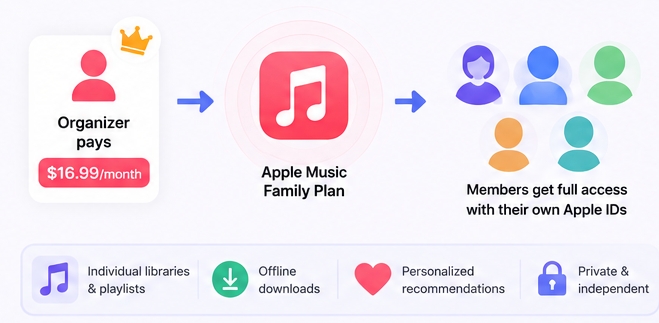
In one sentence: the organizer pays one $19.99 monthly bill, up to five invited members use their own Apple Accounts, and each member keeps separate libraries, listening history, and recommendations.
Here's what happens under the hood, step by step.
1. The organizer pays for everyone
Whoever sets up the family is billed for the whole group's Apple Music access. There is no split-payment or per-member billing option.
2. Each member keeps their own library
Your spouse's "Recently Played" doesn't bleed into yours. Listening history, recommendations, playlists, station preferences, and saved albums stay private per member. The only thing the family shares is the billing.
3. Members sign in with their own Apple ID
They don't use your account. They accept the Family Sharing invitation on their device, and Apple Music turns on automatically at no extra cost.
4. Cancellation is centralized
If the organizer cancels the Family Plan, every member loses Apple Music access at the next billing cycle. Members keep any iTunes purchases they made, but anything saved from the Apple Music catalog stops playing once the subscription ends.
5. Family Sharing also covers more than music
App Store purchases, iCloud storage (with Apple One), Apple TV+, Apple Arcade, location sharing, and Screen Time controls run on the same Family Sharing group. You don't have to use them, but they share the same plumbing. That account separation matters more than sharing a login: it keeps each listener's music experience distinct while the organizer remains responsible for the bill.
What Every Family Member Gets
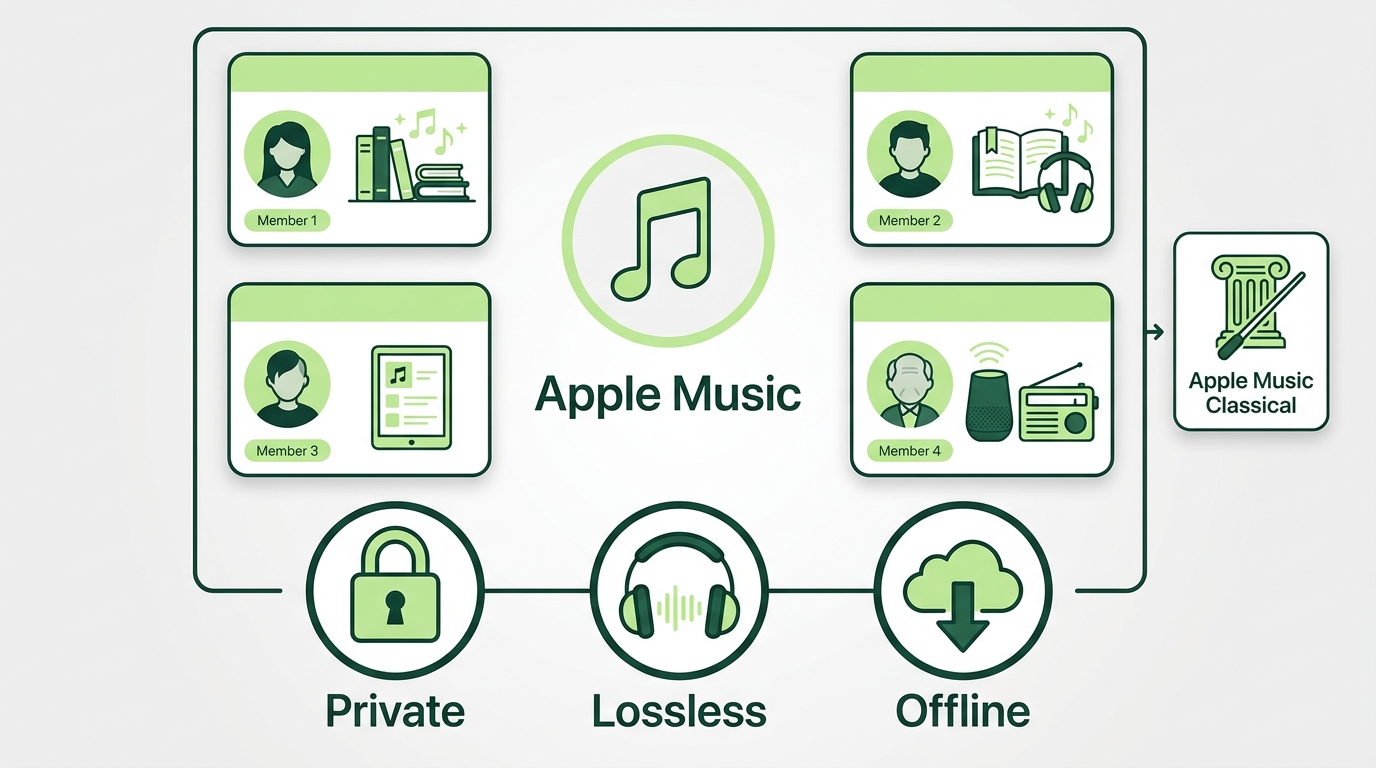
Family plan benefits include Apple Music through each member's own Apple Account, private recommendations, and eligible catalog features.
| Benefit | Each member gets it | Shared or private |
|---|---|---|
| Library and recommendations | Yes | Private |
| Offline downloads | Yes | Private |
| Lossless and Spatial Audio | Yes | Private settings |
| Apple Music Classical | Yes | Private |
| Ad-free catalog access | Yes | Private listening |
Each person can manage Apple Music offline listening separately, rather than relying on the organizer's device or library. This setup fits households that want separate profiles and the same music features for everyone, but it is less attractive when only one person listens regularly.
Adding Someone to Apple Music Family Plan
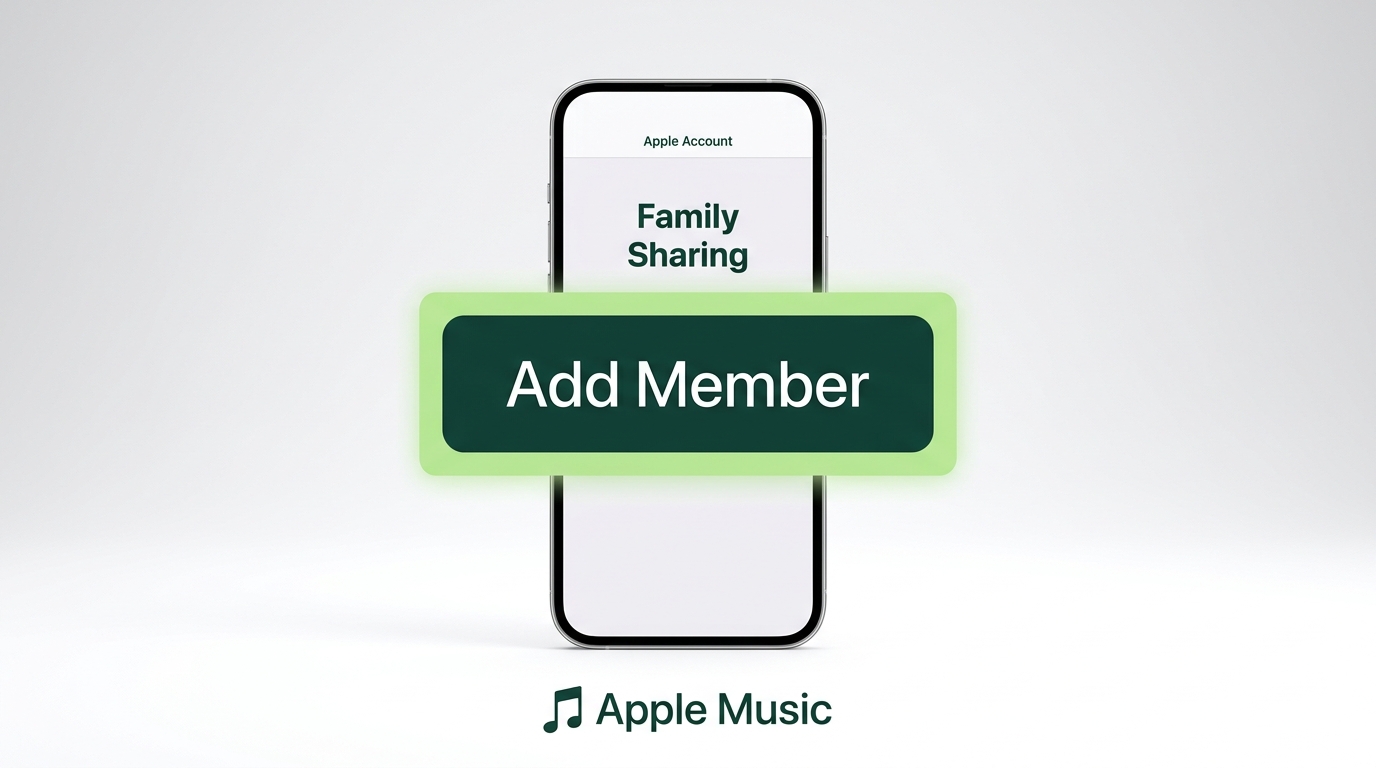
You're not adding someone to Apple Music directly. You add them to your Family Sharing group, which gives them Apple Music access after they accept the invitation with their own Apple Account. Here are the current management paths.
Before you begin: The organizer needs an iPhone, iPad, or Mac with Family Sharing set up, and each invited person needs a separate Apple Account.
On iPhone or iPad
- Open Settings and tap your name at the top.
- Tap Family Sharing. If you haven't set up the family yet, you'll be walked through creating the group first.
- Tap Add Member, then choose whether to invite someone or create a child account.
- Choose Invite People and send the invitation by Messages, Mail, AirDrop, or in person.
- The recipient accepts on their device. Apple Music becomes available to them automatically.
To add a child under 13, tap Create Child Account instead of Invite People, and follow the prompts. You'll need a payment method on file and (in most regions) parental consent.
On Mac
- Open System Settings → Family. On older macOS, it's System Preferences → Family Sharing.
- Click Add Member or the + button.
- Invite by email or Messages, or create a child account.
- Confirm the invitation is sent.
On Apple Watch, Apple TV, or Windows
You can't manage Family Sharing directly from Apple Watch, Apple TV, or the Apple Music Windows app. Use an iPhone, iPad, or Mac as the organizer device.
After They Accept
After accepting, the member should confirm that Apple Music is active on their own Apple Account:
- They open the Apple Music app and sign in with their Apple ID — not yours.
- The app should recognize the family subscription and unlock full streaming.
Switching Plans and Invitation Fixes
Most access problems after an invitation come down to the account, membership status, or billing state. If Apple Music is not working more broadly across the app or device, address that issue separately before changing family settings.
- Member still sees a Subscribe prompt. Existing Individual or Student subscribers should accept the family invitation, confirm the active subscription and renewal state on their own Apple Account, and consider the billing channel before canceling. This helps avoid overlapping charges or an access gap.
- Invitation never arrived. Open Family settings, select the pending member, and resend the invitation. If it still fails, confirm that the invite was sent to the Apple Account the person uses for Apple Music.
- "You can't join this family group" error. The invitee may already belong to another family group or have reached Apple's limit for switching family groups. They need to leave the existing group before joining another one.
- Library shows wrong account. They're signed into Apple Music with your Apple ID instead of theirs. Sign out, sign in with the correct Apple ID, then re-open Apple Music.
For setup steps that vary by device, Apple's Family Sharing setup support page (article 108380) and the Apple Music family subscription guide (article 109339) are the canonical references.
How to Remove Someone from the Apple Music Family Plan
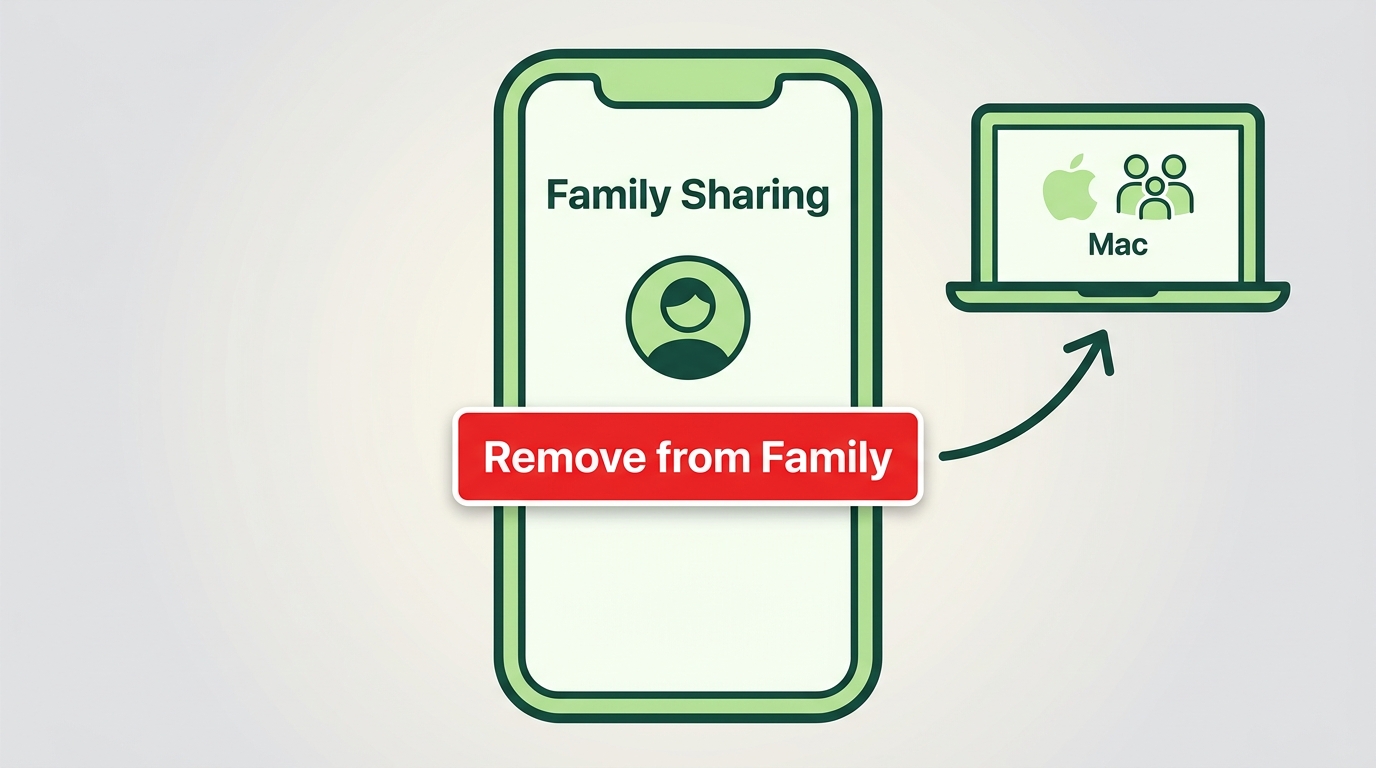
Same path — managed through Family Sharing, not Apple Music.
- On iPhone/iPad: Settings → your name → Family Sharing → tap the member → Remove from Family.
- On Mac: System Settings → Family → click the member → Remove from Family.
Once removed, the member loses Apple Music access at the next billing cycle. Anything they saved to their Library from Apple Music will stop playing — only iTunes purchases and music files they downloaded via the app and imported themselves keep working.
Is the Apple Music Family Plan Worth It?
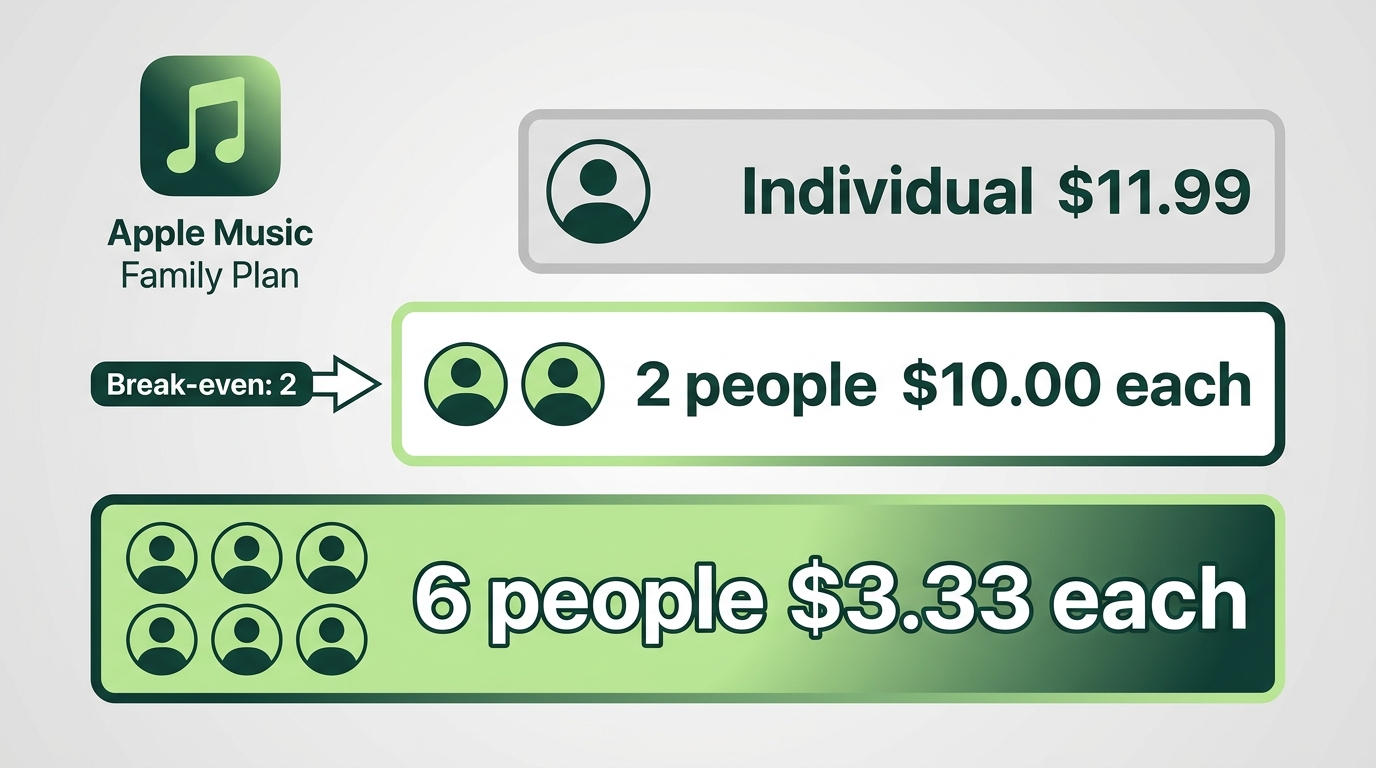
Run the per-seat math on the US price:
| Seats used | Cost per person / month |
|---|---|
| 2 people | $10.00 |
| 3 people | $6.66 |
| 4 people | $5.00 |
| 5 people | $4.00 |
| 6 people | $3.33 |
Compared with the $11.99 Individual plan, the Family Plan costs less than two separate subscriptions once two people actively use it. The value improves as more seats are filled, but student eligibility and unused seats can change the decision.
Best for:
- Households with two or more active Apple Music listeners.
- Parents who want kid-safe Apple IDs with separate libraries.
- Couples or roommates who want to keep their listening private from each other.
Not ideal for:
- Solo listeners — the Individual plan is cheaper.
- Students — the Student plan at $6.99/month beats the per-seat math for one or two people on Family.
- Mixed-platform households where some members use Spotify, YouTube Music, or Tidal instead.
Apple Music Family Plan vs. Apple One
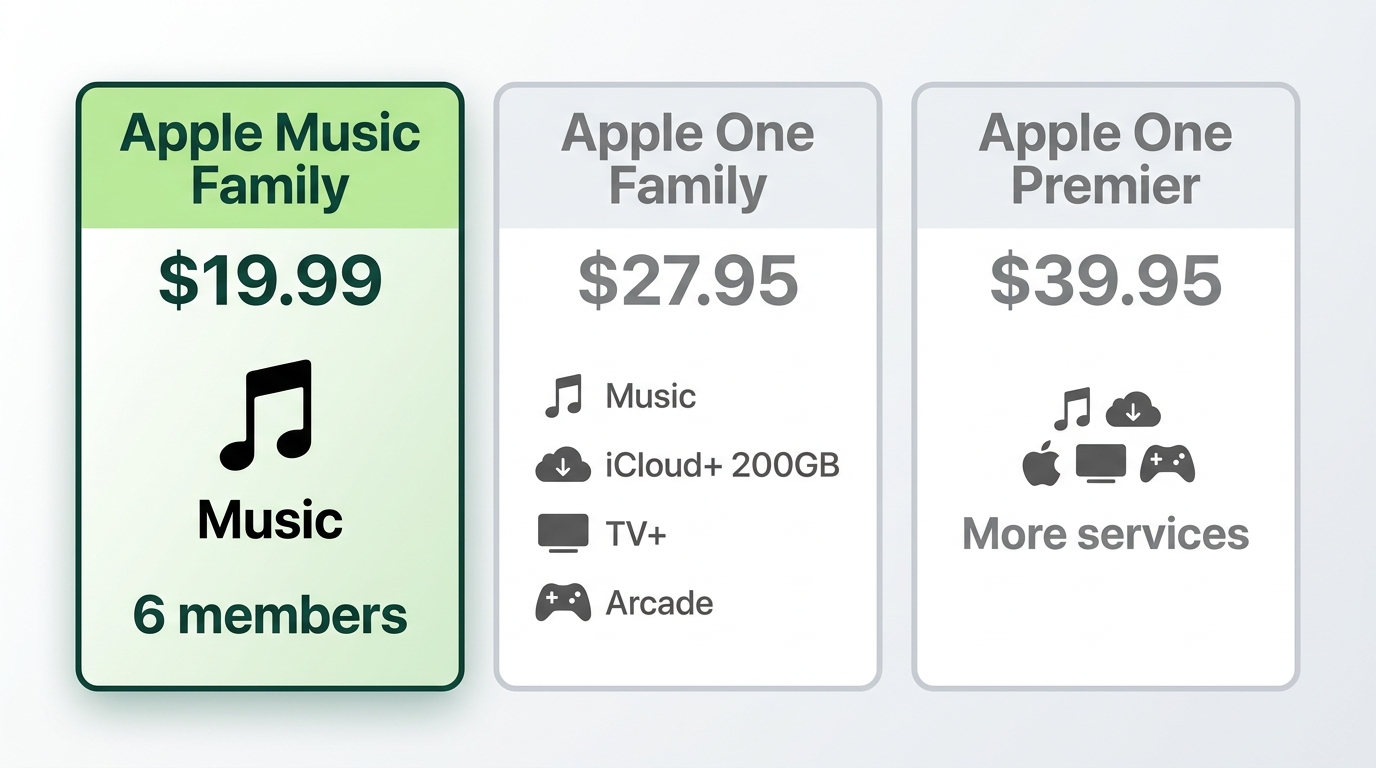
If your household already uses iCloud+ storage, Apple TV+, or Apple Arcade, the Apple One Family bundle can be the better deal.
| Plan | Monthly price (US) | What's included |
|---|---|---|
| Apple Music Family | $19.99 | Apple Music, up to 6 members |
| Apple One Family | $27.95 | Music, iCloud+ 200GB, TV+, Arcade |
| Apple One Premier | $39.95 | More iCloud+ and Apple services |
Apple One Family is a better fit when the household will use enough of the included services, especially iCloud+ storage, Apple TV+, or Apple Arcade. If music is the main shared service, the standalone Family plan is simpler and costs less.
FAQs
Can I share my Apple Music account directly with family without the Family Plan?
Do family members see what I'm listening to?
Can I have the Family Plan if members live in different households?
How do I switch from Individual to Family Plan?
Is there a free trial for the Family Plan?
Conclusion
The Apple Music Family Plan can cost less than two current Individual subscriptions, but its value depends on how many seats are actively used and whether Apple One better fits the services your household already pays for. The bigger decisions are around Family Sharing setup, kid accounts, and migration timing.
For the smaller group of listeners who need a local copy for personal offline listening, downloading music from Apple Music is a separate workflow from choosing a family subscription. MusicFab Apple Music Converter is a desktop app for Windows and Mac for listeners with an active Apple Music subscription and authorization to access the content for personal offline listening, where permitted by platform terms and applicable law. It uses direct source download technology and converts to MP3, M4A (AAC), WAV, FLAC, or OPUS at up to 320 kbps; its 30-day trial includes three full songs. It is not a fit for listeners who simply want standard Apple Music streaming and do not need local files.

Start with six checks to separate an Apple Music outage from a device or account problem. Find targeted fixes for greyed-out songs, AutoMix, Replay, lyrics, and shared access, plus guidance for iPhone, Mac, Android, PS5, and Windows. Use Apple Support for unresolved errors before considering a personal local-copy workflow.
By Jane Chen - Sep 28, 2026
Capture Apple Music’s interface on iPhone, iPad, Mac, or Windows while understanding why song audio is often missing. Follow native device steps, find your saved video, and distinguish screen capture from local-audio workflows. Three FAQs address game capture, imported files, and Sing or animated lyrics.
By Jane Chen - Sep 28, 2026

Apple Music's official apps handle offline listening on iPhone, iPad, Android, Mac, and Windows, but those downloads remain app-based. This guide explains device steps, whole-library limits, cancellation effects, and when a MusicFab or online local-file workflow fits better.
By Jane Chen - Aug 18, 2026

Learn the official steps to listen to Apple Music offline on iPhone, Android, Windows, Mac, and Apple Watch, with practical playback fixes and a clear comparison
By Jane Chen - Aug 13, 2026