
Apple Music Not Working? 6 Checks and Device Fixes

Summary: Start with six checks to separate an Apple Music outage from a device or account problem. Find targeted fixes for greyed-out songs, AutoMix, Replay, lyrics, and shared access, plus guidance for iPhone, Mac, Android, PS5, and Windows. Use Apple Support for unresolved errors before considering a personal local-copy workflow.
Apple Music not working when songs won't play calls for an outage-versus-device check first. A confirmed outage means waiting for recovery; a failure limited to one app calls for targeted checks. I would make that distinction before changing library settings.
Start with the six checks below, then follow your symptom or device: iPhone, iPad, Mac, Android, PS5, or Windows. Feature-specific checks cover AutoMix, Replay, lyrics, and Family Sharing.
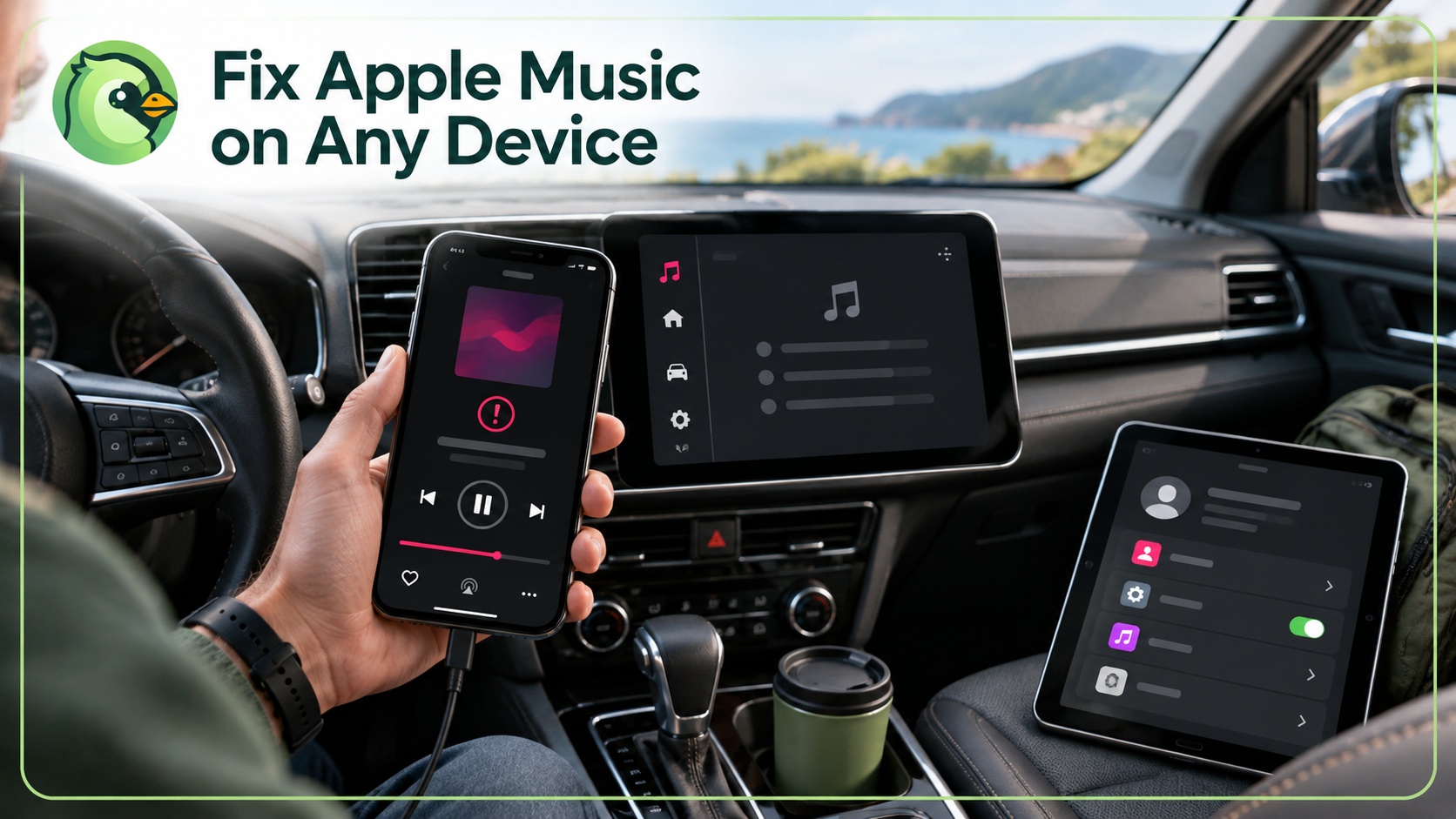
Key Takeaways: Is It Apple's Fault or Yours?
Your symptom points to the next check, not a confirmed cause. Match what you see to a row before changing settings.
| Symptom | Next check | Where to go |
|---|---|---|
| Nothing loads or Cannot Connect | Service status, connection, date and time | Check whether Apple Music is down. |
| Songs are greyed out | Track availability, downloads, library sync | Follow the checks for songs that won't play. |
| Already a member, but playback fails | Subscribed Apple Account | Start with the six checks. |
| Only one feature fails | Feature settings | Find a feature-specific fix. |
| Only one app or device fails | Other device, browser, audio output | Use the device checks. |
| Family member cannot access music | Family plan and member account | Check Family Sharing access. |
Is Apple Music Down Right Now?
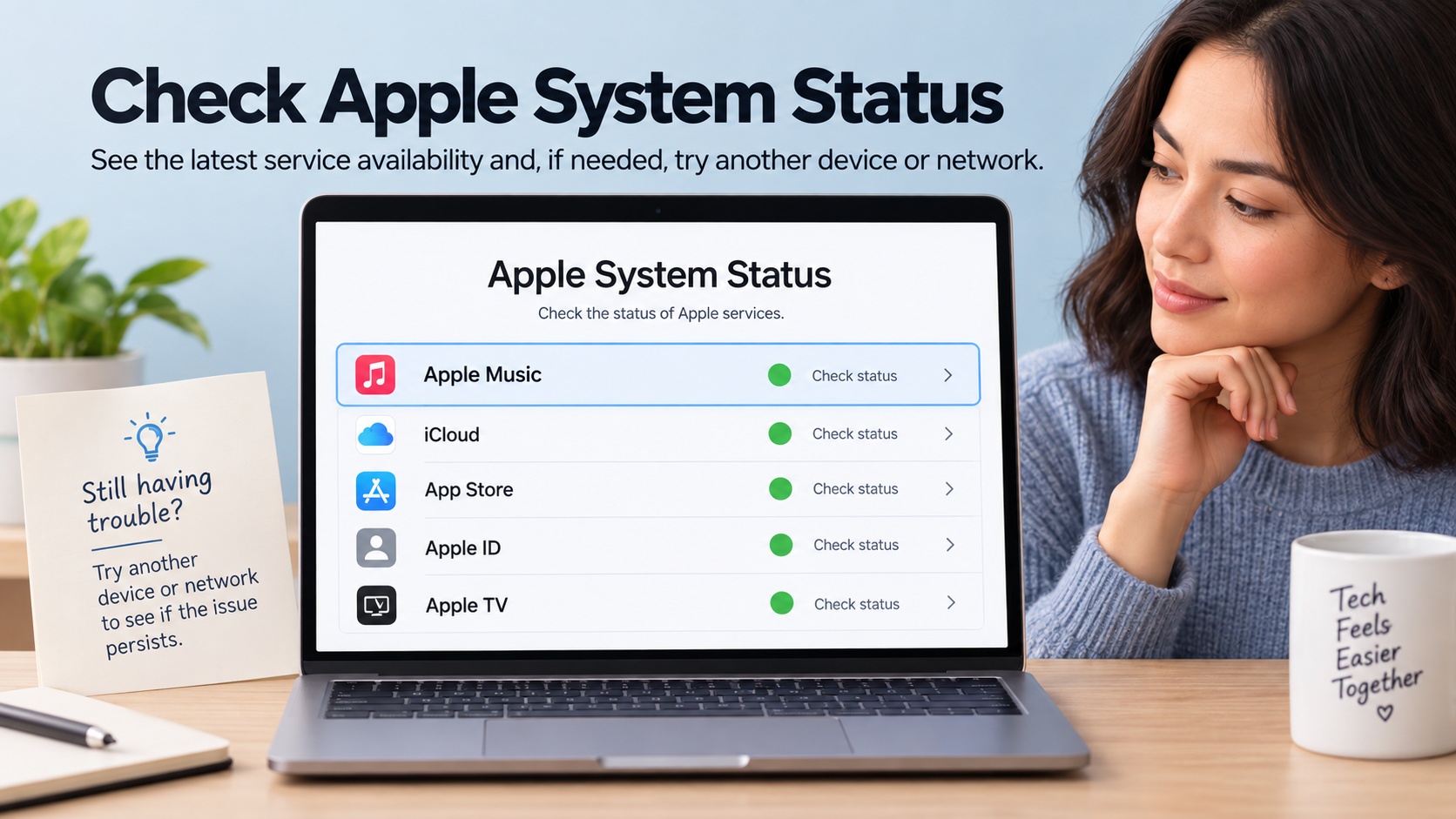
Apple Music outages require service recovery, not changes to your library. Endless loading, “Cannot Connect,” or empty libraries across several devices are reasons to check service status first. A static troubleshooting page cannot establish the live status.
- Open Apple System Status and look for Apple Music. An issue notice means Apple has acknowledged a problem.
- Compare playback on another device and another network. A failure across both is different from a problem limited to one app.
- Use outage trackers or recent social reports as supporting signals. Revisit Apple's status page if playback continues to fail.
A green status indicator is not conclusive. A newly started outage might not appear yet. For a confirmed outage, wait for recovery; otherwise, continue with the checks below without assuming your library needs a reset.
First: 6 Checks for Apple Music Playback Problems
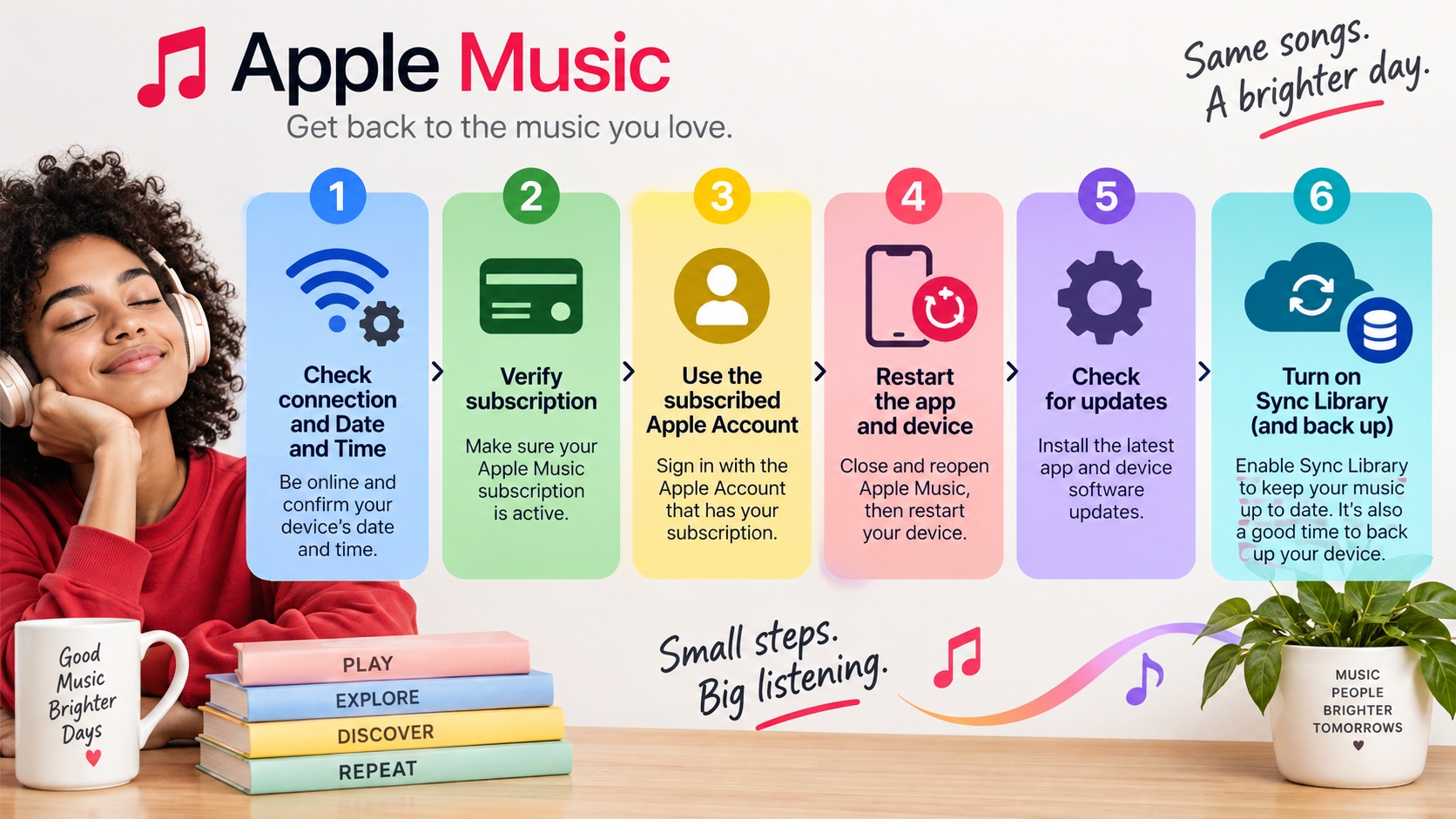
Connection, subscription, account, and sync checks help narrow a playback failure without immediately removing anything. Work through these six checks in order. Keep library changes for the end.
- Check your connection. Switch between Wi-Fi and cellular, or try another network on a computer; open the device's Date & Time settings and correct the date, time, and time zone, using automatic settings where available. Streaming needs an internet connection.
- Confirm your subscription is active. On iPhone or iPad, open Settings → your name → Subscriptions. An expired Apple Music plan interrupts access to the subscription catalog; purchased or imported local music is separate.
- Verify the subscribed Apple Account. Check the account used inside Music against the account holding the subscription. An “already a member” message is a reason to check this match, not to purchase another subscription.
- Restart the app and the device. Close Music and reopen it. Restart the device if playback still fails.
- Update the app and OS. Install available Music and operating-system updates. Reopen the app before changing more settings.
- Check Sync Library prerequisites and progress. Sync Library requires a qualifying subscription and the same Apple Account on the devices you sync. Check whether syncing is still in progress, and back up your music library before changing Sync Library settings.
The next useful clue is what still fails. Use the symptom and device sections below to narrow it further.
Why Is My Apple Music Not Working?
Apple Music not working in one situation but working in another gives you a useful comparison. The pattern guides your next check; it does not prove a single cause.
- It works on Wi-Fi but not cellular: check Music's cellular-data permission and Low Data Mode before blaming the service.
- It stopped right after an update: follow the post-update FAQ below. Timing alone does not establish a damaged app cache.
- Downloaded songs won't play offline: confirm the tracks remain downloaded on the device, then test playback while connected.
- Everything is greyed out: use the library checks in item 6 above before changing sync settings.
Apple Music Won't Play or Songs Are Greyed Out
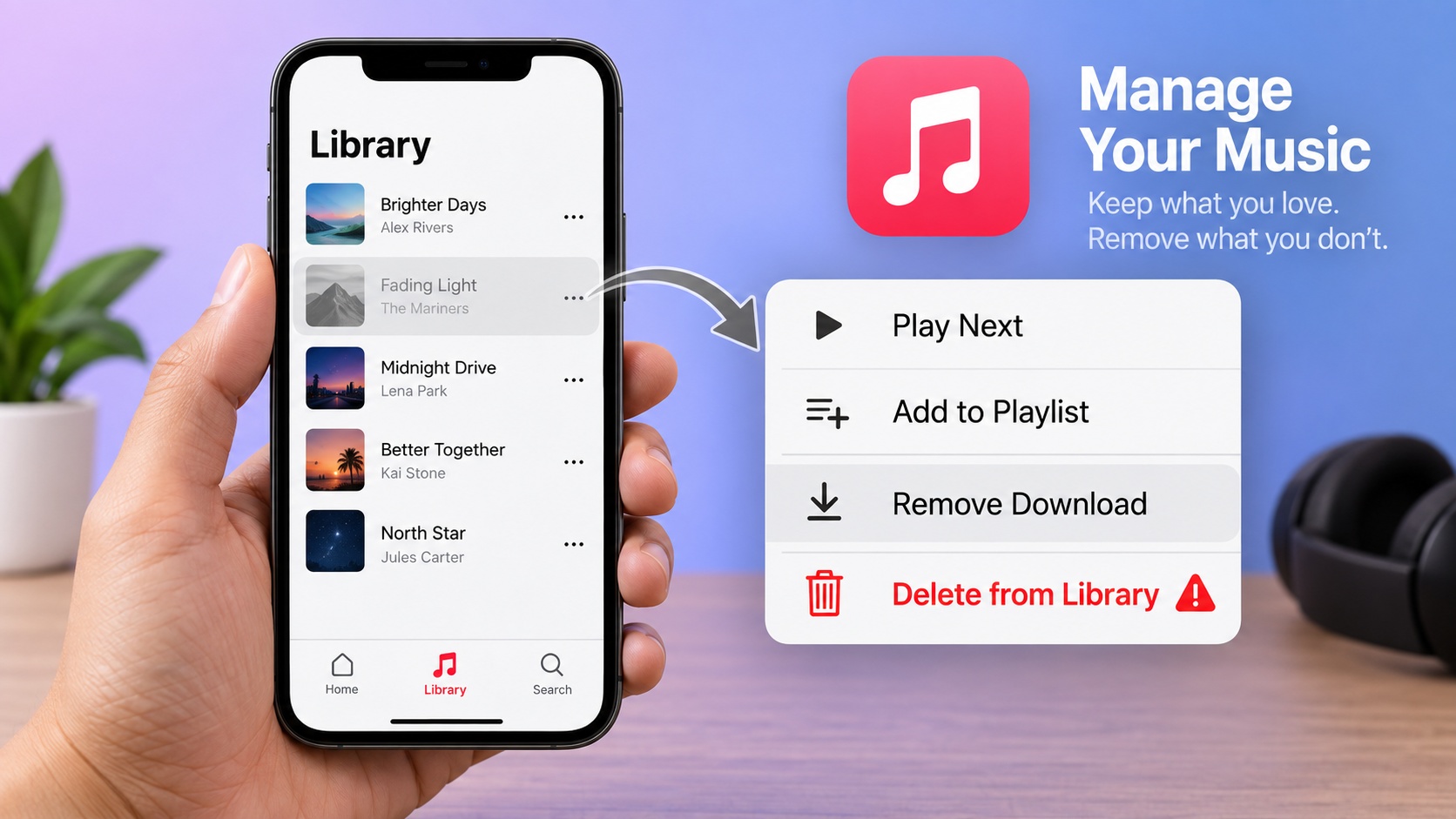
Greyed-out or skipping tracks call for a track-level check before an app reset. Try another song. A missing download, catalog restriction, or content setting needs a different response from a failure affecting all playback.
- Re-download an available track. Choose Remove Download, then download it again. Delete from Library is a different action and removes the library entry rather than just the device's downloaded copy.
- Check availability. Search the catalog for the track or another version of the album. Downloading again does not restore a track that is unavailable in your region.
- Free up storage and review Optimize Storage. Check available device storage and search Music settings for Optimize Storage. Automatic storage management is relevant when a previously downloaded album is no longer on the device.
- Review content restrictions. Screen Time restrictions are worth checking when explicit tracks are affected. Change permitted content settings only if you are authorized to manage them.
Fix by Feature
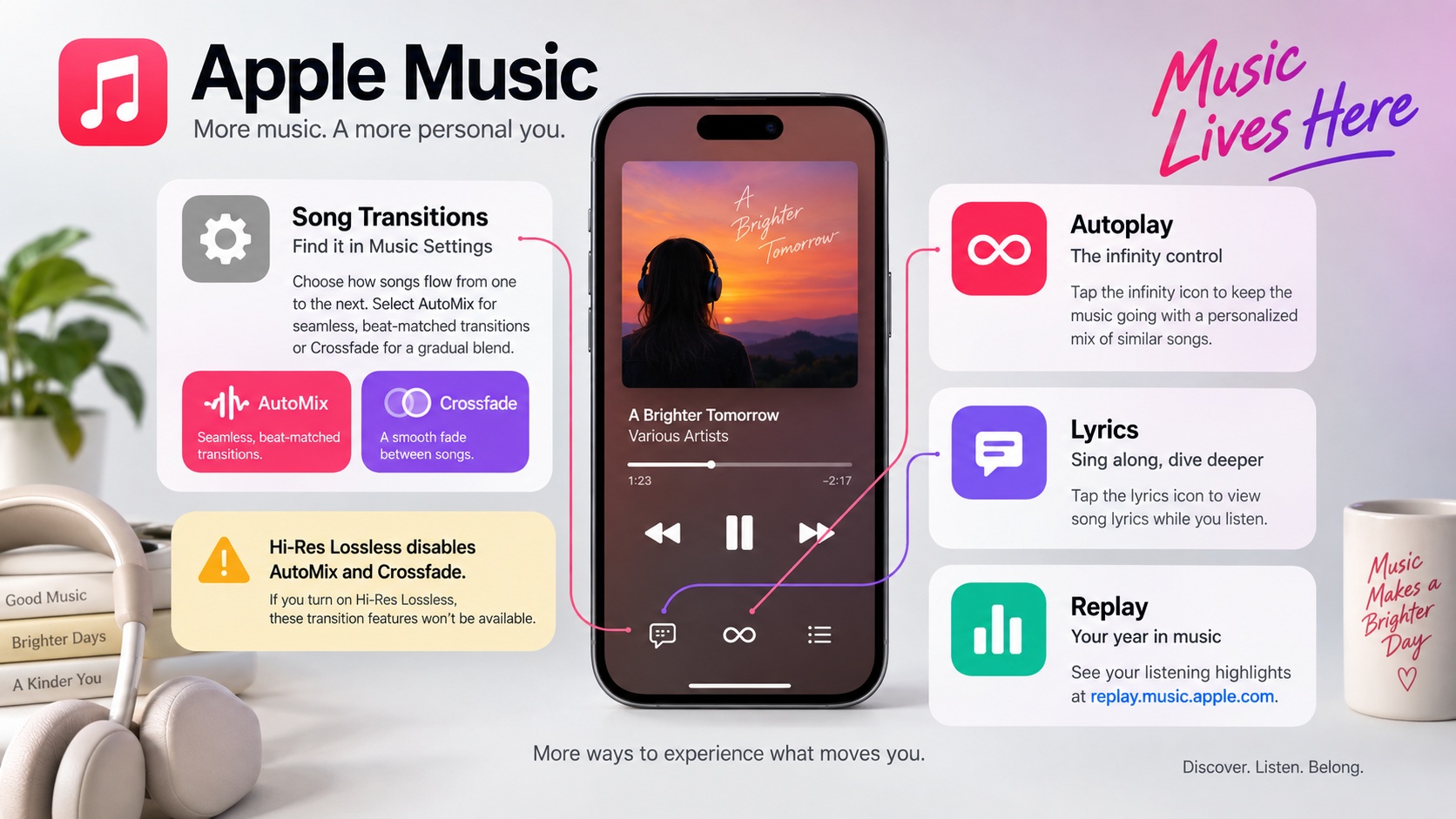
A single broken feature calls for its own settings check. AutoMix, Replay, and lyrics perform different jobs; working playback with one missing feature is not a reason to reset your library.
AutoMix and Autoplay Not Working
AutoMix changes transitions between songs; Autoplay adds similar songs after your queue ends. Crossfade fades between tracks over a set interval. The infinity icon controls Autoplay, not AutoMix.
- On iPhone or iPad, open Settings → Apps → Music → Song Transitions. Turn Song Transitions on and select AutoMix or Crossfade. On Mac, open Music → Settings → Playback → Song Transitions.
- For AutoMix, use Apple Music subscription catalog tracks with an active subscription. Change from Hi-Res Lossless (the high-resolution lossless audio tier) to another audio-quality setting: neither AutoMix nor Crossfade works with that tier.
- Open Now Playing and Up Next, then use the AutoMix control to turn mixing on or off. To continue listening after the queue ends instead, use Autoplay's infinity control.
Device support matters. As of September 2026, AutoMix is unavailable on Intel-based Macs, Apple Watch, Android, and the Apple Music app for Windows; supported Macs require Apple silicon.
A missing transition is not necessarily a fault. AutoMix sometimes leaves tracks unmixed when an album plays in sequence or genres and tempos do not fit. Uploaded tracks and purchased iTunes Store songs also do not receive the same dynamic transitions as subscription catalog content.
Apple Music Replay Not Working
Replay needs listening history before it has anything to summarize. A new account or limited recent listening is a reason to keep listening, not to reinstall Music.
- Confirm that you have recent listening activity on the account you use for Replay.
- Enable Use Listening History in Music settings so your listening contributes to Replay.
- Give the summary time to update; it is not a live playback counter.
- Open Replay at replay.music.apple.com if the in-app card is not refreshing.
Lyrics Not Working
Lyrics availability is track-specific. A song without time-synced lyrics will not show scrolling words even when playback works.
- Tap the lyrics icon in Now Playing to turn the display on.
- Check your connection when lyrics fail to load.
- Try another song. Some tracks have static lyrics or no lyrics.
- Restart the app if lyrics freeze on one song but work on others.
Fix by Device
A failure limited to one device gives you a narrower troubleshooting path. After the six common checks, use the matching device guidance below. I would compare app and browser playback before reinstalling an app.
iPhone / iPad
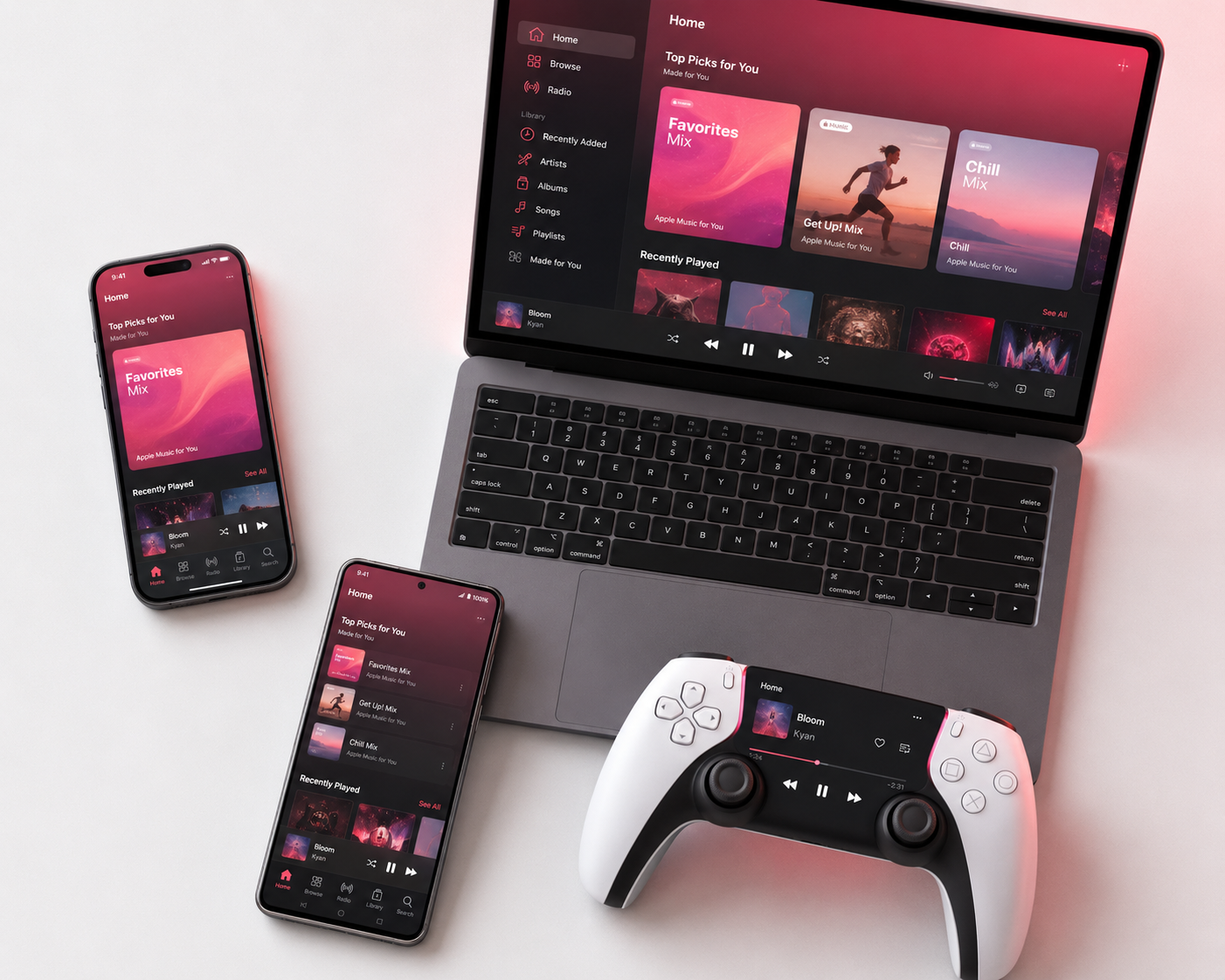
Music's cellular permission matters when playback fails away from Wi-Fi. On a cellular-capable device, open Settings → Cellular and enable Music, then review Low Data Mode for that connection. For a missing library, continue with item 6 above; an iOS update alone is not a reason to toggle Sync Library.
Mac (Music App)
A moving playback bar with no sound calls for an audio-output check first. Check Music's volume, the Mac's selected output, and the AirPlay destination's connection. A purchased track requesting computer authorization is a separate case from subscription playback; authorize the purchase account when prompted instead of rebuilding your library.
Android
Clearing the app cache is a targeted Android check. Open Settings → Apps → Apple Music → Storage → Clear Cache; avoid Clear Data as a first step because it removes app data and signs you out. Compare Wi-Fi with mobile data and playback in the browser. Save the exact error for support if the app still fails.
PS5
Playback on a phone provides a useful comparison for PS5 loading errors. Try the same account there, update Apple Music from the console's media area, and fully restart the PS5. For interruptions during gameplay, check the game's audio settings. If loading still fails, keep the error message for support rather than repeating reinstalls.
Windows: In the current Apple Music app, rather than legacy iTunes, check for updates and use the subscribed account confirmed in item 3. Compare playback at music.apple.com; if the browser works but the app shows an error, record the app version and exact message for support.
Family Sharing or Shared Subscription Not Working
Shared access needs an eligible shared subscription and an accepted invitation. A member without access should check those conditions before treating the problem as a playback bug.
Confirm that the organizer has an Apple Music Family plan or an Apple One plan that includes family access, and that the subscription is shared. Each member needs to accept the Family Sharing invitation and use their own Apple Account, not the organizer's. Purchase Sharing is separate from access to a shared subscription.
MusicFab for Personal Local Copies
Unresolved playback or account errors belong with Apple Support after the checks above. Supply the affected device, app and OS versions, exact error, and checks already tried. That gives support a concrete starting point.
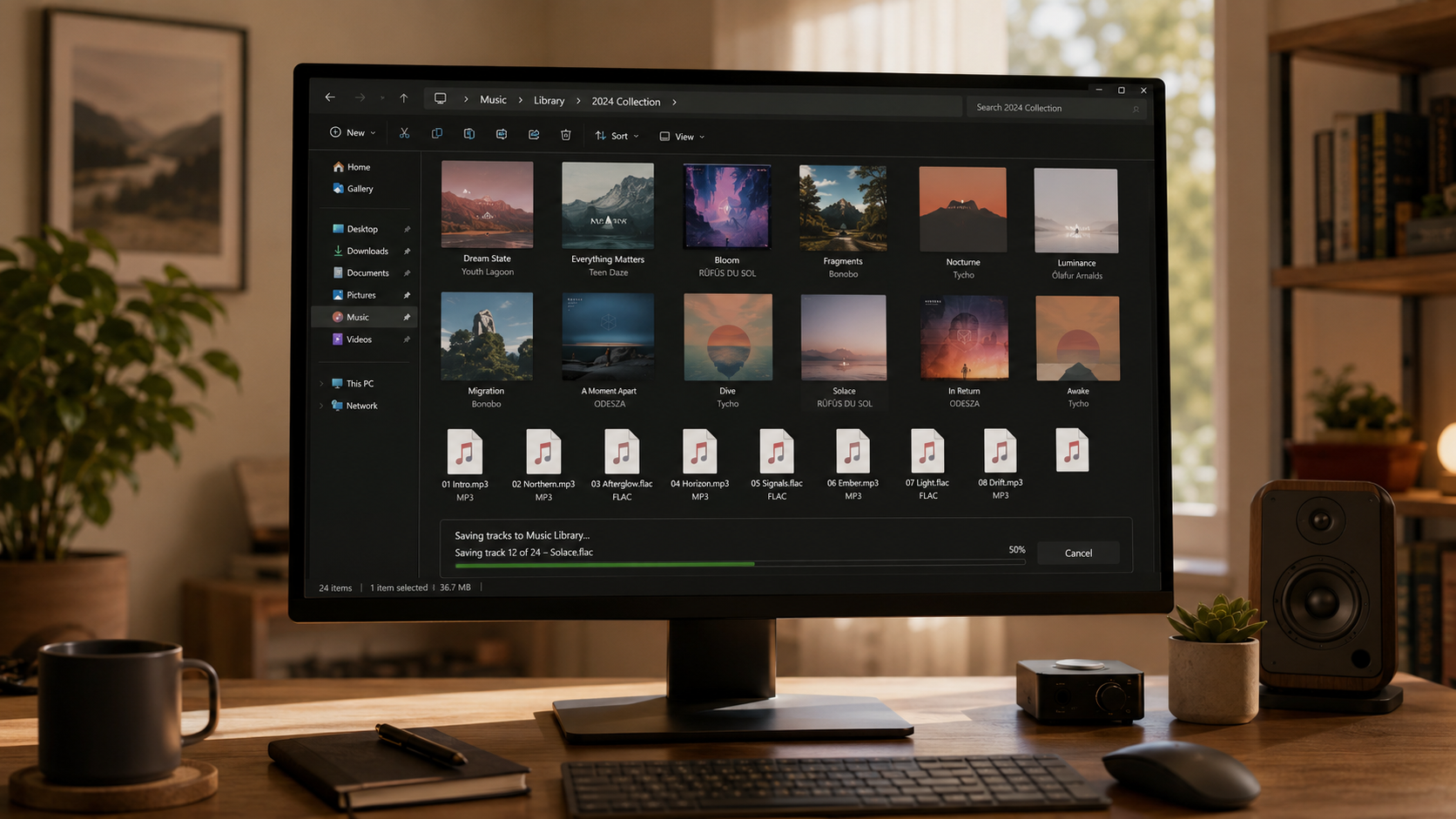
Ordinary app downloads suit routine offline listening. My preference is to restore normal playback first; a local-file workflow serves a different need.

- Effortlessly convert Apple Music tracks to popular formats like MP3 or FLAC while preserving original lossless audio.
MusicFab Apple Music Converter provides a Windows and Mac workflow for personal local copies, separate from Apple's built-in download feature. It uses direct source download technology, not real-time audio capture, and does not perform DRM decryption. Use it with an active subscription and authorized content, within personal-copying exceptions permitted by applicable law and platform terms; do not redistribute the files. The applicable permission depends on your use case.
You can download music from Apple Music for authorized personal listening through the workflow that fits your needs. Local-file conversion does not repair an Apple Music outage or restore account access.
FAQs
How can I reset Apple Music without losing my library?
A reset should not start with signing out of your Apple Account or repeatedly switching Sync Library off and on. Use the six-check sequence above first; avoid Delete from Library when you mean to remove a device download.
Why does Apple Music work on Wi-Fi but not cellular?
Start with Settings → Cellular → Music and allow cellular data. Review Low Data Mode too. This comparison points to the cellular connection or its settings, but does not identify one definite cause.
Is Apple Music down right now?
Apple System Status is the live starting point. A newly started outage might not appear immediately; persistent failures across devices and networks warrant another status check.
Why are my downloaded songs greyed out?
A greyed-out entry does not prove its download is still on your device. Check the track's download status and catalog availability. An unavailable catalog track will not be restored by repeatedly downloading it.
What should I check after an iOS update?
Restart the Music app and device, then install any follow-up iOS update. If playback still fails, note the iOS version and exact symptom for Apple Support; do not immediately reinstall Music.

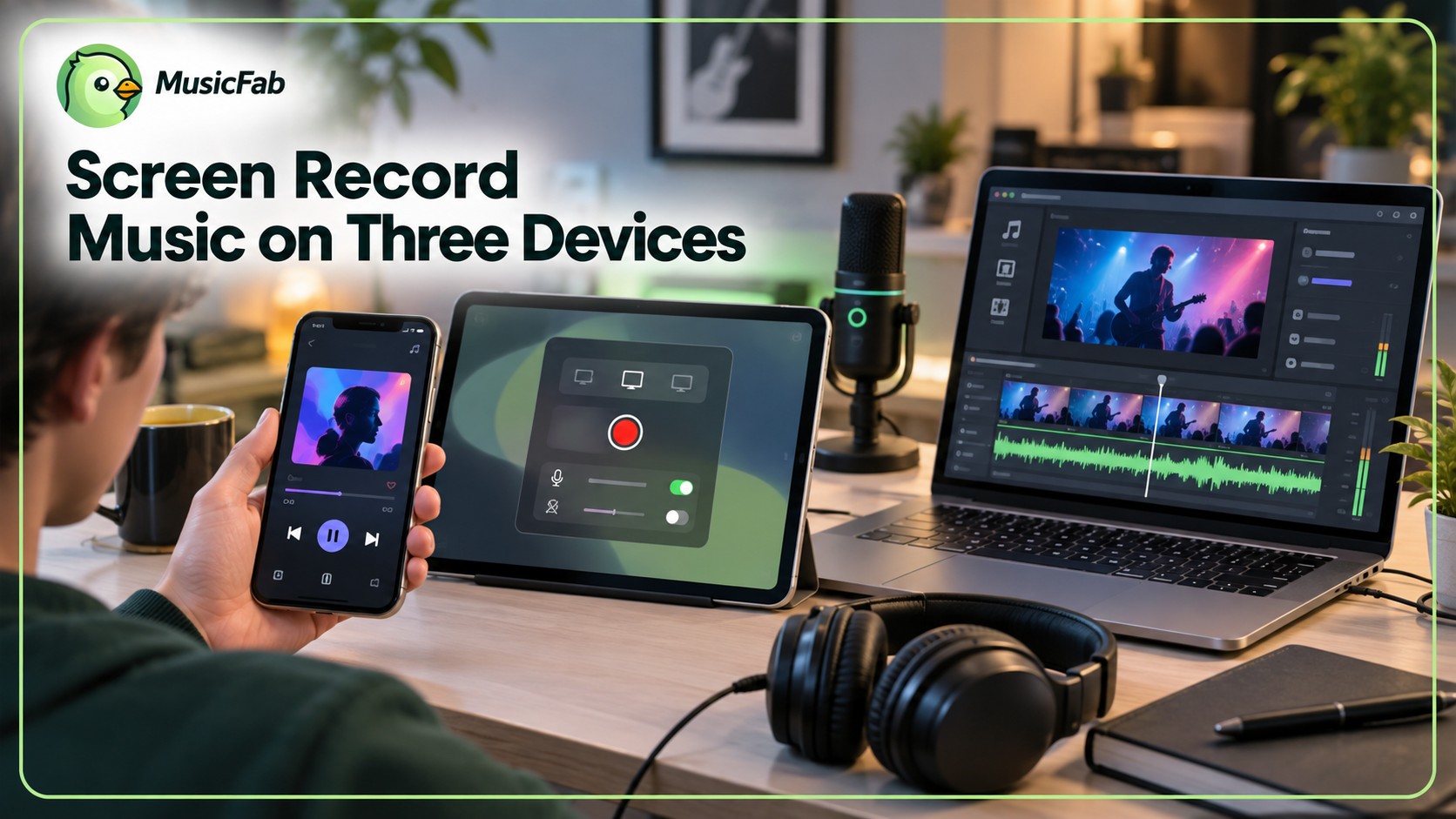
Capture Apple Music’s interface on iPhone, iPad, Mac, or Windows while understanding why song audio is often missing. Follow native device steps, find your saved video, and distinguish screen capture from local-audio workflows. Three FAQs address game capture, imported files, and Sing or animated lyrics.
By Jane Chen - Sep 28, 2026
The Apple Music Family Plan costs $19.99 a month in the US for up to six people.
By Jane Chen - Aug 26, 2026

Apple Music's official apps handle offline listening on iPhone, iPad, Android, Mac, and Windows, but those downloads remain app-based. This guide explains device steps, whole-library limits, cancellation effects, and when a MusicFab or online local-file workflow fits better.
By Jane Chen - Aug 18, 2026

Learn the official steps to listen to Apple Music offline on iPhone, Android, Windows, Mac, and Apple Watch, with practical playback fixes and a clear comparison
By Jane Chen - Aug 13, 2026