
K-pop MP3 Download: 10 Ways to Save Songs and Albums.

Summary: Choose a K-pop download method by file ownership, rights status, source quality, and batch needs. This guide compares MusicFab, licensed purchases, owned CD rips, creator-authorized catalogs, desktop tools, and unverified archives, with practical MP3-versus-FLAC guidance and four legal-use FAQs.
Table of Contents
Searching for a K-pop MP3 download usually starts with one frustration: the song plays offline in an app, but there is no movable file to copy, tag, or archive. App-only offline access and portable offline music files solve different problems, so choose the outcome before the source.
This guide compares 10 ways to download K-pop albums or songs, from licensed purchases and owned CDs to creator-authorized catalogs, desktop tools, and unverified archives. The practical dividing line is whether you receive a local audio file, managed app access, or a file with uncertain provenance.
Key Takeaways
The right method depends on rights status, delivery mode, album volume, metadata, and source quality. A familiar site name or a FLAC badge is not enough to establish that a file is authorized or genuinely lossless.
- Choose licensed purchases or copies from CDs you own when you want a locally managed personal library with clear source provenance.
- Choose creator-enabled downloads for authorized singles, remixes, demos, or production music, while checking whether the catalog contains official idol releases.
- Choose MusicFab when batch K-pop downloads, playlist order, ID3 tags, cover art, and lyrics matter more than one-track convenience.
- Treat subscription app downloads as app-locked offline access, not as portable MP3, FLAC, or WAV files.
- Treat unverified archives cautiously because rights status, file labels, metadata, and source quality may be unclear.
My editorial rule is simple: file ownership and source provenance matter more than an advertised bitrate. A traceable MP3 is a more defensible choice than an unexplained file labeled FLAC.
Compare K-pop Download Methods
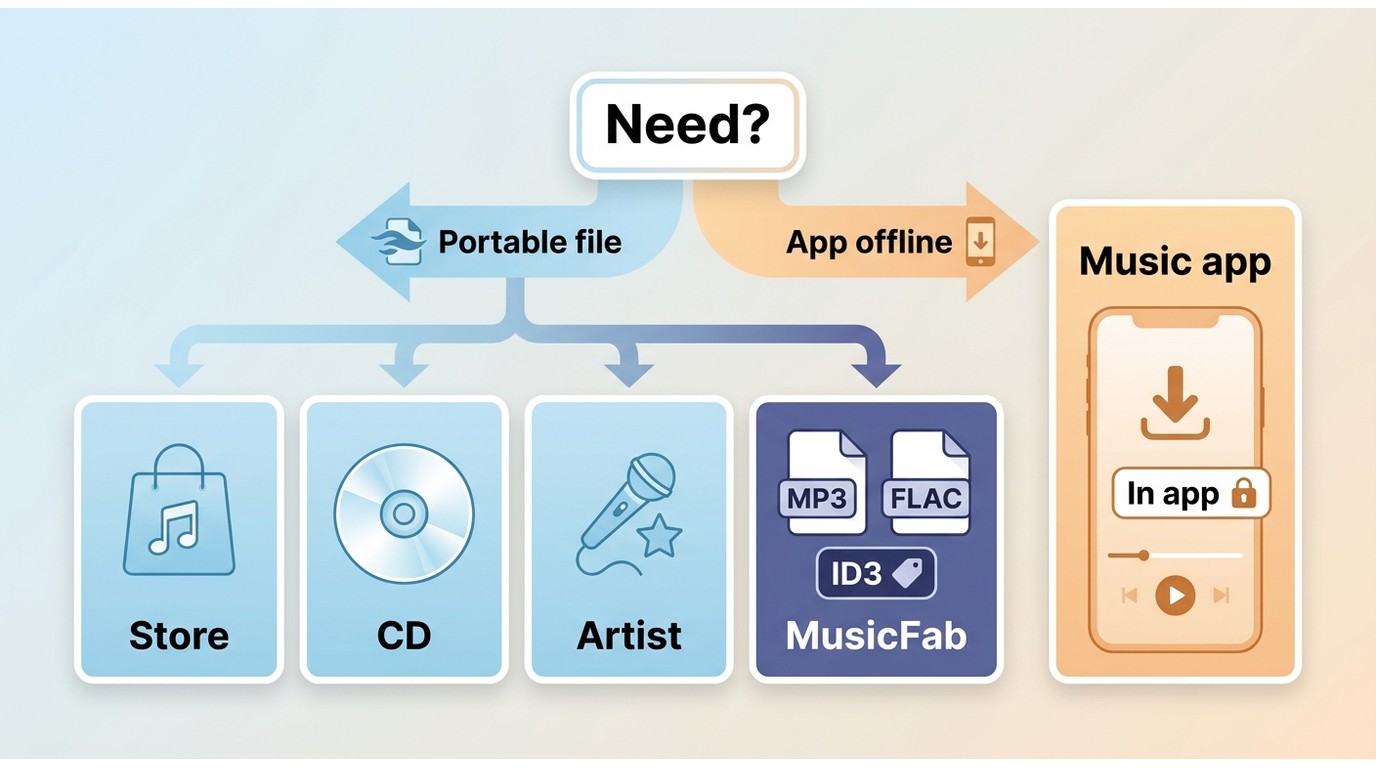
Start with four prerequisites: permission to download, an active platform subscription where required, enough local storage, and a device that supports the chosen delivery method. Then match the method to the file access you actually need.
- Subscription app offline access: convenient on supported mobile devices, but the download normally remains inside the K-pop download app and cannot be moved as a standard audio file.
- Licensed digital purchases: best suited to listeners who want portable files from a commercial catalog, although formats and US availability vary by release.
- Copies from CDs you own: provide a known source and flexible MP3, FLAC, or WAV output but require an optical drive, storage, and time.
- Creator-authorized downloads: useful for singles, demos, remixes, covers, and user uploads when the artist or uploader enables the file.
- MusicFab: a Windows and Mac desktop path for large albums and playlists from supported subscription services, with local file output for personal offline listening.
- Unverified archives and tools: may expose downloadable files, but catalog rights, source quality, metadata, and site stability can be uncertain.
MusicFab for Batch K-pop Albums
For content you're authorized to access, where permitted by platform terms and applicable law, MusicFab is a Windows and Mac desktop alternative for saving local copies for personal offline listening. It fits large album and K-pop playlist download jobs better than one-off authorized tracks.
Disclosure: This page is published by MusicFab.
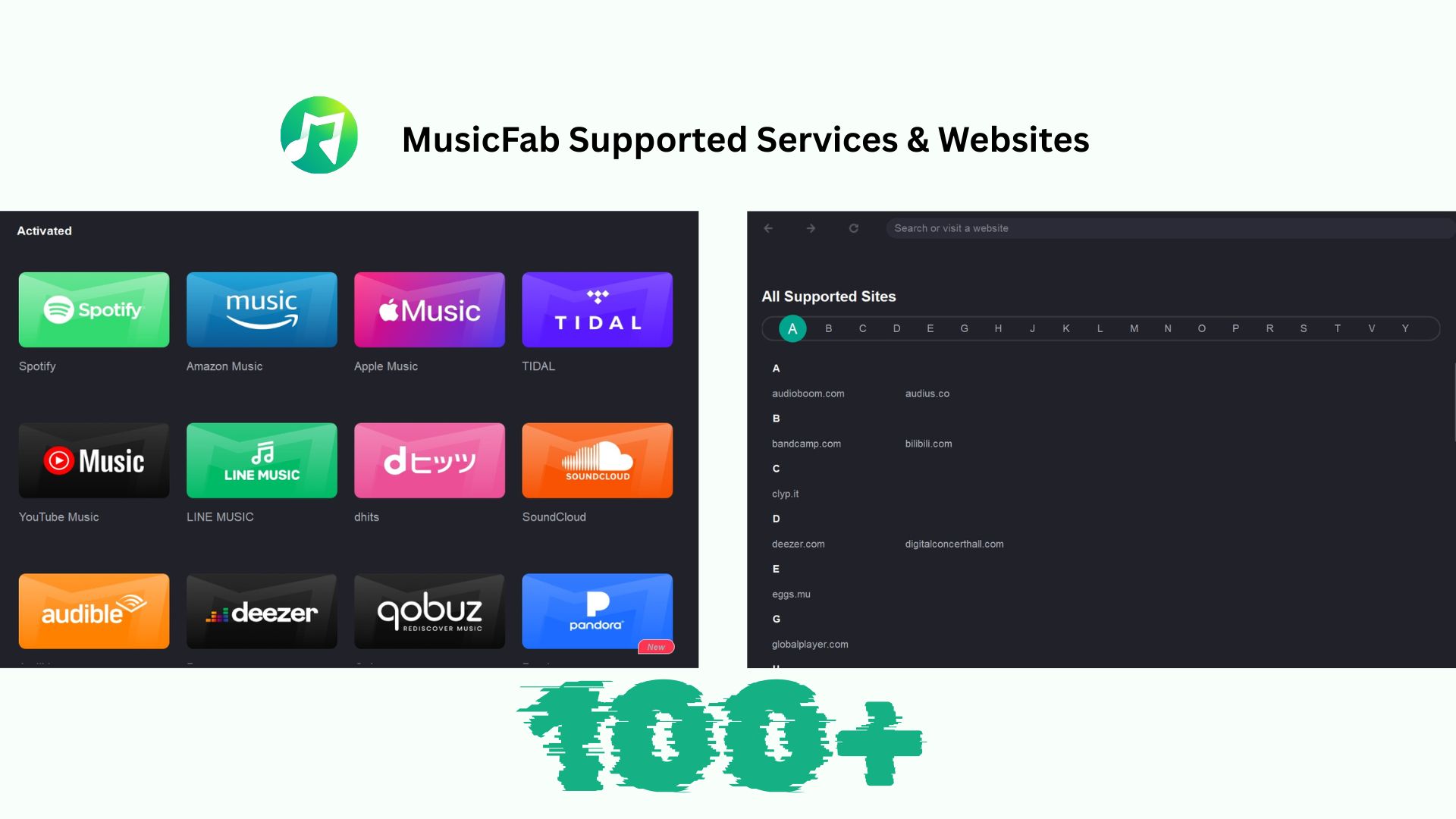
MusicFab uses direct-source download technology at up to 20x speed, supports 13+ major music services, and batch-saves albums or playlists with ID3 tags, cover art, track order, and .lrc lyrics. An active subscription to the original service is required, and speed varies with the network and computer.
- Best for: listeners managing large K-pop album or playlist libraries across supported services.
- Not ideal for: someone who needs one creator-authorized free track or does not want desktop software. The broader MusicFab review covers product-wide details without turning this K-pop guide into a general software review.
I would choose this route when one-by-one saving becomes the bottleneck. For a single authorized download, a creator's own link is simpler; for several albums with tags and lyrics, the batch workflow is the point.
Prerequisites: a Windows or Mac computer, an active account for the original music service, permission to save the selected content, and enough storage for the chosen format.
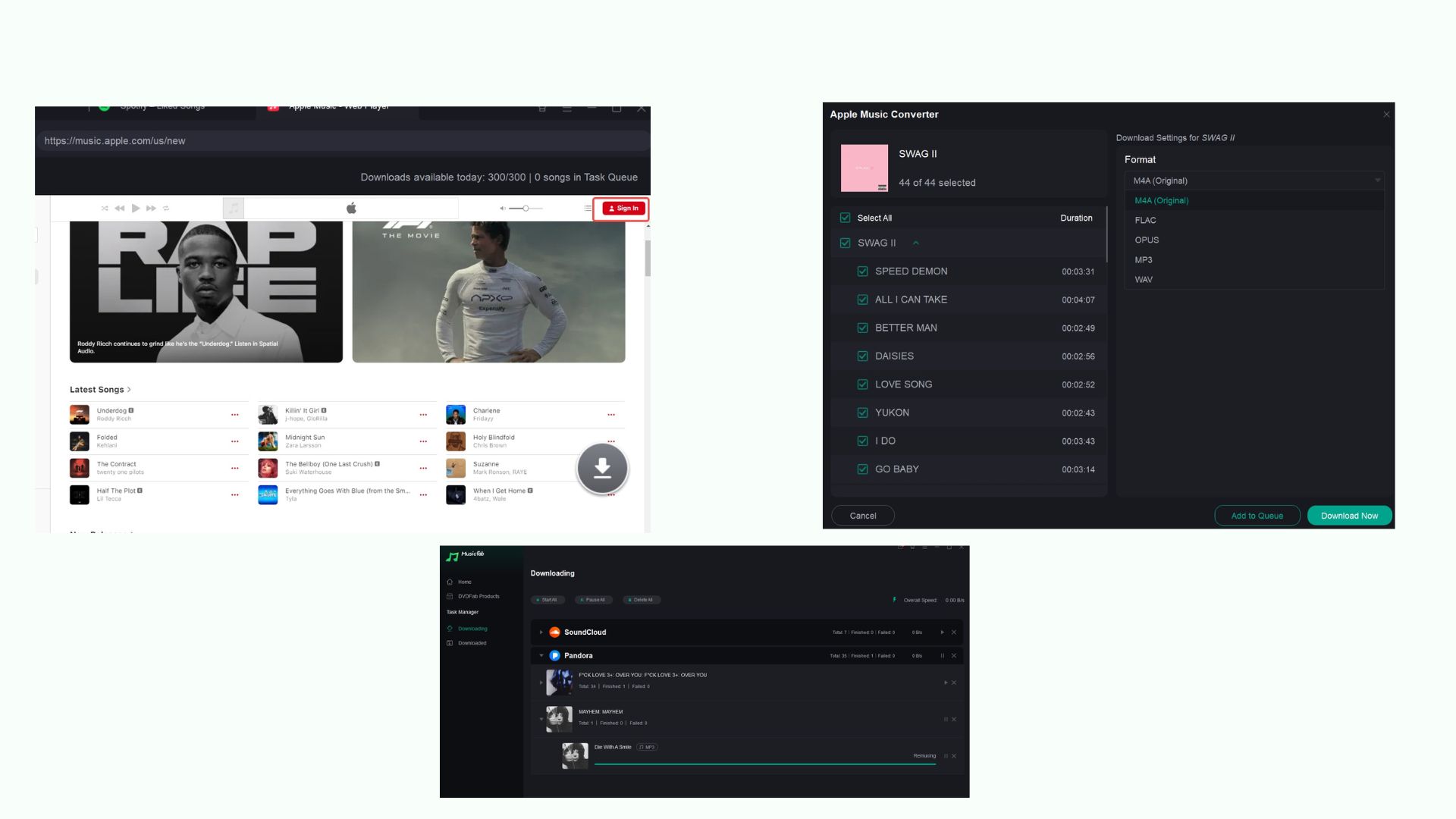
- Open MusicFab All-In-One and select the supported music service. For an authorized URL-based audio source, use Audio Converter.
- Sign in to the original service and open the K-pop album, playlist, or track you are permitted to access.
- Select MP3 for broad device compatibility or FLAC when the original source and subscription tier provide lossless audio.
- Add the tracks to the queue, confirm the output folder, and start the batch download.
2 Licensed Ways to Own K-pop Files
For legal K-pop downloads that become local files, licensed purchases and copies from CDs you own offer the clearest provenance. They also make the MP3-versus-FLAC decision easier because the original source is identifiable.
Buy Digital MP3 or FLAC Albums
US-facing stores may provide MP3, AAC/M4A, FLAC, or Hi-Res downloads, but the catalog and format can differ by release. Check the format on the specific album page before buying rather than assuming every store delivers the same file type.
- Apple purchases: integrate with the Music or iTunes library and may deliver AAC/M4A rather than MP3.
- Bandcamp: offers artist- and label-selected releases, with available formats determined by the release.
- Qobuz: serves the US market with licensed downloads, including FLAC or high-res options where the release provides them.
Across broader store and source choices, a FLAC downloader is useful only when the source itself supplies lossless audio. Converting a lossy source into a .flac file cannot restore detail that is already absent.
- MP3: uses less storage, works on more devices, and is practical for everyday portable listening. Its quality ceiling depends on the supplied source and encoding.
- FLAC: uses more storage and preserves a genuine lossless source, which suits archival libraries and revealing playback systems. The extension alone does not prove authenticity.
My preference is a licensed source with a clear release page, even when that means accepting AAC/M4A instead of chasing a mystery FLAC file. Provenance is a stronger quality signal than the extension.
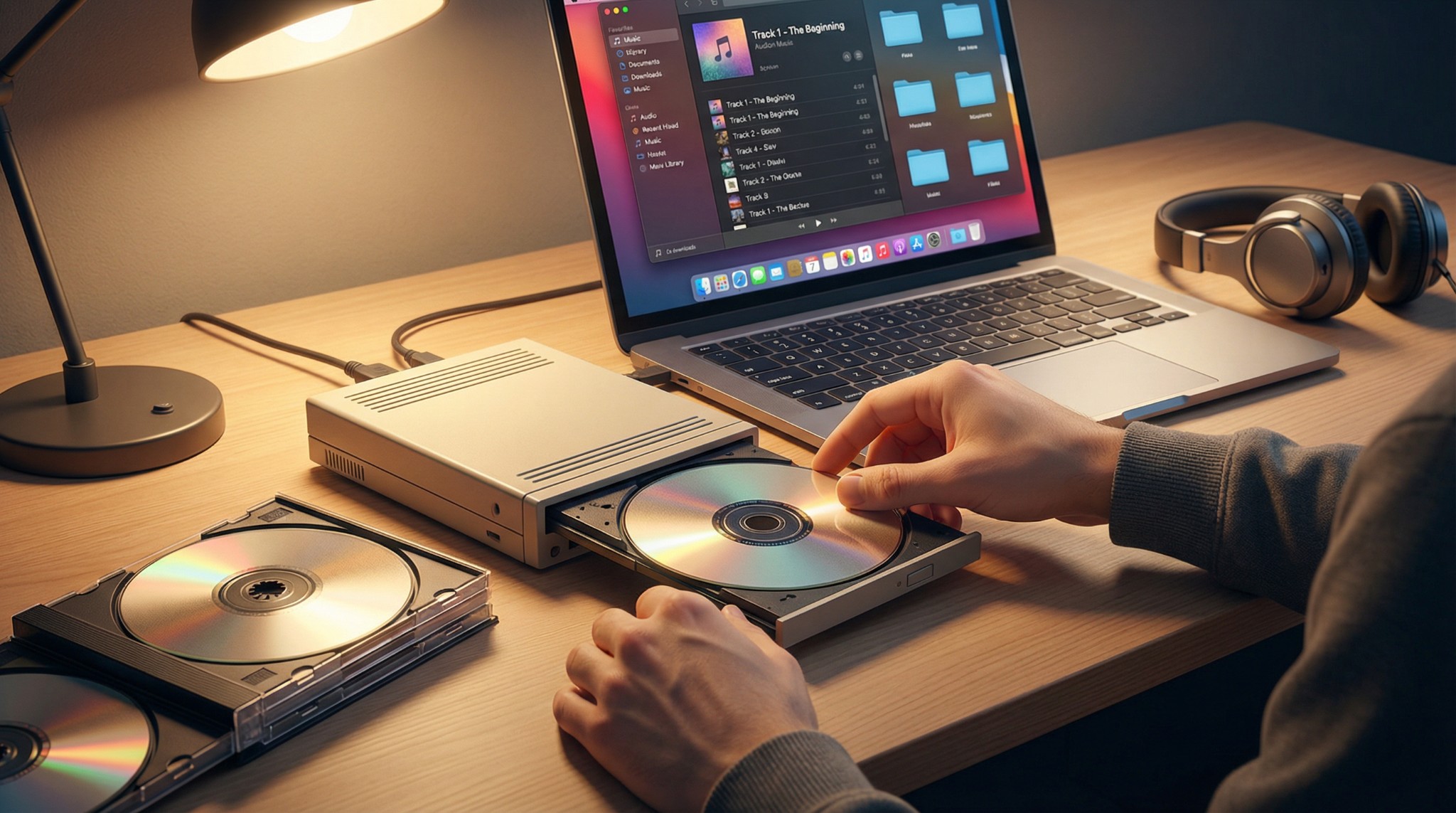
Rip CDs You Own
A copy made from a CD you own provides a known source for a personal library. FLAC preserves the CD source without adding quality beyond it, while MP3 reduces storage and improves compatibility across older players and car systems.
- Best for: collectors who already own the disc, have an optical drive, and want control over tags and format.
- Not ideal for: listeners without the hardware, storage, time, or regional access to the physical release.
7 K-pop Download Sources and Tools
These seven entries are not interchangeable. Some provide creator-authorized or licensed production music, some are desktop tools, and some are unverified archives. Each entry below states whether it carries official idol releases or a different kind of catalog.
Licensed and Creator-Authorized Sources
A free K-pop music download is trustworthy only when the artist, uploader, or licensing service clearly grants it. These four sources focus on user uploads, creator-enabled files, or royalty-free K-pop-style music rather than a complete official idol catalog.
Audio.com
- Source type: creator-authorized upload.
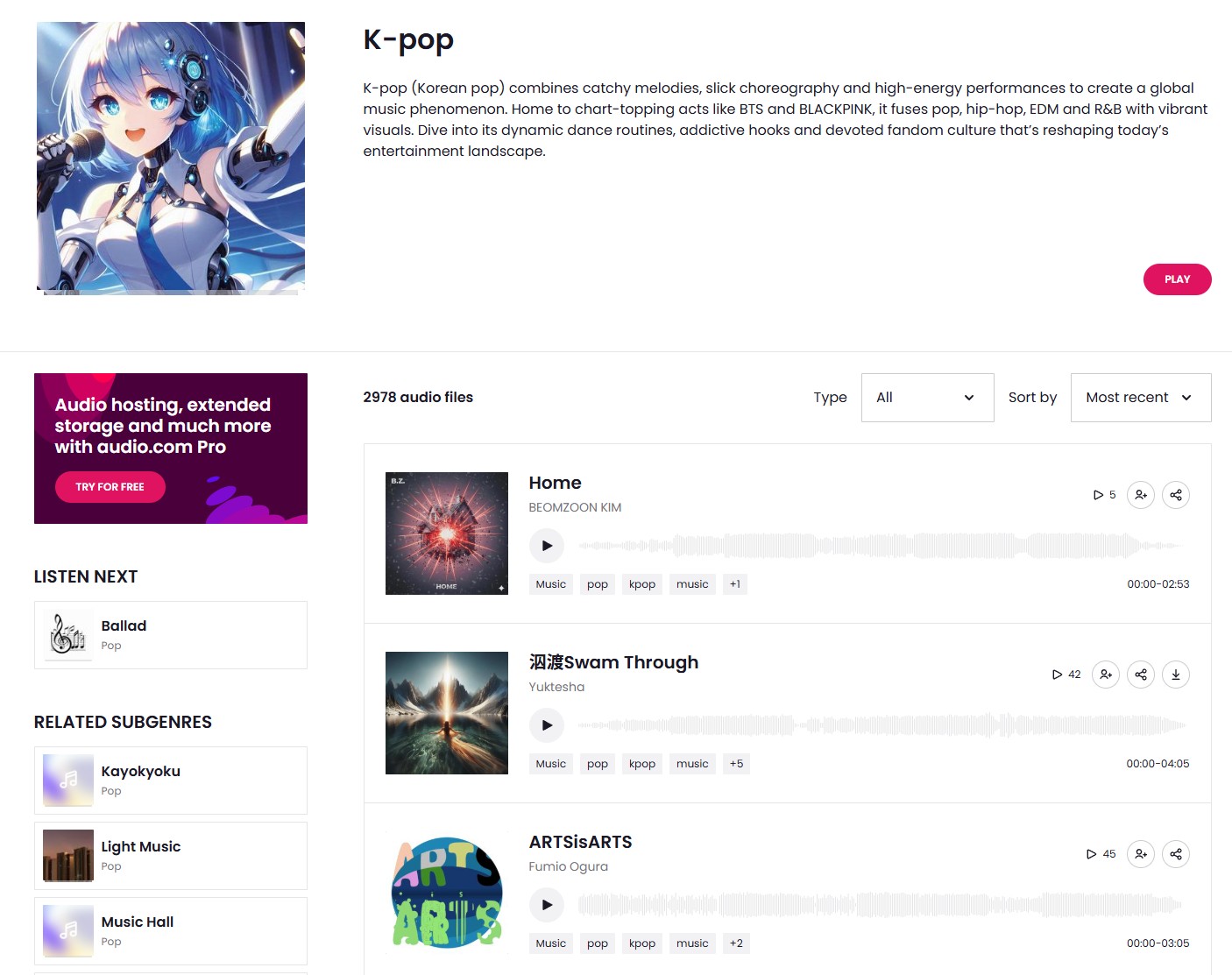
- Catalog: covers, remixes, production tracks, and user uploads rather than a reliable official idol catalog. A download is appropriate only when the uploader enables it, and the offered format and metadata vary by track.
- Best for: previewing niche material in a browser.
- Main limitation: no dependable album-wide catalog or consistent source-quality ceiling.
Epidemic Sound
- Source type: royalty-free K-pop-style catalog.
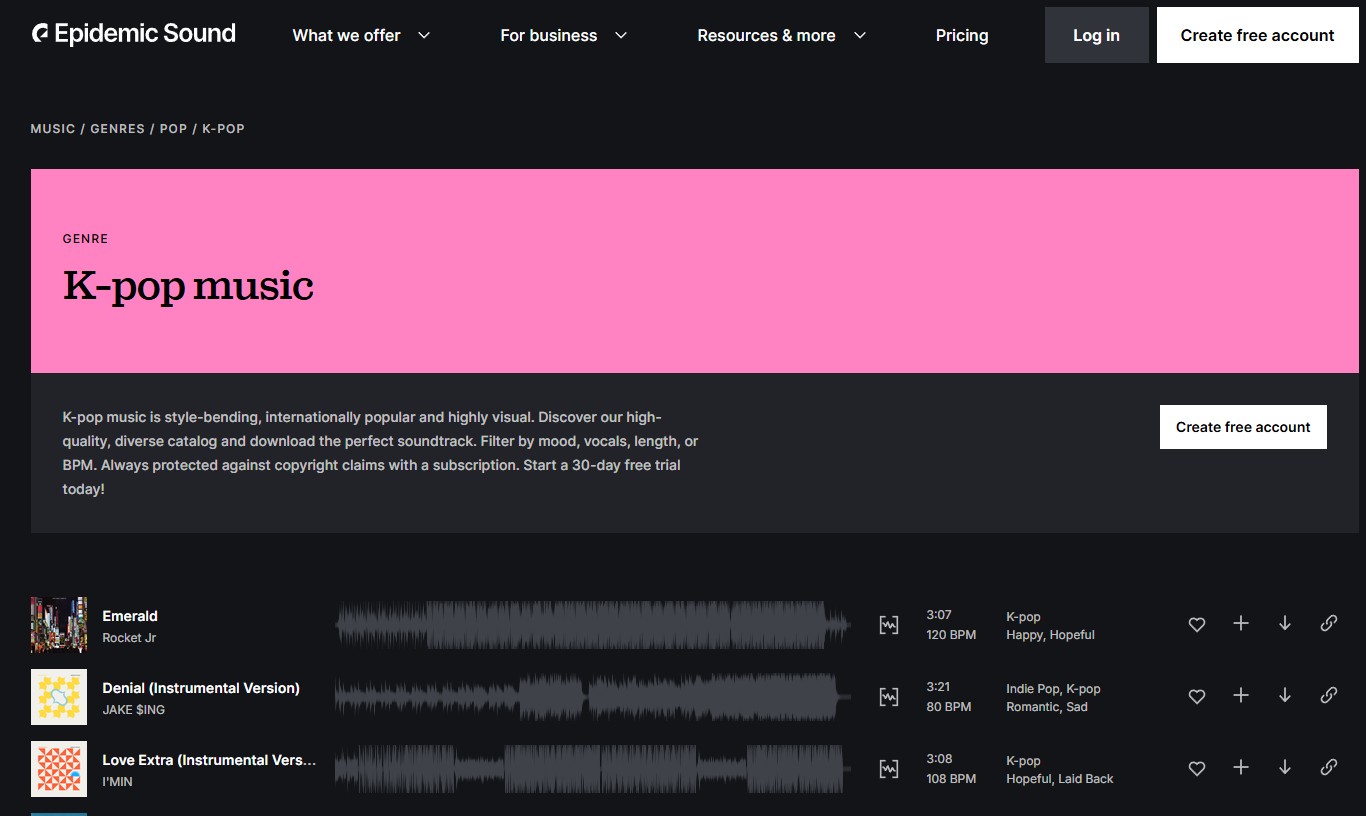
- Catalog: licensed production music for videos, podcasts, and social projects, not commercial idol singles or albums. Its K-pop genre catalog is organized for creators choosing music by mood and production needs.
- Best for: licensed background music.
- Main limitation: it does not replace a store for official K-pop releases.
SoundCloud
- Source type: creator-authorized upload when the uploader enables downloading.
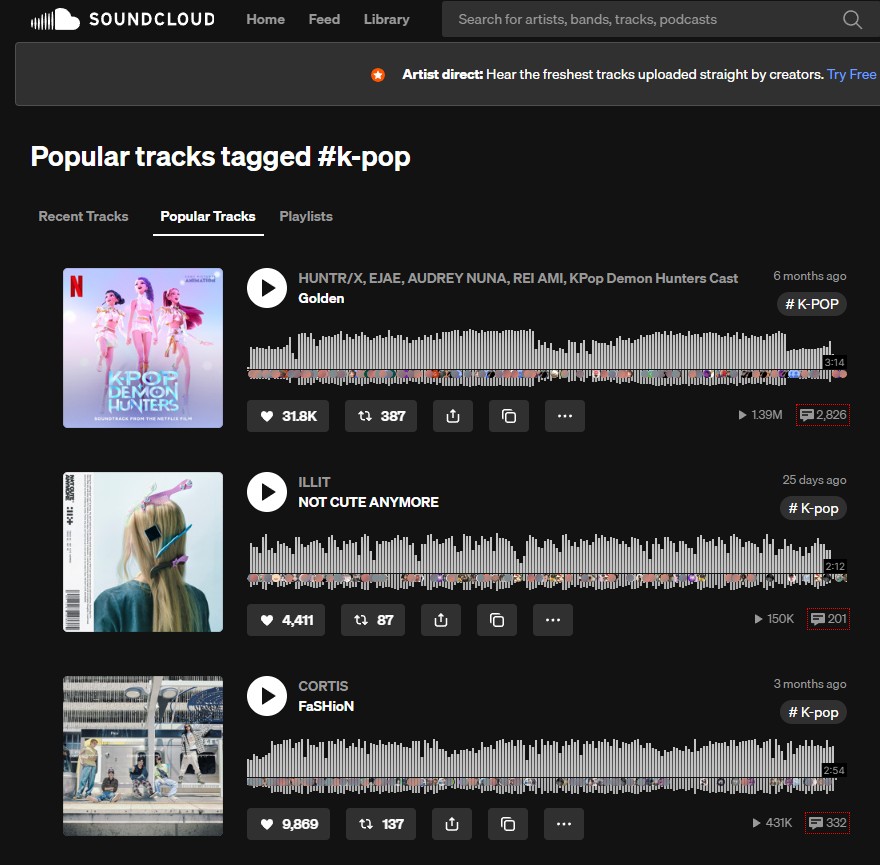
- Catalog: indie releases, demos, remixes, covers, pre-debut tracks, and side projects; mainstream releases are not consistently downloadable.
- Best for: people who want to download K-pop songs that a creator has explicitly enabled.
- Main limitation: rights, format, metadata, and source quality differ by upload.
Pixabay
- Source type: royalty-free K-pop-style catalog.
- Catalog: production tracks for creative projects, not an official idol-release catalog. The license attached to the chosen track controls permitted use.
- Best for: creators who need K-pop-inspired background music.
- Main limitation: it is not a destination for current chart albums, and format or metadata claims should be assessed track by track.
Unverified Sources and Desktop Tools
These three options require a stricter authorization check. A desktop workflow does not change the rights attached to the source, while an archive's presence in search results does not establish permission, accurate tags, or genuine source quality.
4K YouTube to MP3
- Source type: desktop tool for saving audio from supported video URLs.
- Catalog: whatever the linked video platform hosts, including official uploads, live stages, covers, and user videos; it does not guarantee every K-pop release.
Use the current 4K YouTube to MP3 desktop page only for material you are authorized to save and within the platform's terms. Output quality cannot exceed the source, and album art or ID3 tags may need manual cleanup.
- Best for: authorized video-based audio that lacks a direct creator download.
- Main limitations: source quality, metadata, and permission vary by video.
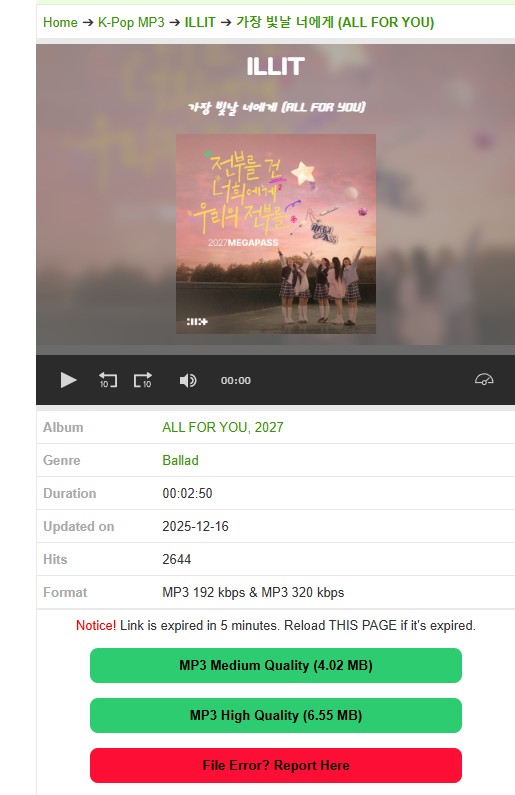
Ilkpop
- Source type: unverified K-pop archive.
- Catalog: singles, music videos, and drama OST listings, but not a licensed-store relationship established by the page itself. It is browser-based and commonly oriented around individual files.
- Best for: understanding what appears in unverified search results.
- Main limitation: authorization, advertising behavior, file provenance, metadata, and batch support are uncertain.
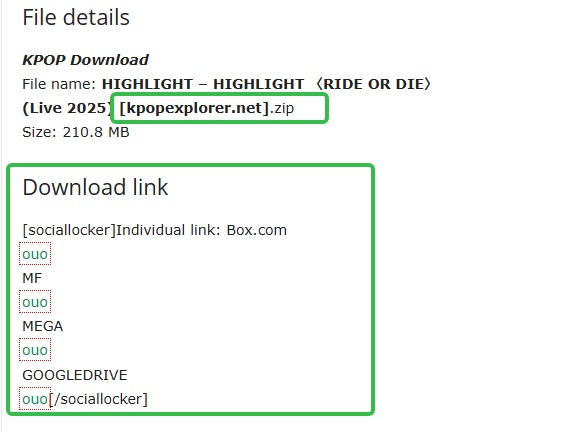
Kpop Explorer
- Source type: unverified archive.
- Catalog: album ZIP listings, cover images, and track details, without the rights clarity of a licensed store. Whole-album convenience drives searches to download albums free as ZIP files, but the file's provenance still matters more than packaging.
- Best for: evaluating the tradeoff between album-wide convenience and source uncertainty.
- Main limitation: redirects, rights status, file quality, and metadata consistency may vary.
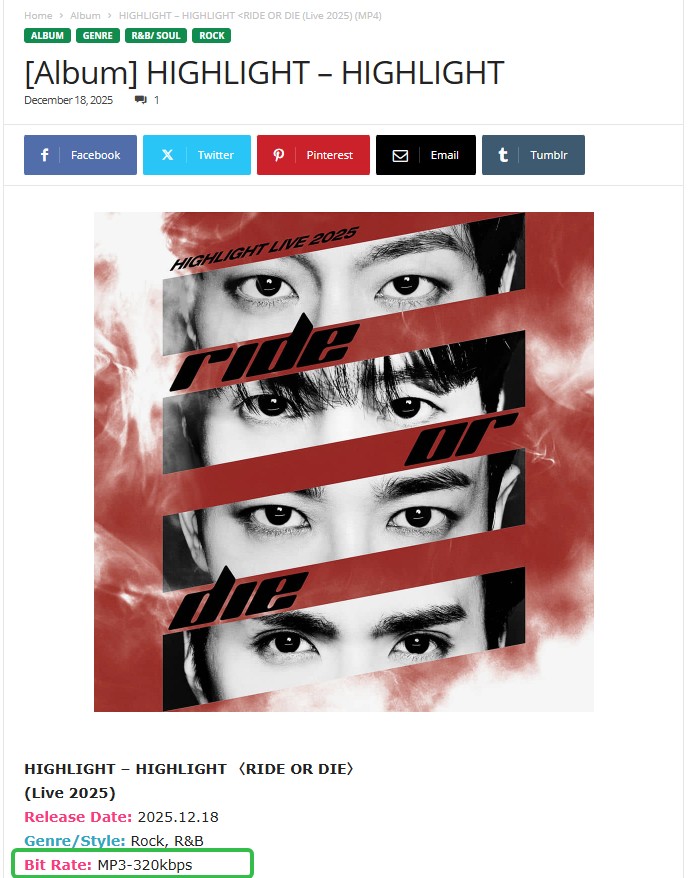
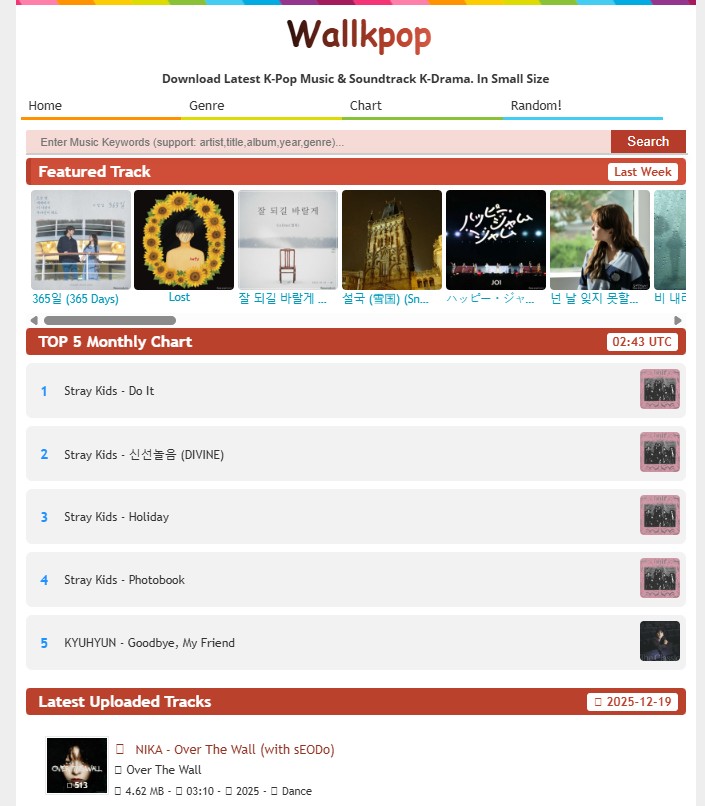
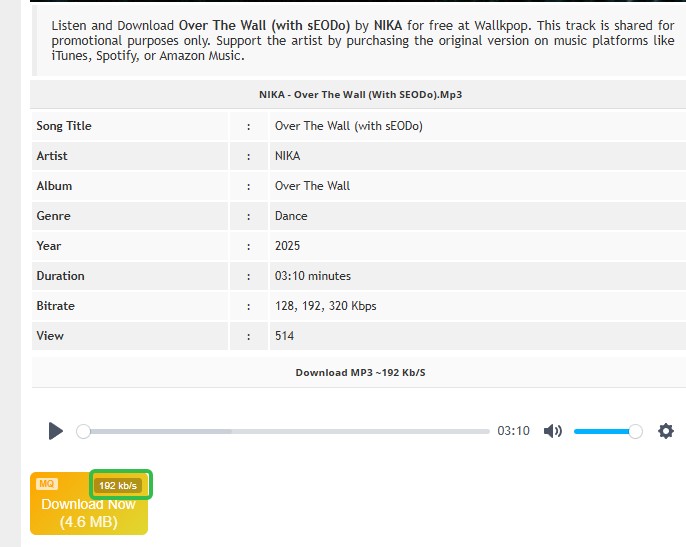
WallKPop is not counted among these seven options because its listed site is no longer available. The legacy screenshots below provide visual context for the retired listing, not an active recommendation or replacement-domain suggestion.
Conclusion: Which K-pop Source Suits You
The fastest comparison is by source category: licensed or creator-authorized files offer clearer provenance, MusicFab serves batch desktop workflows, and unverified archives carry the greatest uncertainty. The component below keeps delivery, portability, rights, and fit visible without treating every source as equivalent.
| Option | Device and delivery | Source and catalog | File access | Rights status | Best fit and limitation |
|---|---|---|---|---|---|
| MusicFab | Windows / Mac desktop; batch delivery | 13+ subscription music services | Portable MP3, M4A, WAV, FLAC, OPUS, or EAC3; ID3 tags and lyrics | Authorized content with an active subscription; personal use | Large albums and playlists; requires desktop software |
| Official purchase / CD rip | Store app/site or computer CD drive | Licensed purchase or CD you own | Portable AAC/M4A, MP3, FLAC, or WAV, depending on source | Purchased files or personal copy under applicable law | Clear provenance; catalog, hardware, format, and time vary |
| Free download sites | Browser or desktop app; often one track at a time | Creator uploads, royalty-free catalogs, or unverified archives | Portable file if enabled; subscription offline access stays app-locked | Rights vary; authorization must be explicit | Useful for authorized singles; quality, tags, and availability vary |
Availability and catalog details are current as of August 2026.
The practical upshot is that a local file is not automatically an authorized file, and an app download is not automatically portable. Choose rights and delivery first, then compare format, batch support, and metadata.
FAQs
Q1. Can I Move Streaming App Downloads to Another Device?
Usually not as standard audio files. Subscription downloads normally remain inside the service's app and work only on supported devices under that account. If transferability matters, choose a method that explicitly delivers MP3, FLAC, WAV, or another portable format before starting the download.
Q2. Why Might FLAC Sound No Better Than MP3?
FLAC preserves the quality it receives; it cannot recreate detail removed from a lossy source. A genuine K-pop FLAC download should come from a licensed lossless source or an accurate copy of a CD you own. Renaming or converting an MP3 to FLAC only makes a larger file.
Q3. What If a Release Is Unavailable in the US?
Check US-licensed stores, the artist or label's authorized pages, and a physical edition you can lawfully purchase. Regional unavailability does not authorize an unverified copy. For me, the better move is to wait for a licensed release or use an owned disc rather than guess at provenance.
Q4. When Is Downloading K-pop Music Legal in the US?
The clearest cases are purchased downloads, creator-enabled files, subscription offline access used inside the app, and personal copies from CDs you own, subject to applicable law and license terms. Unverified archives do not become authorized simply because their files are easy to reach.

Apple Music offers a higher lossless ceiling and Dolby Atmos, while Spotify combines 24-bit/44.1 kHz FLAC with Connect and discovery strengths. This guide compares specs, device paths, settings, a fair listening protocol, switching trade-offs, and an optional authorized local-file workflow.
By Jane Chen - Aug 26, 2026
Podcast downloads fall into two categories: app-managed offline copies and portable audio files. This guide covers free publisher and RSS links, current iPhone and Android app workflows, bulk and retention limits, a platform comparison, and an authorized MusicFab desktop workflow for saving local files.
By Jane Chen - Aug 13, 2026
Choosing a FLAC downloader in 2026? Compare paid stores, free archives, desktop converters, web tools, and CD ripping — plus how to verify true lossless files.
By Jane Chen - Aug 12, 2026
Amazon Music and Spotify cost nearly the same in the United States, but they serve different listening habits. This guide compares lossless playback paths, catalogs, app reliability, Alexa and Spotify Connect, free and family plans, and the drawbacks that determine which service is easier to live with.
By Jane Chen - Aug 12, 2026