Create Spotify Playlist Mixes on Mobile or Desktop

Summary: Create and check a Spotify playlist on mobile or desktop, then choose listening or editing access. The guide also covers prompt-based creation, finding a missing playlist, and offline listening requirements.
Table of Contents
If liking a song didn’t put it in your new mix, create a Spotify playlist with Create → Playlist, name it, then add tracks to that named list. This works on mobile or desktop with a Free account.
I treat a playlist as a destination, not a trail of likes. The finish line is finding your chosen tracks under the right name. I’ll walk through creation, checking the result, and choosing who gets listening or editing access.
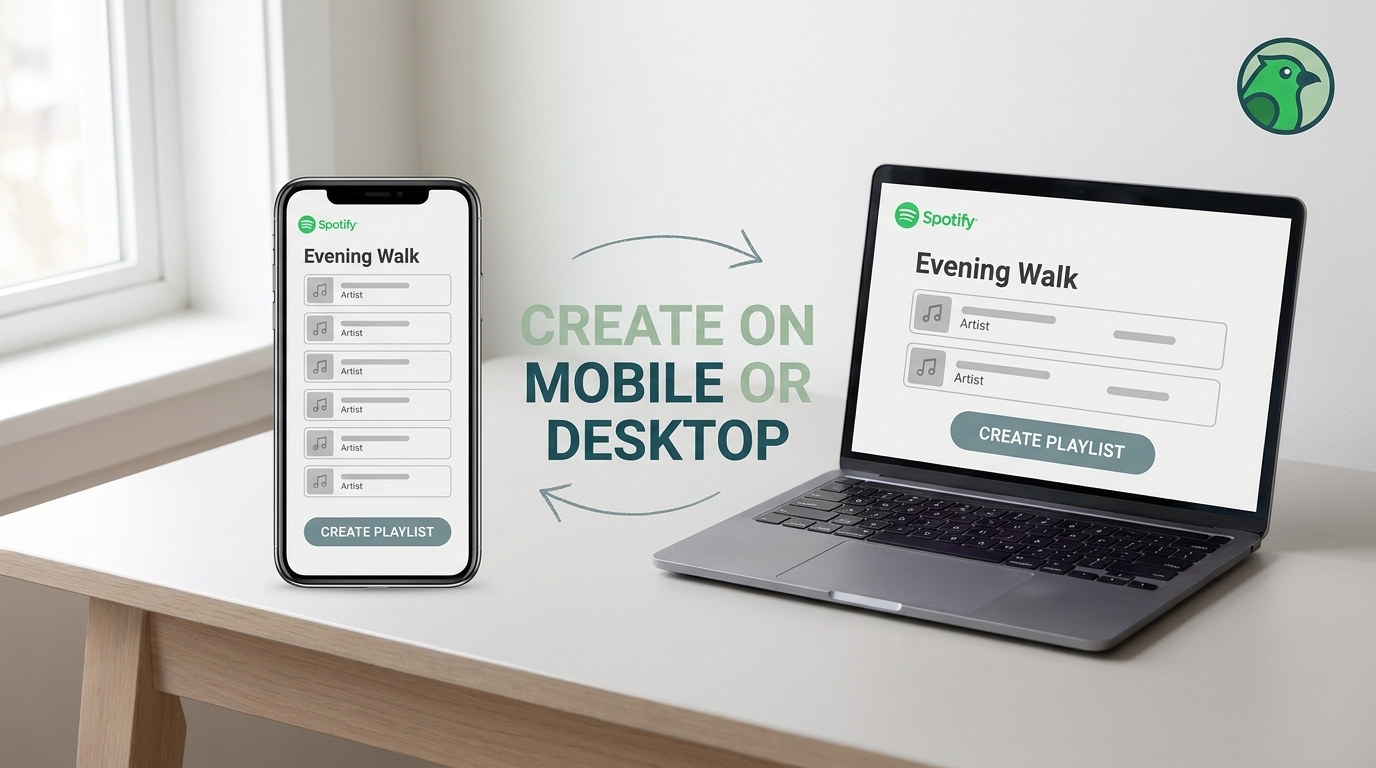
Create a Spotify Playlist in the Spotify App
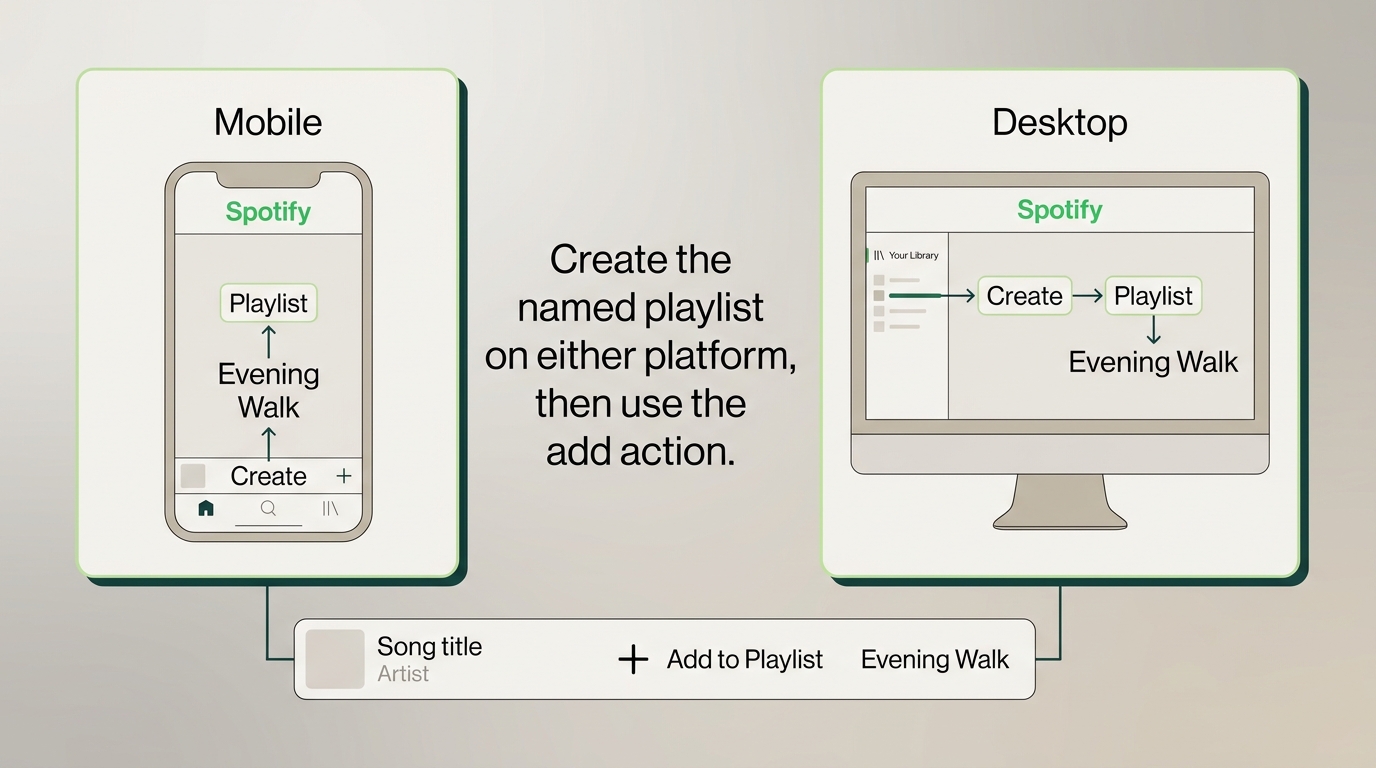
In Spotify’s mobile app, choose Create → Playlist and name the list; in the desktop app, start from Your Library → Create → Playlist. Then open a song’s menu, choose Add to Playlist, select that named list, and check that the track appears there.
Start with Spotify installed, an internet connection, and the account where you want the playlist saved. Premium isn’t required for ordinary playlist creation. Check the account first if you use different logins on your phone and computer; otherwise, you risk looking for the result in the wrong library.
On iPhone or Android
The creation flow is shared across iPhone and Android. You don’t need separate instructions for each phone:
- Open Spotify and tap Create, marked with a plus symbol.
- Choose Playlist.
- Enter a recognizable name and tap Create.
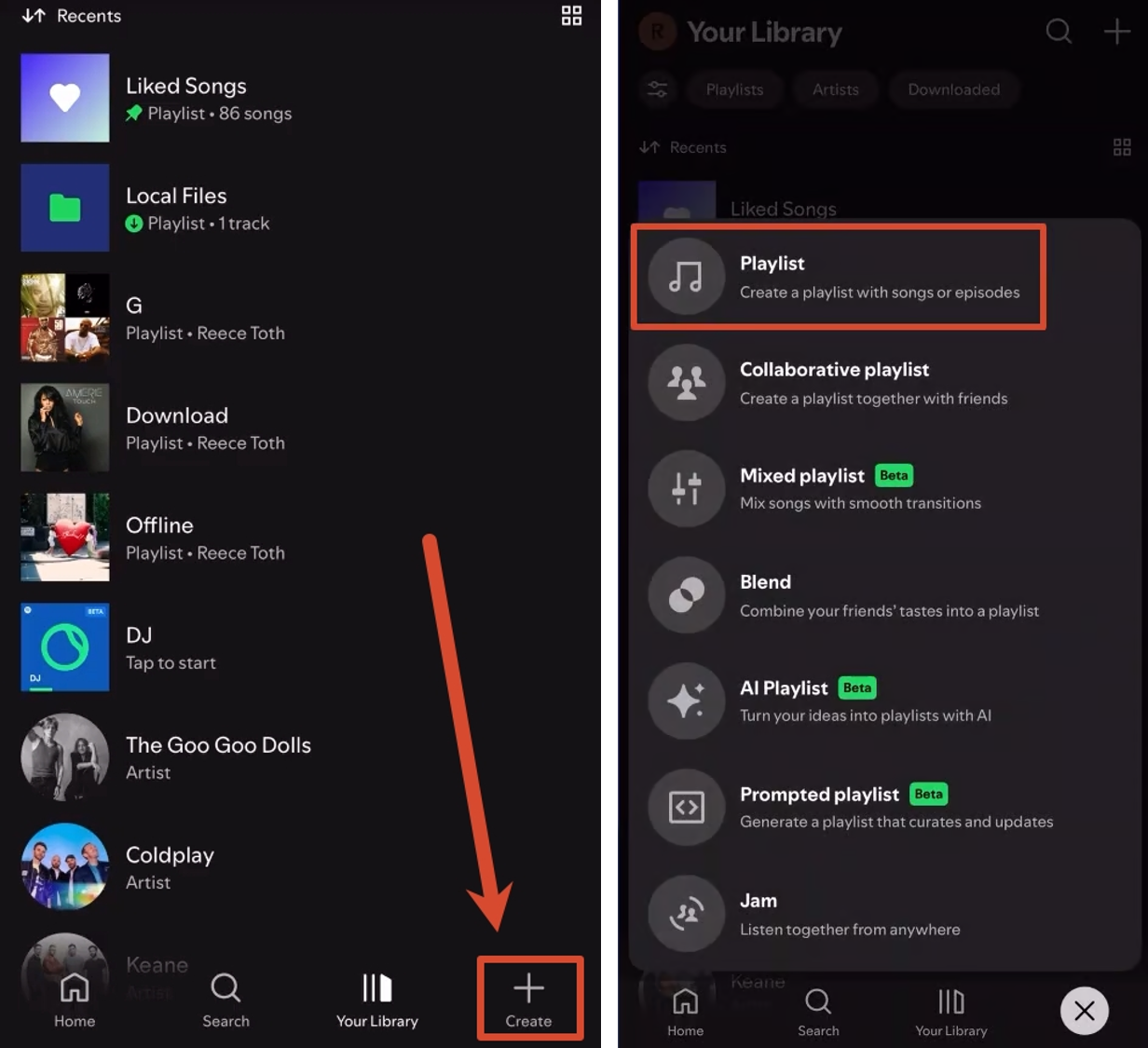
You now have a destination for your songs. Spotify offers Add to this playlist and recommendations; use the shared song-adding instructions below to make sure tracks land in the correct place.
A missing Create button doesn’t mean your account can’t make playlists. Spotify lets you hide that button from the menu bar. If you previously hid it, restore it using Spotify’s Create-button display setting rather than looking for a paid upgrade.
Name the playlist for the moment you’ll use it. “Evening Walk” tells you more than “New Playlist,” especially when you return to your library later. Genre labels are optional: a mix for dinner doesn’t need to stay inside a single genre to do its job.
On Windows or Mac
The desktop app starts from Your Library. Use the same account as your phone if you want to find the playlist there too:
- Open Your Library in Spotify. Click Create at the top. Select Playlist.
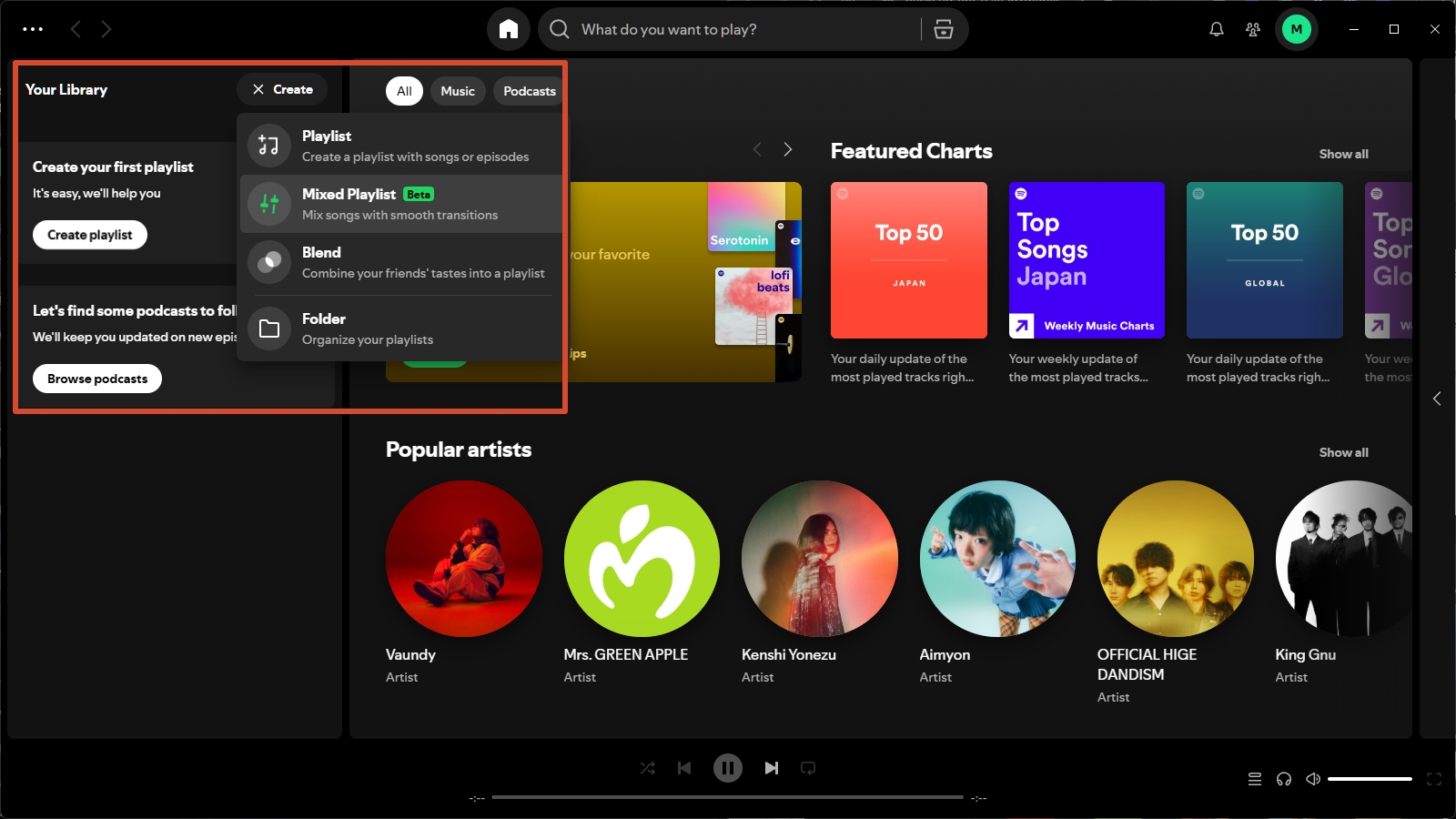
- Edit the name and any other details you want to change. Click SAVE.
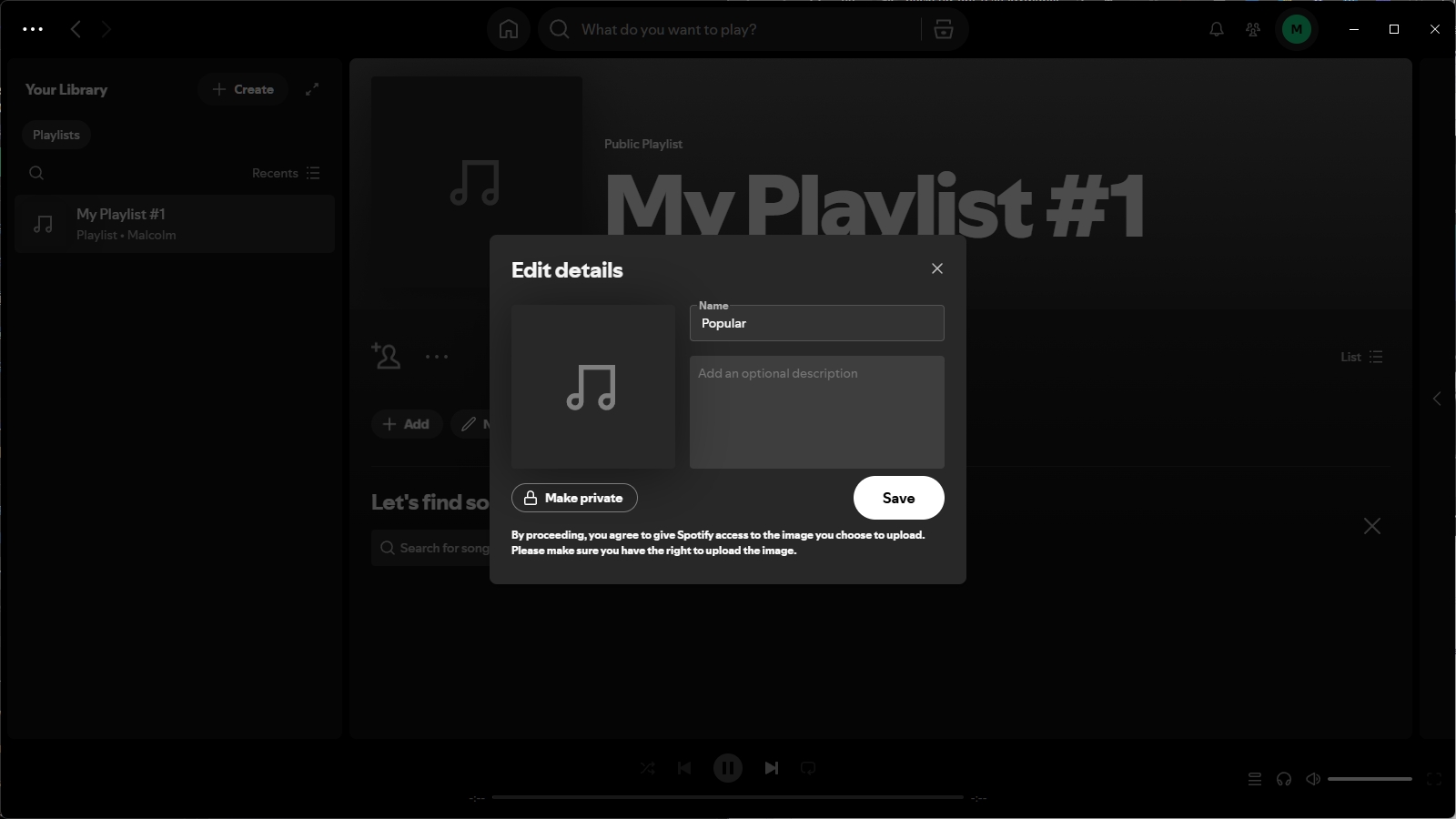
Keyboard shortcuts offer another creation entry point: Ctrl+N on Windows or Cmd+N on Mac. Name and save the result before adding songs so you can distinguish it from other lists.
Desktop is a useful fit when you want to arrange tracks with a mouse. Spotify supports dragging songs into a playlist and dragging them into a different order. These instructions refer to the desktop app; a browser tab isn’t needed for this walkthrough.
Add Songs to the Right Playlist and Check Your Result
Choose the destination explicitly when adding a song. The track menu is less ambiguous than assuming a plus icon sends it to whichever playlist is playing:
- Find the song in Spotify and open its three-dot menu; on desktop, right-clicking the track also works.
- Choose Add to Playlist.
- Select the playlist you just named; on mobile, finish with Done.
- Open that playlist and confirm the song appears in its track list.
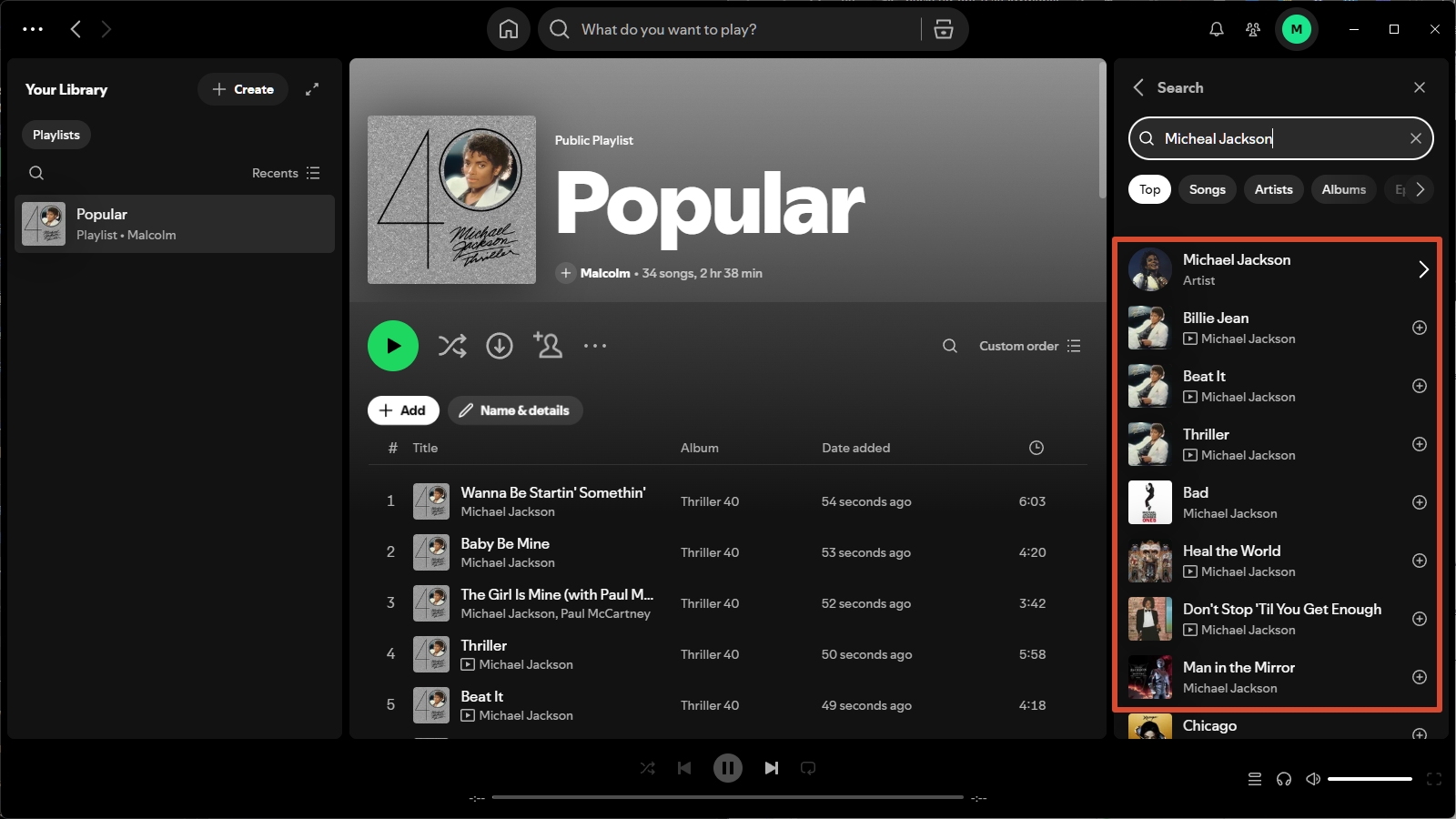
The distinction matters. In r/truespotify, one listener described the surprise this way: “Instead, its made its own liked song playlist.” That’s a complaint about where a song went, not evidence that creating a playlist requires another tool.
Liked Songs, a saved album, and your named playlist serve different purposes. Saving an album to Your Library keeps that album handy; it doesn’t fill your new mix. Add its tracks to the intended playlist when that’s the result you want.
Edits belong in the playlist itself. On mobile, Edit provides track removal and drag-to-reorder controls; mobile reordering requires Premium. On desktop, Remove from this Playlist removes a track, while dragging changes its position. A custom cover also helps distinguish similar names without changing their contents.
Jane Chen recommends checking the named playlist itself before calling setup finished. Once it looks right, its menu’s Share option lets you copy a listening link; Invite collaborators is the separate choice for people who should edit. Decide which access you want before sending either link.
Spotify Playlist Sharing, Privacy, and Collaboration
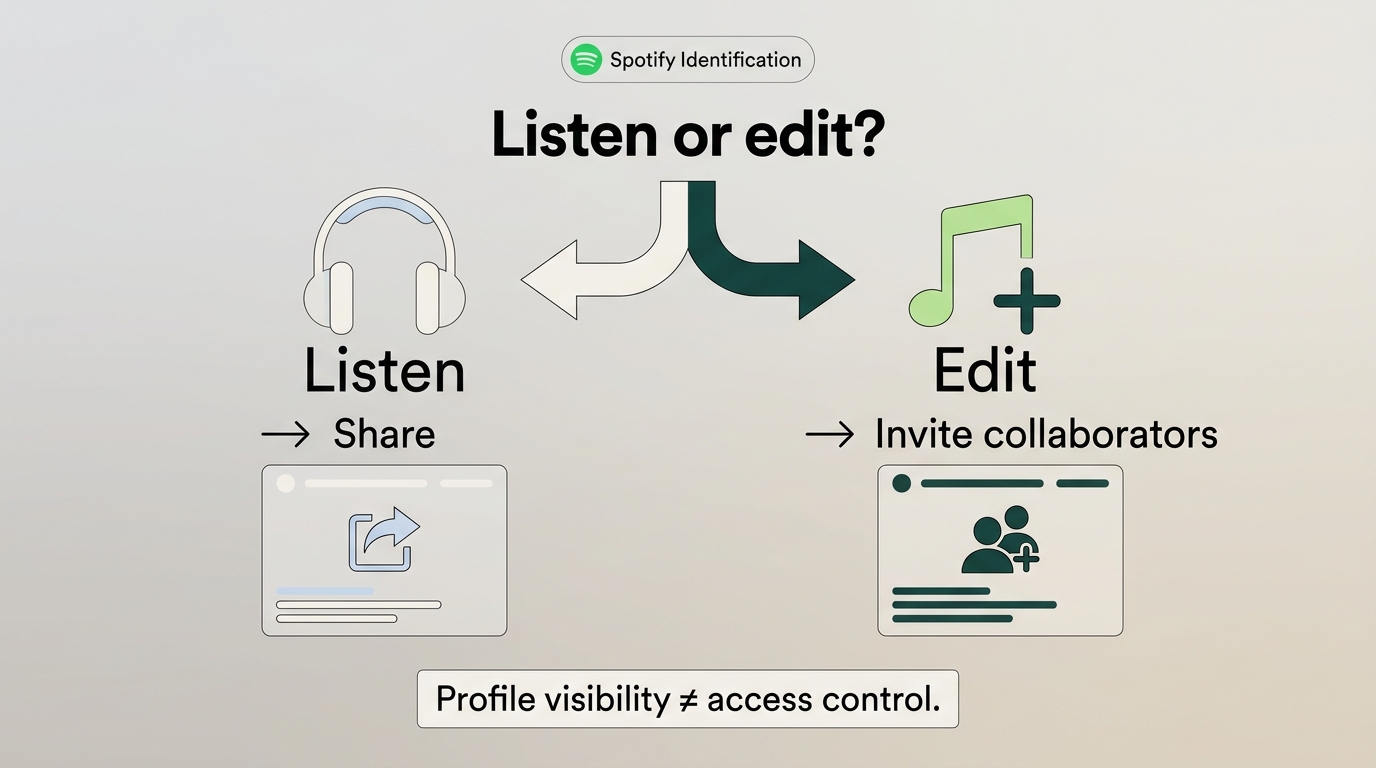
A listening link lets someone access a playlist; a collaborator invitation grants editing access. Public status and appearance on your profile are separate settings, so removing a playlist from your profile doesn’t make it private.
New playlists are public by default. That matters if you’ve made a personal mix and assumed an unlisted profile entry would hide it. A public playlist remains accessible independently of whether you display it on your profile; a private playlist restricts access, with separate options for inviting selected people.
Spotify Playlist Access at a Glance
| Control | Who can listen? | Can others edit? | Link duration |
|---|---|---|---|
| Public playlist | Anyone with access | Not from public status | No invitation required |
| Profile visibility | Access setting unchanged | Unchanged | Not an invitation |
| Private view link | Invited listeners | No | 7 days |
| Collaborator invite | Invited collaborators | Add, remove, reorder | 7 days |
Spotify’s Help Center documents privacy and access and collaborator invitations; as of November 2026.
My rule is simple: decide whether someone should listen or edit before sending the link. A Spotify collaborative playlist suits a shared party mix where friends should contribute. An ordinary listening link suits a finished selection you want others to hear without changing it.
The wrong invitation creates confusion. One r/truespotify poster wrote, “im assuming the link was an invite to collaborate link.” The owner can remove collaborators, so editing access doesn’t have to remain in place after the shared project ends.
The 7-day invitation window applies to private-view sharing and collaborator invitations. It isn’t a blanket expiration rule for public playlist links. Likewise, profile images associated with shared access aren’t a list of everyone who saved your playlist.
At this point, your playlist is ready for listening and sharing. The next section addresses a separate need: managing local audio files. If you’re staying inside Spotify, you can jump to the FAQs.
Where MusicFab Fits After Playlist Creation
MusicFab Spotify Converter fits a separate local-file workflow on Windows or Mac, rather than the task of creating a Spotify playlist. It is a third-party tool relative to Spotify, using direct source downloads to save music in common audio formats.

- Save Spotify music as MP3, FLAC, WAV, M4A or OPUS format.
- Download Spotify songs/playlists/albums/podcasts in batch
- Remove Spotify ads for free users.
- Save Subtitles as External SRT Files.
For a local music folder, the useful benefit is recognizable files. Batch saving and ID3 tags, including artist and album information, reduce repeated selection and manual labeling. I’d keep playlist editing in Spotify and use conversion for the folder you want to manage outside it.
Format choice helps match that folder to your player. Our product usage data from October 1 through November 1, 2026, includes MP3, AAC, FLAC, WAV, and Opus output, giving you common format options for local playback. For getting started, our new-install usage data from August 1 through November 1, 2026, records users downloading and installing the app in under 2 minutes to begin a first task.
The trial lasts 30 days from installation and includes 3 complete Spotify songs. This is a conversion workflow, not a playlist-sync service; keep ongoing playlist changes in Spotify, and use the trial for the local-file task.
Keep an active Spotify subscription and save only authorized content for personal offline use under applicable law, including any relevant personal-copying exceptions, and Spotify’s terms, which may restrict third-party clients. Don’t redistribute or resell the files.
Start your local library with MusicFab Spotify Converter for Windows or Mac.
Spotify Playlist FAQs
Q1. Can Spotify create a playlist from a prompt?
Yes, through Prompted Playlists where your account has access. The English-language beta is for Premium on mobile. You describe a mood or scenario, and Spotify selects tracks; refinement and scheduled refresh are part of that feature. It’s useful when you want suggestions rather than hand-picking everything. A missing Prompted Playlist option doesn’t prevent ordinary playlist creation. For a fixed selection you want to control yourself, use the manual method above instead of waiting for beta access.
Q2. Why can’t I find the Spotify playlist I just created?
Check the account, name, and saved location before assuming it disappeared. Look in Your Library and distinguish the named playlist from Liked Songs or a saved album. An existing link is another useful clue. One r/truespotify listener wrote, “prior to finding the link, the playlist wasn't showing up in my library even when I searched for it.” That account shows why an absent search result alone isn’t proof of deletion. It doesn’t guarantee that a link will recover a genuinely deleted playlist.
Q3. Can I listen to my new Spotify playlist offline while traveling?
Yes, with Premium and a completed music download in Spotify. Creating a playlist alone doesn’t download its songs. Finish downloading before departure, and connect Spotify to the internet at least once every 30 days to keep downloads available. Those downloads play inside Spotify rather than becoming ordinary audio files in a folder. If songs are still unavailable on your device, Spotify offline settings help distinguish downloaded content from tracks that still need a connection.


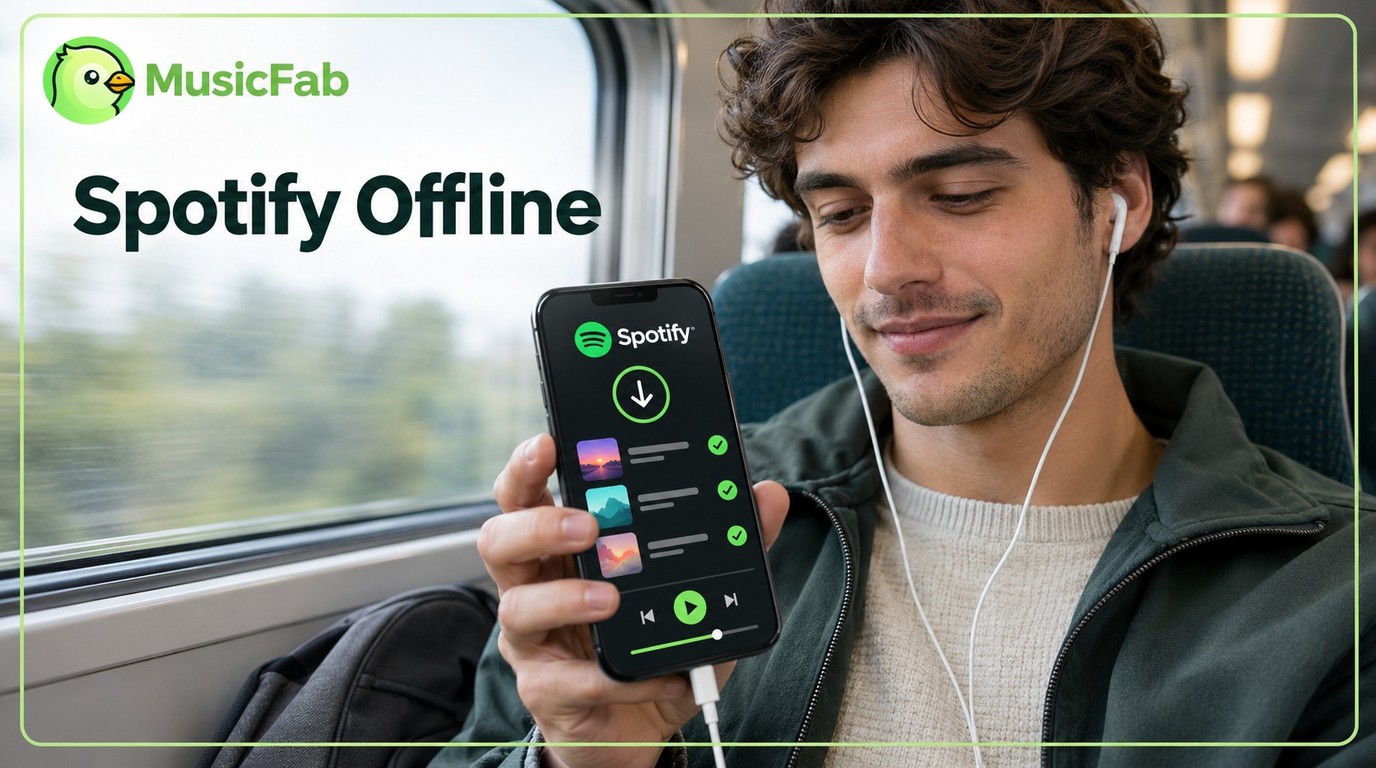
Spotify Premium can download music for playback inside the Spotify app, while Free accounts can download podcasts. This guide covers setup, device differences, download limits, troubleshooting, travel checks, and a portable-file option.
By Jane Chen - Nov 5, 2026
TunePat Spotify Converter review covering source modes, trial restrictions, pricing, dated user feedback, and practical safety guidance.
By Jane Chen - Nov 2, 2026
This review examines TuneFab Spotify Music Converter through its features, historical hands-on evidence, purchase terms, troubleshooting, safety questions, and user-report patterns. It also explains when TuneFab may fit, when caution is warranted, and when MusicFab is a more suitable desktop alternative.
By Jane Chen - Nov 2, 2026
A WAV extension does not prove that audio came from Spotify or that it is lossless. This guide compares MusicFab, OnTheSpot, and Audacity, then explains source quality, batch workflow, setup tradeoffs, account considerations, and when FLAC is the more efficient choice.
By Jane Chen - Oct 21, 2026