Spotify Download macOS: Official App and Alternatives

Summary: Install Spotify on a supported Mac and download playlists for in-app offline listening. Learn how app downloads differ from standalone audio files, when a converter fits, and what to consider for travel and account access.
Table of Contents
Need Spotify on your Mac, or stuck after an update? Download Spotify for macOS from Spotify’s official Mac page, install it, and sign in. Music downloads require Premium and stay inside Spotify; installing the app alone does not save your songs.
An “unsupported platform” message sends you back to the download page, even when the installer isn’t the problem. Check the Mac’s system version before replacing the app again. I’d solve the compatibility problem before adding another app. The steps below cover installation, playlist downloads, and the separate question of getting an audio file.
Install Spotify for macOS and Download a Playlist
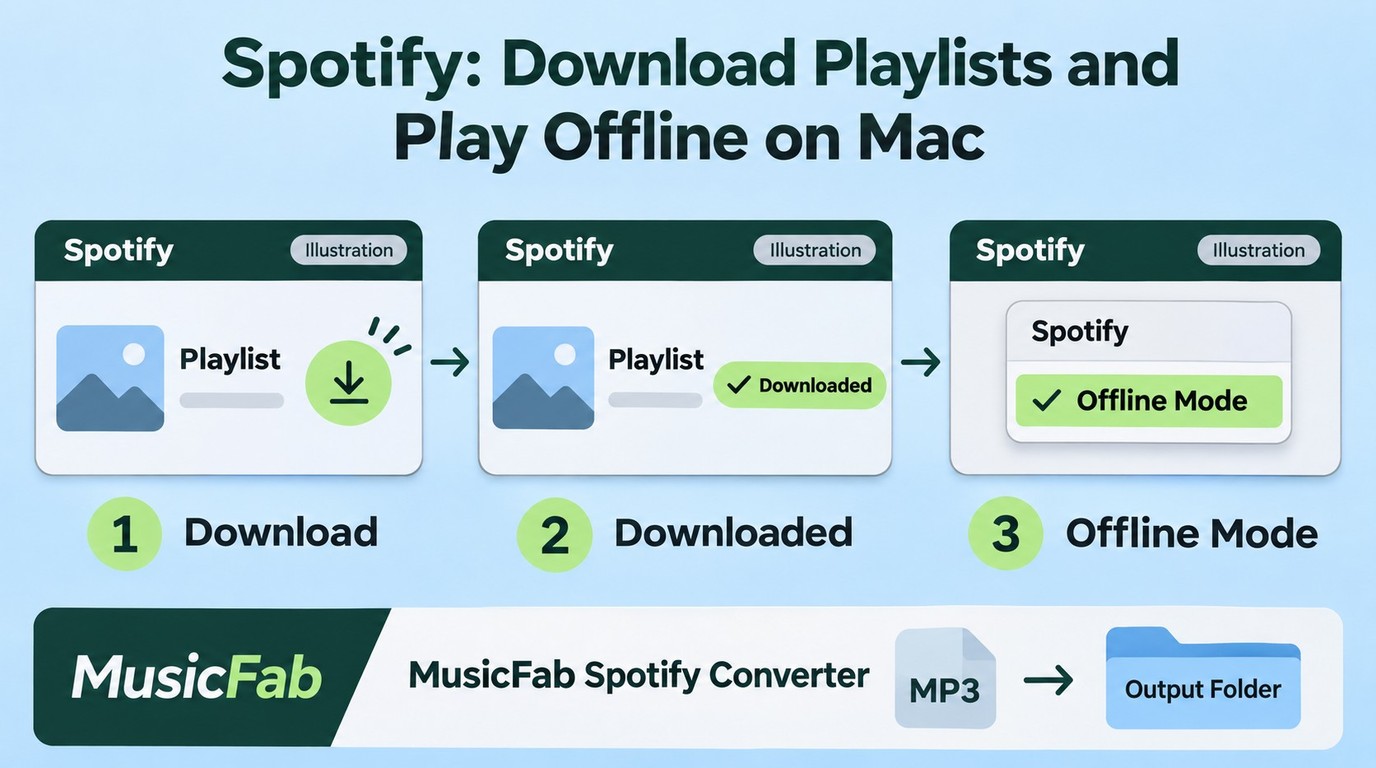
Install Spotify for Mac from the official download page, then open a playlist in the desktop app to download music with Premium. Check your macOS version first: a completed installer download does not mean the app will run.
Before you start: you need an internet connection, your Spotify login, and a supported Mac. As of November 2026, Spotify lists macOS 13 or later for its desktop app. Open Apple menu → About This Mac to see your version; “MacBook Pro” tells you the model family, not whether its operating system qualifies.
A paid Spotify plan is unnecessary for installing the app and streaming through the free tier. Premium matters when you want music available without a connection. That distinction saves you from treating an account entitlement as an installation failure.
Install and Open the Spotify Desktop App
Use Spotify’s own download page rather than hunting through the App Store. A Reddit poster in r/mac captured that confusion: “Now I wanted to download it again and it's not showing in App Store anymore?” The direct Mac download gives you a clear starting point.
- Visit Spotify’s official Mac download page in your browser and select Download.
- Open the downloaded file from your Downloads folder. If it is an archive, extract it first, then follow the installer’s prompts.
- Launch the installed Spotify app and sign in with your existing account.
- Play an available song while connected to the internet.
Hearing that song is your checkpoint. You have moved past downloading the installer and into a working desktop session. If you end up listening in a browser tab, you have opened the web player instead; return to the installed app for the offline steps below.
Keep the failure specific. A file that never finishes downloading calls for checking the connection and download destination. An app that downloads but refuses to open calls for checking compatibility and the exact message on screen. Identify which failure you need to fix before replacing the installer again.
Download a Playlist in the Spotify App
Premium enables music downloads; Spotify Free permits podcast downloads instead. For a single song, add it to a playlist, then download that playlist.
- In Spotify for Mac, open the playlist while online.
- Click its Download button and wait for the completed-download indicator.
- Choose Spotify → Offline Mode from the menu bar, then play a downloaded track.
The last step answers the useful question: will this playlist play offline? Adding songs to Your Library is not the same checkpoint. If downloading stalls, investigate Spotify download problems before reinstalling and rebuilding your offline library.
Using an Older Mac? Try Spotify’s Web Player
An unsupported operating system needs a different route. In r/truespotify, a poster described the symptom: “Spotify recently prompted me to update the app, and after doing so I’m now getting an “unsupported platform” message.”
If your Mac supports a system upgrade, that is the route back to the current desktop app. If it does not, the Spotify web player offers online listening in a supported browser. Spotify lists Safari, Chrome, Firefox, Edge, and Opera; an old browser build is not guaranteed to work just because its name appears there.
Use browser listening instead of repeatedly chasing old installers when the goal is to hear music today. It suits online playback, not offline playlist downloads. A converter addresses a separate file-saving need; it is not a repair for an unsupported Spotify installation.
What Spotify Offline Downloads Can and Can’t Do
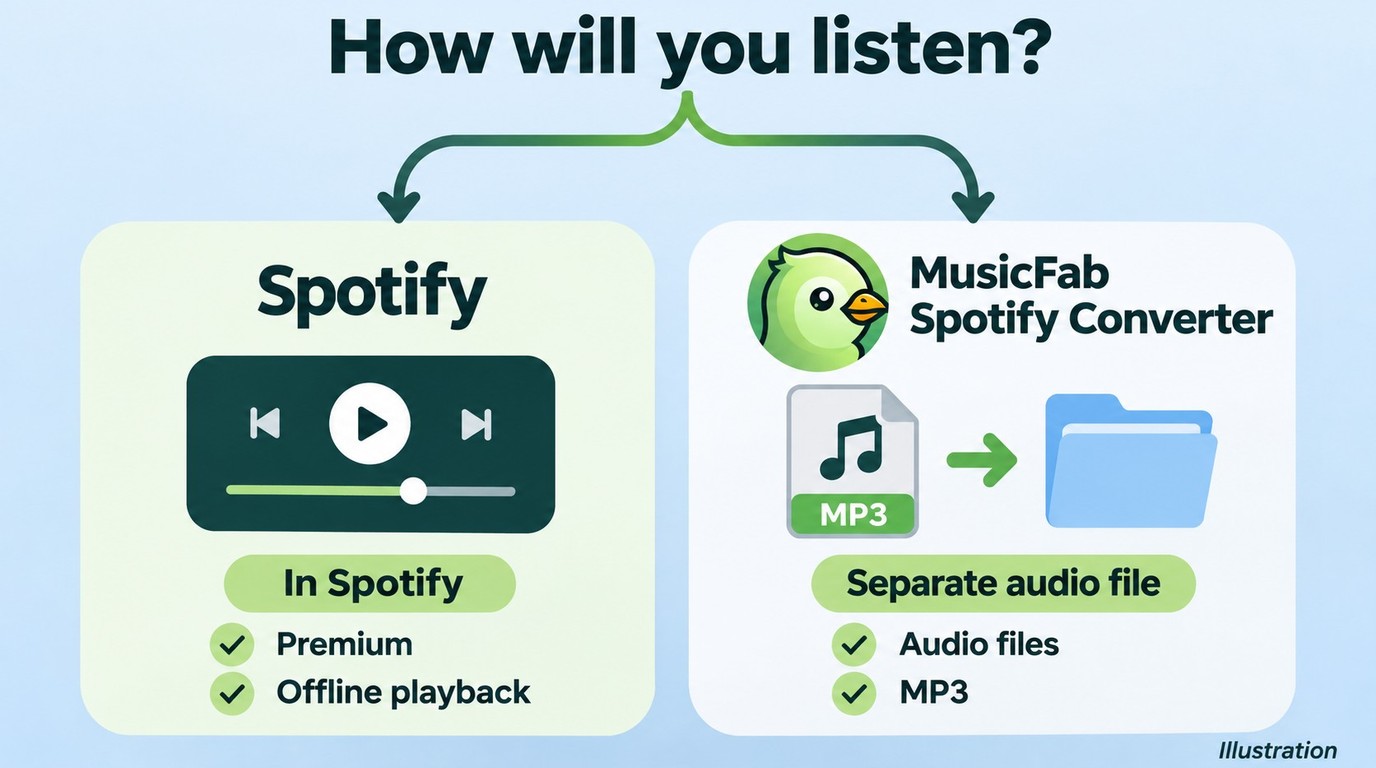
Installing Spotify gives you an application; downloading a playlist inside it gives you Spotify-managed offline playback. Neither operation exports ordinary MP3 files that you can drag into another player.
The distinction gets lost in the word “download.” A poster in r/truespotify wrote, “So I want to download songs on my MacBook Pro. I heard one way to do that is through Spotify. I have Spotify downloaded.” That is an understandable gap: the app is present, but the music still needs its own download action.
The App, Offline Music, and Local Audio Files Are Different
Your intended destination determines which result you need. Use this table to separate the installer from the listening method.
| Goal | Tool | What you get | Main limit |
|---|---|---|---|
| Install the app | Spotify for Mac | Desktop application | macOS 13 or later |
| Listen offline | Spotify desktop app | In-app music downloads | Premium for music |
| Save local audio files | MusicFab Spotify Converter | MP3, M4A, WAV, FLAC, OPUS | Source quality sets the ceiling |
Source: Spotify’s supported-device guidance and offline-download help, plus MusicFab’s official product page; as of November 2026.
My take: if your listening stays inside Spotify, its offline downloads already deliver the result you need. Looking for a separate converter makes sense when the destination is a file-based player, not simply because the Download button is unfamiliar.
Capacity and maintenance still matter. Spotify permits up to 10,000 tracks per device on up to 5 devices, and reinstalling the app means downloading your offline content again. I would leave a working installation alone before a trip rather than turn routine cleanup into an overnight library rebuild.
Finder access is a separate issue. A folder containing app data does not turn those downloads into transferable songs. If you need to move music to a player that accepts files, identify that player’s supported audio formats before starting another download workflow.
When MusicFab Spotify Converter Fits a Mac File Download
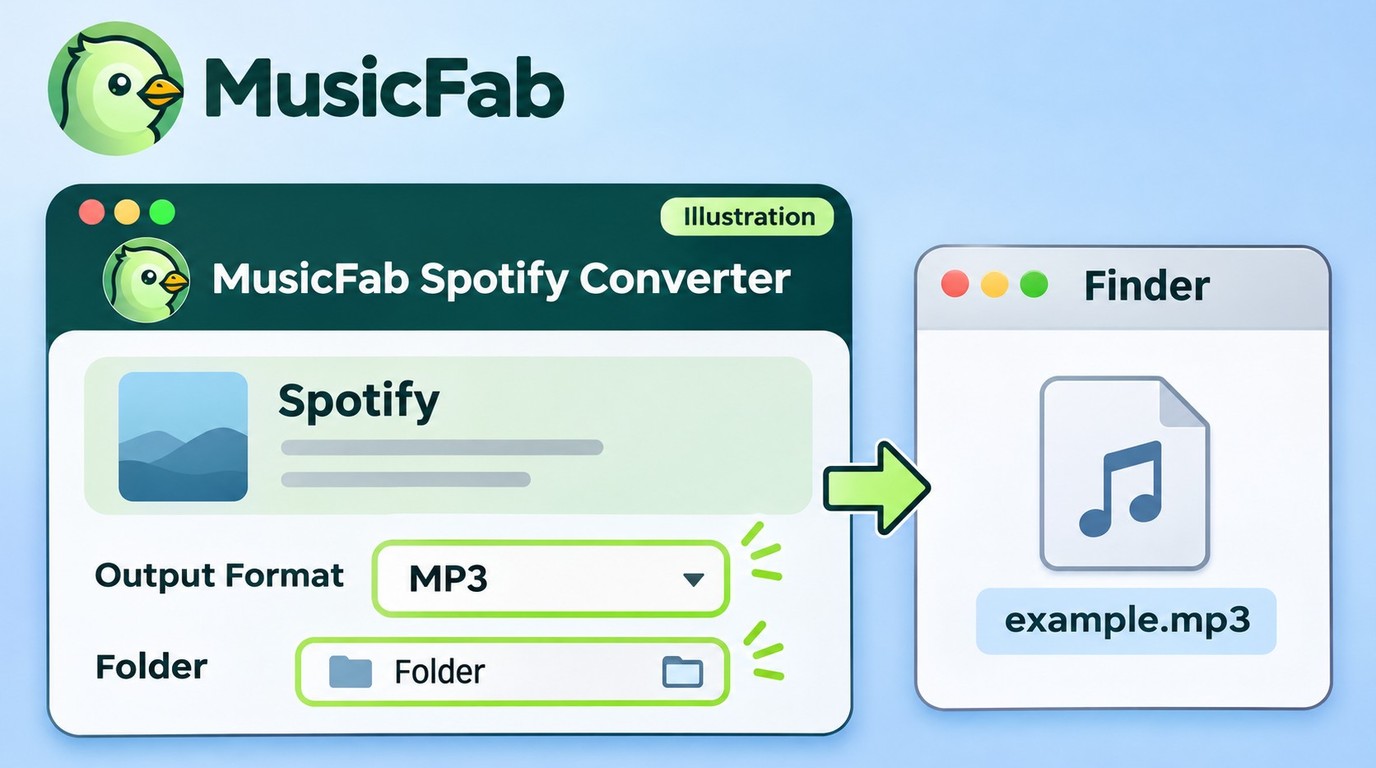
MusicFab Spotify Converter fits you when you need standalone audio files for a file-based player. It uses direct source download technology, not DRM decryption or recording, to save audio separately from Spotify’s built-in offline library.

- Save Spotify music as MP3, FLAC, WAV, M4A or OPUS format.
- Download Spotify songs/playlists/albums/podcasts in batch
- Remove Spotify ads for free users.
- Save Subtitles as External SRT Files.
For that destination, MusicFab Spotify Converter saves MP3, M4A, WAV, FLAC, or OPUS on Mac, with output up to 320 kbps and track tags to keep your library organized. Choose the format your player accepts. Selecting FLAC does not turn a lossy source into lossless audio; I’d favor a compatible file over a lossless label.
- Open MusicFab Spotify Converter on your Mac, select Spotify in its built-in browser, and sign in.
- Select the song or playlist, choose a supported output format, and set your local destination folder.
- Download, then open the saved song in your target player and check playback, artwork, and track order.
The paid allowance is 300 songs per streaming service per day; the 30-day trial includes 3 full Spotify songs for checking format and tag compatibility.
A completed file needs to work where you’ll actually listen. That playback check is more useful than judging the filename alone. You can start with the Mac version on the MusicFab Spotify Converter official page.
Spotify on Mac: Frequently Asked Questions
Q1. Do MacBook Air and MacBook Pro Need Different Spotify Downloads?
Answer: Both use Spotify’s official Mac download channel. The system requirement above matters more than the Air or Pro name, so compare your installed macOS version with that requirement rather than choosing an installer by laptop family. A newer-looking MacBook is not a substitute for checking About This Mac.
Q2. How Long Will Downloaded Music Last on a Trip?
Answer: Spotify requires an internet connection at least once every 30 days to keep downloads. I’d finish the playlist downloads and confirm offline playback before leaving reliable Wi-Fi. For an extended trip, plan a connection within that window; packing a Mac full of downloaded playlists does not remove the check-in requirement.
Q3. What Should I Check Before Signing In to a Mac Downloader?
Answer: Choose an established tool from its official download page, then inspect the actual sign-in page and any requested permissions. A recognizable Spotify login and permissions relevant to your task are better grounds for proceeding than a no-name site asking you to send over a password. Keep that judgment tied to the tool you’re using; a request to sign in is not, by itself, evidence of a problem.
Q4. Is Saving Spotify Songs as Files Legal in the US?
Answer: An active subscription and personal use alone do not grant copying permission: Spotify’s terms govern authorized access and clients, while copyright permission is a separate question. Save only content you are authorized to copy for your own offline listening, follow applicable terms and law, and do not redistribute or resell it.


Reduce unwanted Spotify pauses by checking Discord microphone activity and choosing the right input mode. Understand the trade-offs for Listen Along, distinguish immediate mobile pauses, and assess a separate local-music workflow.
By Jane Chen - Nov 6, 2026
Send an Apple Music playlist from an iPhone or copy its link in a browser. Learn how listening links differ from public profiles and collaboration invites, and what to check when sharing fails.
By Jane Chen - Nov 6, 2026
Save Spotify playlists to Apple Watch with the official app, then confirm playback without your iPhone. This guide covers setup, stalled downloads, account requirements, and the separate role of desktop music files.
By Jane Chen - Nov 6, 2026
Create and check a Spotify playlist on mobile or desktop, then choose listening or editing access. The guide also covers prompt-based creation, finding a missing playlist, and offline listening requirements.
By Jane Chen - Nov 6, 2026