
YouTube to WAV Converters Tested in 2026: Real WAV Results

Summary: A WAV label does not prove that a converter delivered real WAV audio. This guide explains how to verify the file, when WAV is worth the storage cost, and how current browser and desktop routes fit single-video, playlist, and metadata-sensitive workflows.
Table of Contents
Ever downloaded a file labeled WAV only to discover that the format, metadata, or workflow did not match the promise? A dependable YouTube to WAV converter must prove the actual file type, not just display a WAV button, when you download YouTube as WAV. The practical choice also changes when you move from one YouTube link to WAV to a full collection.
This guide separates current tool status from old search-result claims, explains WAV audio quality, and shows how to convert YouTube to WAV with a browser route or a desktop workflow. My standing rule as a music-software reviewer is simple: the filename is a clue, but the file properties are the evidence.
Authorized-use prerequisite: Download content only when YouTube provides a download feature, the rights holder permits it, or another lawful basis applies. Use local-file workflows for personal offline use of content you're authorized to access, where permitted by platform terms and applicable law.
Working YouTube to WAV Converters at a Glance
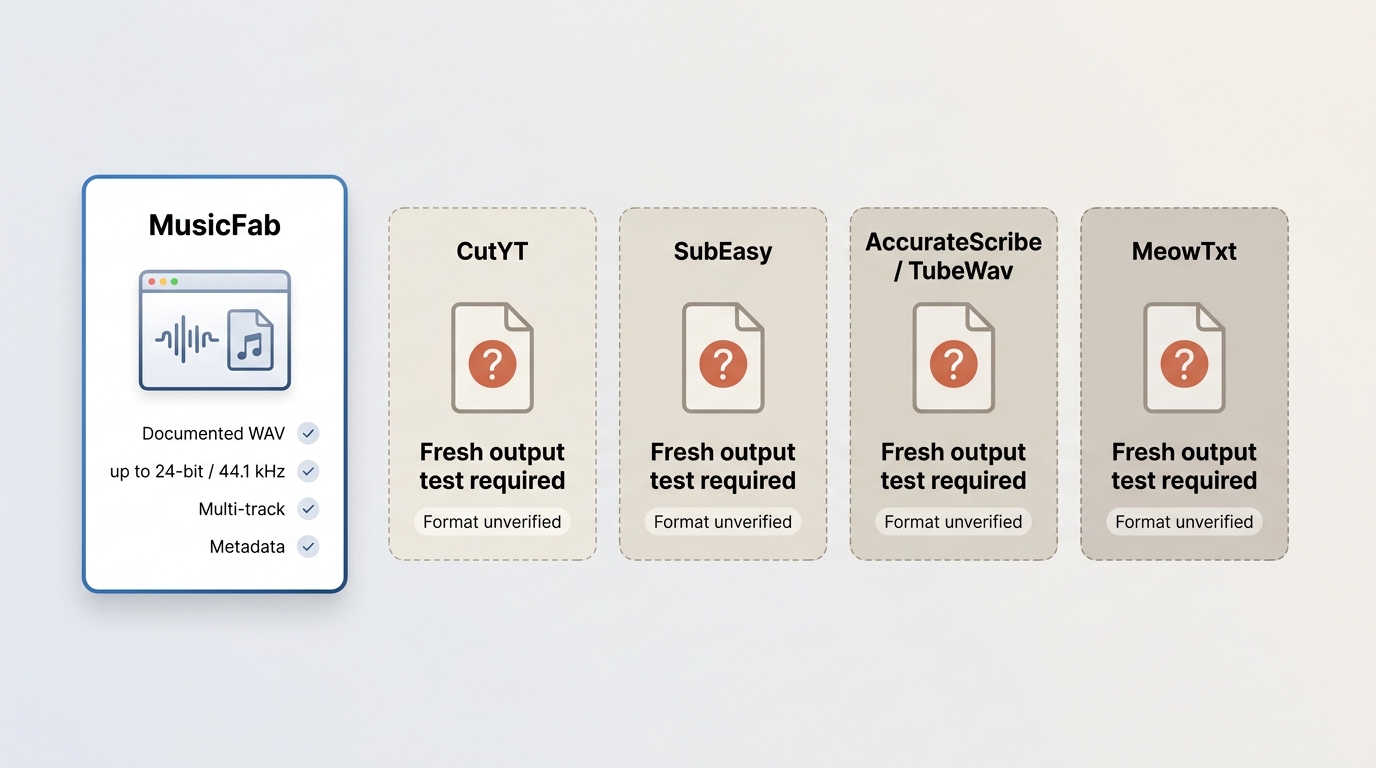
The best YouTube to WAV converter depends on a fresh output check, the number of tracks, and whether you need metadata. A safe WAV converter should produce a file that survives format inspection without hiding redirects or substituting another extension.
Status snapshot as of July 2026: active pages are not automatically verified converters. The table distinguishes a documented desktop capability from browser pages that still need a new end-to-end file test.
| Candidate | Fresh output test result | Sample rate and bit depth | Single video or multiple tracks | Metadata retention | Ads and redirects | Best fit |
|---|---|---|---|---|---|---|
| CutYT | A new file test is required before relying on earlier results | Needs inspection on the newly downloaded file | Single-video browser flow | Needs a fresh check | Current behavior needs a fresh check | An occasional clip if the fresh result verifies as WAV |
| MusicFab | Product specifications document WAV output and multi-track handling | Output supports up to 24-bit and 44.1 kHz | Multiple tracks, albums, and playlists | ID3 tags, cover art, track numbers, and .lrc lyrics | Runs as a desktop workflow rather than a converter landing page | Repeated, playlist, or metadata-sensitive work |
| SubEasy, only after a fresh output test | Registration flow, free limits, and output need retesting | Needs inspection after a new conversion | Appears designed around individual links | Current behavior is unverified | Current behavior is unverified | Readers willing to verify the file before using it |
| AccurateScribe or TubeWav, only after a fresh output test | The current conversion result needs retesting | Needs inspection after a new conversion | Link-based browser interface | Current behavior is unverified | The redirect relationship should be checked during the test | Status monitoring and controlled retesting |
| MeowTxt, only after a fresh output test | Output format and free limit need retesting | Needs inspection after a new conversion | Individual-link browser flow | Current behavior is unverified | Current behavior is unverified | An occasional test after verifying the result |
The practical upshot is not that one route wins every comparison. CutYT remains relevant for a free YouTube to WAV converter search, while MusicFab fits a different job: repeated multi-track work where file organization matters.
What We Tested and How
Real WAV output requires a reproducible check. I inspect the downloaded extension, open the file properties or media information, note the container or codec, sample rate, bit depth, metadata, redirects, and the number of processing screens.
- Test environment: record the operating system, browser, and app version before starting.
- Sample: use the same available public video for each browser converter and a small multi-track selection for a playlist-capable desktop app.
- File proof: confirm the extension and inspect the audio properties after download.
- Workflow proof: note sign-in gates, extra pages, ads, redirects, and whether the tool processes one item or multiple tracks.
- Library proof: check title, artist, album, artwork, track number, and lyrics rather than judging the filename alone.
The February 9, 2026 archive used a standard Windows PC and Chrome browser, but those observations are historical evidence, not a substitute for a current retest. A landing-page label can stay unchanged while the endpoint, output, or limits change.
Link, Length, and Processing Limits
A YouTube link to WAV can fail because the source is unavailable, private, age-restricted, region-restricted, deleted, or still live. Long videos can also take longer to process, and many browser tools handle one item at a time rather than a YouTube playlist to WAV.
- Confirm that the video opens normally in the same region and account context.
- Do not assume a playlist URL will expand into all tracks.
- Allow for tool-dependent processing time instead of refreshing the page repeatedly.
- If the result downloads, inspect it before deleting the source link or closing the session.
I treat unsupported links and slow processing as workflow limits, not proof that an entire tool category is broken. The useful question is whether the specific route handles your available source and produces the expected file.
WAV vs MP3, FLAC, and M4A
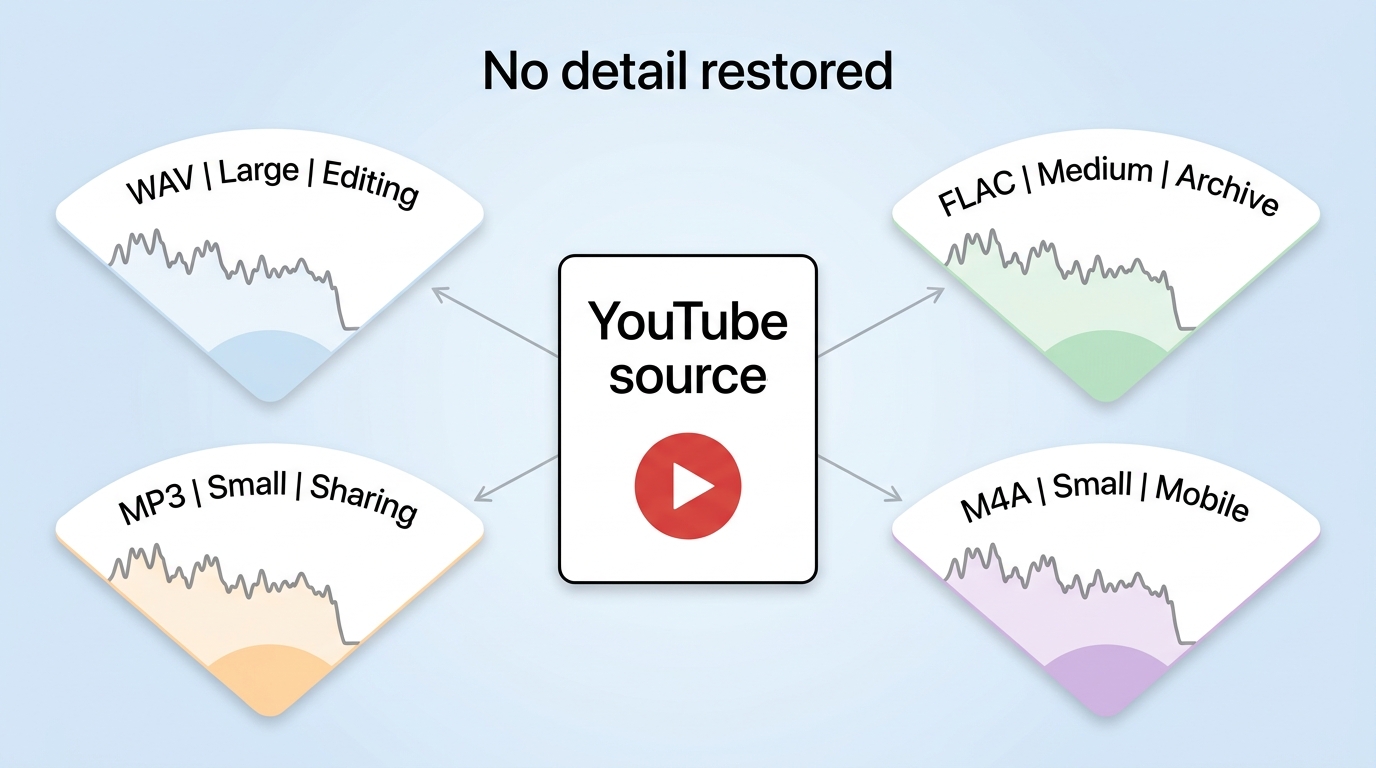
Converting compressed YouTube audio to WAV changes the file container and editing compatibility, but it cannot restore detail that is absent from the source. That source-quality ceiling matters more than the larger WAV file size.
| Format | What conversion changes | What it cannot restore | File-size cost | Editing compatibility | Typical use |
|---|---|---|---|---|---|
| WAV | Creates an uncompressed PCM-style working file | Missing source detail | Largest of these choices | Broad support in audio and video editors | Editing, interchange, and software that specifically requests WAV |
| MP3 | Creates a widely supported compressed file | Detail already absent from the source | Small | Broad playback support, less suited to repeated editing | Portable listening and space-conscious libraries |
| FLAC | Stores decoded audio with lossless compression | Detail already lost upstream | Usually smaller than WAV | Good in many audio tools, but not universal | Archiving a decoded file with less storage overhead |
| M4A | Retains a compact modern audio container | Missing source information | Small | Strong device playback support, editor support varies | Everyday listening and compatible mobile devices |
What WAV Changes and Cannot Restore
WAV audio quality is bounded by the audio stream available from YouTube. Re-encoding that stream as WAV does not turn it into a higher-fidelity source, even when the resulting bitrate shown by file properties is much larger.
The same principle explains why a YouTube to MP3 converter can be the more practical choice when broad playback and compact storage matter. For editing-oriented workflows, YouTube to FLAC can reduce storage compared with WAV while preserving the decoded signal.
When WAV Is Worth the Space
A YouTube video to WAV conversion makes sense when an editor, sampler, or production app explicitly expects WAV. For casual listening, the larger file often brings no audible recovery because the source quality ceiling has already been set.
If your device or app favors a compact container, the existing guide to YouTube to M4A converters covers that route. My judgment is straightforward: choose WAV for compatibility and editing, not as a promise of newly recovered detail.
Free Online YouTube to WAV Option: CutYT
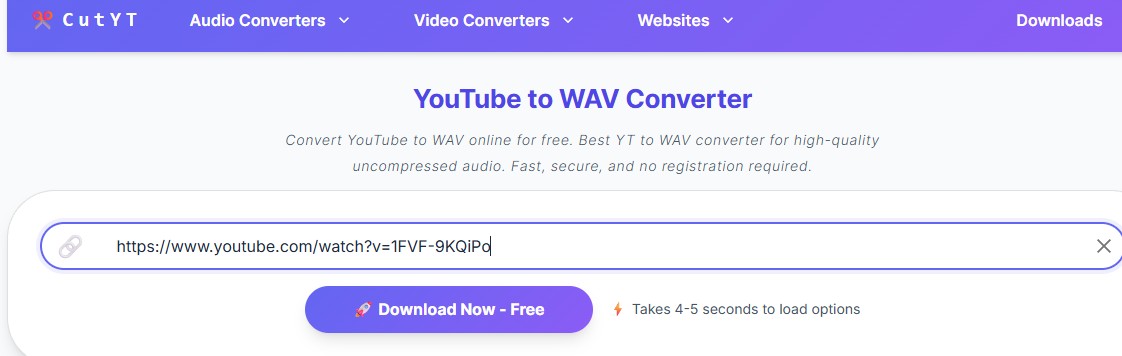
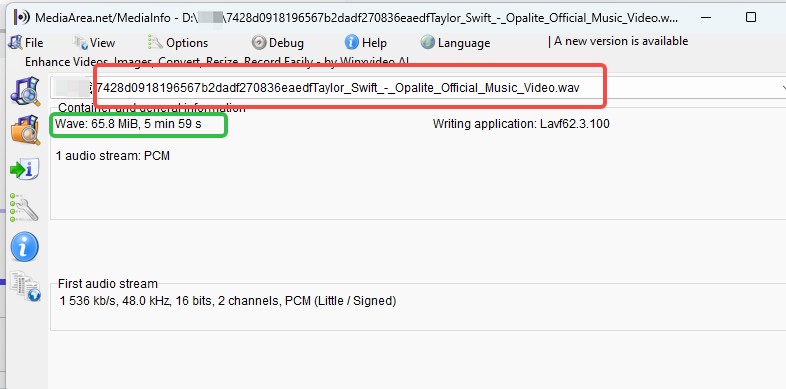
CutYT remains an active free YouTube to WAV converter page for a single clip, but its current file output should be tested before relying on the earlier extension, sample-rate, bit-depth, speed, or metadata observations.
CutYT Output, Workflow, and Fit
The archived test recorded a WAV result, but that February result should not be presented as a July guarantee. A fresh check should confirm the downloaded extension, file properties, metadata, ads, redirects, and each processing screen.
Best for an occasional single clip: CutYT can be convenient if a fresh run produces real WAV output and the source link is supported. Not ideal for a long collection: the browser flow is oriented around one link and does not offer the same library organization as a multi-track desktop route.
That balance matters. I would not dismiss a browser tool because it handles one file at a time, and I would not recommend it for a playlist simply because the landing page is fast to open.
Desktop YouTube to WAV Option: MusicFab
MusicFab is a Windows and Mac YouTube to WAV downloader for repeated or metadata-sensitive workflows. Its relevant documented capabilities are WAV output up to 24-bit, processing up to 20x, multi-track handling, and retention of ID3 tags and cover art.
MusicFab uses direct source download technology rather than screen or audio capture and does not perform DRM decryption. It requires an active subscription to the original platform when the source is subscription-based, and personal copying exemptions may apply depending on the jurisdiction.
- Choose WAV, MP3, M4A, FLAC, or OPUS according to the target player or editor.
- Process albums, playlists, podcasts, or multiple tracks in one queue.
- Retain ID3 fields, cover art, track numbers, and .lrc lyrics for library organization.
The broader MusicFab Audio Converter page explains the desktop suite. A 30-day free trial covers three full songs per service, with separate Free Trial for Windows and Free Trial for Mac downloads.
Best for repeated or metadata-sensitive use: it fits collections where one-at-a-time processing creates unnecessary file-management work. Not ideal for one quick clip: installing a desktop app can be excessive when a freshly verified browser result already meets the need.
Convert YouTube to WAV: Online and Desktop Steps
To convert YouTube to WAV, choose the workflow by scale: use a freshly verified browser route for one video, or a desktop queue for multiple authorized tracks. The steps should stay simple, while format verification happens after the file arrives.
Before continuing: use these steps only for content you are authorized to access, where permitted by YouTube's terms and applicable law. Unavailable, private, restricted, deleted, or live sources may not process.
One Video Online with CutYT
A browser route is the lighter option for one available video. The original CutYT conversion steps remain useful as a workflow reference, but the final file still needs inspection.
- Open the available YouTube video and copy its URL.
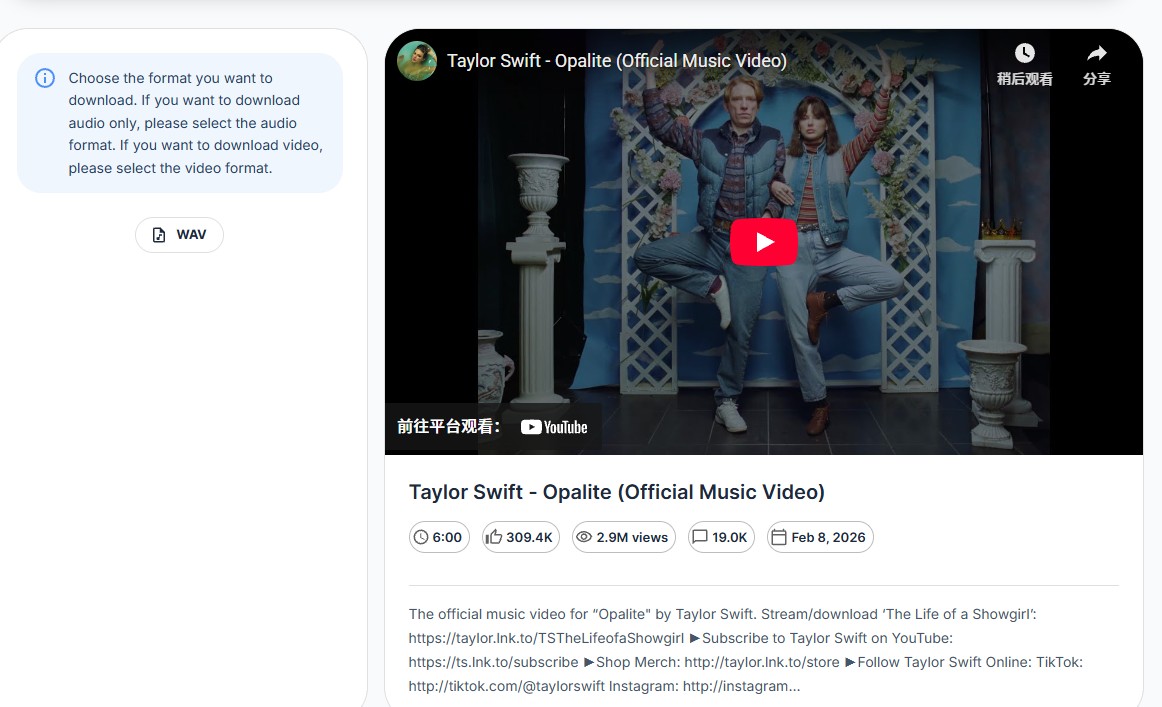
- Open CutYT, paste the URL, and start the analysis.
- Choose WAV when the format options appear.
- Wait for the processing page to finish rather than starting duplicate jobs.
- Save the file, then inspect the extension, sample rate, bit depth, and metadata.
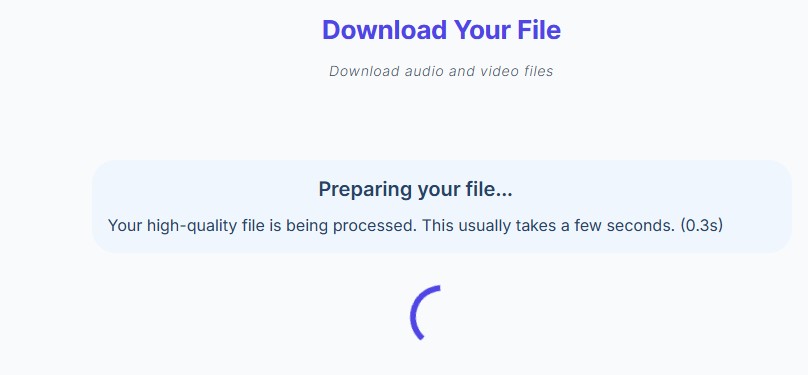
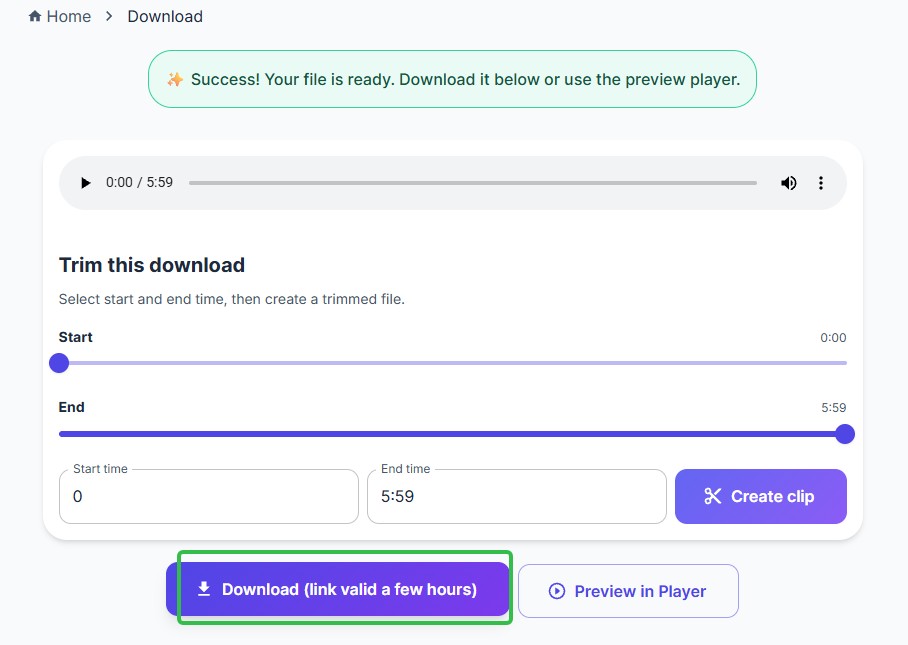
If the site opens extra pages, substitutes a different format, or cannot parse the source, stop and reassess rather than treating the WAV label as proof.
Multiple Tracks on Desktop with MusicFab
A desktop queue reduces repetitive steps when you need a YouTube playlist to WAV or several individual tracks. Keep the product specifications in the previous section in mind; this section focuses only on the necessary workflow.
- Install and open MusicFab on Windows or Mac, then select YouTube Music or paste the authorized link.
- Sign in to the original service when access to the source requires an active subscription.
- Open the available album, playlist, or track selection and start analysis.
- Choose WAV and the available quality setting that fits the source and target editor.
- Add the selected tracks to the queue, download them, and inspect a sample file before organizing the full set.
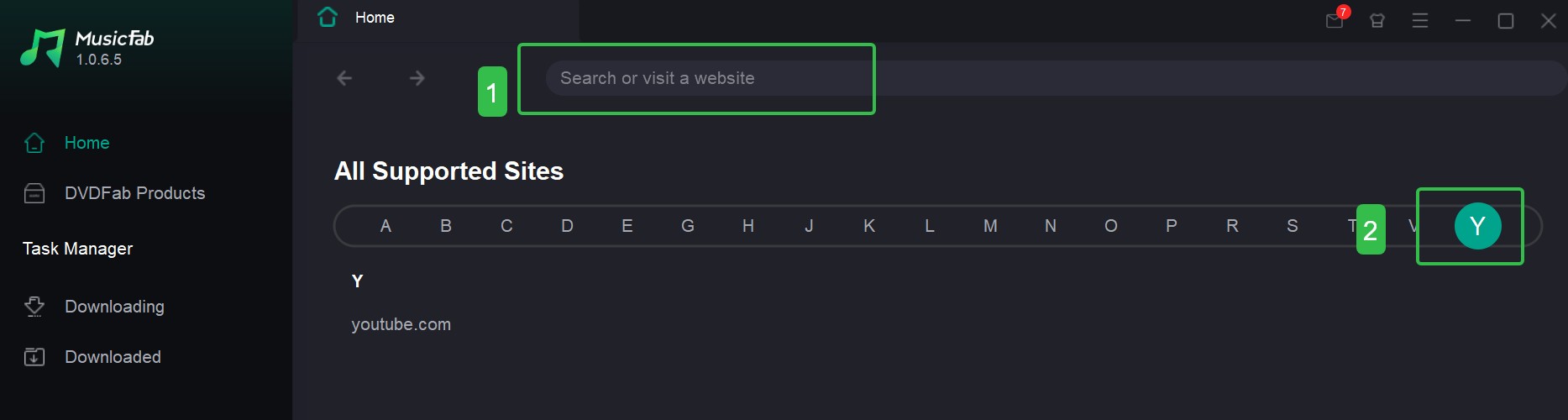
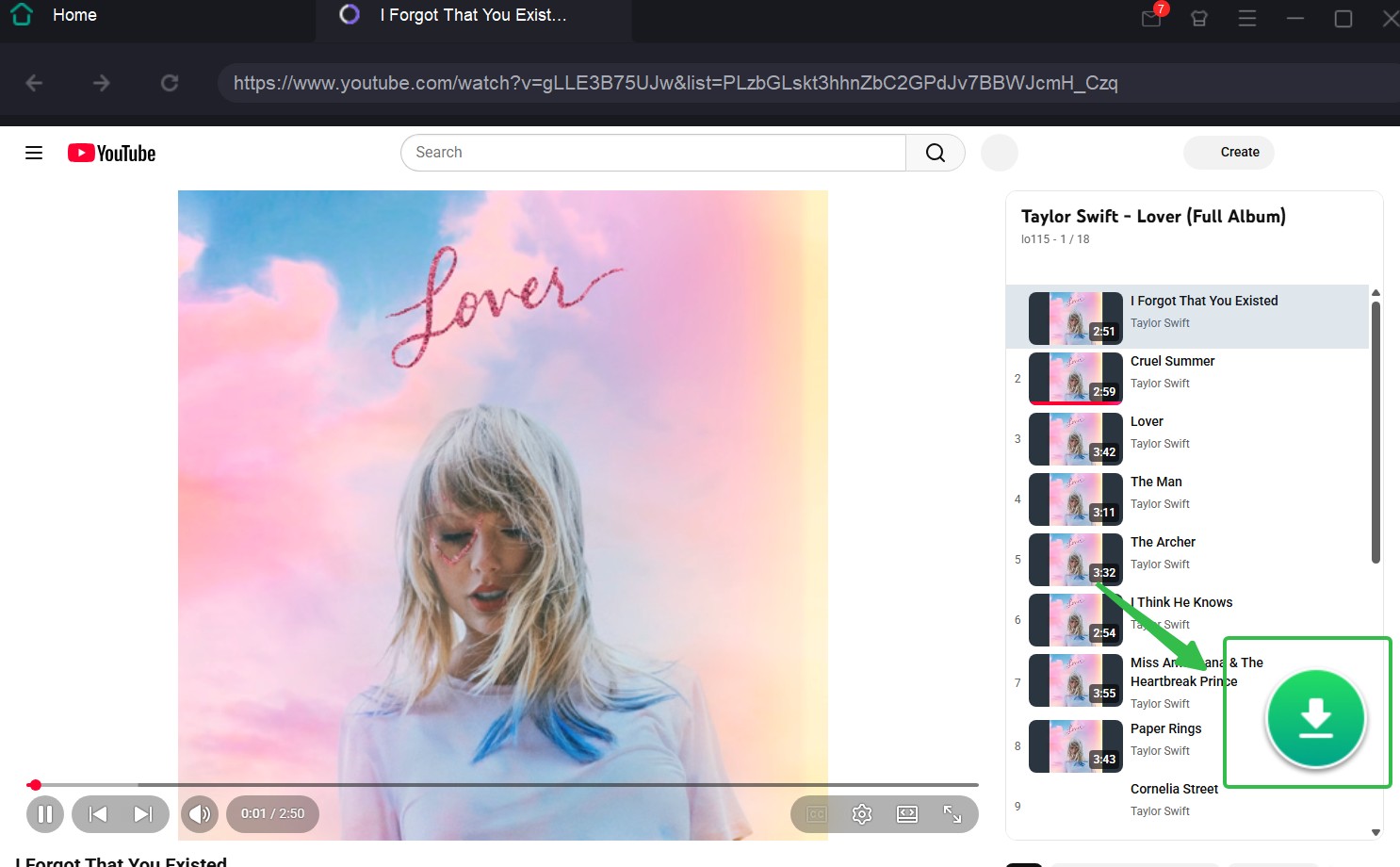
Most browser routes process one video at a time. For a long collection, a verified multi-track workflow is more practical because it keeps track selection and metadata handling in one queue, but it is unnecessary for a one-off sound clip.
Save WAV Files on iPhone and Android
Mobile conversion uses the same browser flow, but file access differs after the download. Not every converter works in every mobile browser, so test one authorized video before committing to a longer workflow.
- Open the converter in the mobile browser and paste the available YouTube URL.
- Select WAV, complete the processing flow, and accept the browser download prompt.
- On iPhone, locate the result in the Files app, usually under Downloads or the selected cloud location.
- On Android, open Downloads or the browser's download manager, then move or rename the file if needed.
- Check that the saved file opens in the intended audio or editing app.
Android usually exposes downloaded files more directly, while iPhone routes them through Files and the browser's selected destination. That access difference is real; the conversion logic itself does not need duplicate device-specific instructions.
Authorized Use and YouTube Rules
Use a YouTube to WAV converter only when YouTube offers a download feature, the rights holder permits the download, or another lawful basis applies. Platform terms and copyright rules still govern the source, even when a local file is technically possible.
- Prefer YouTube's official download feature when it covers the intended use.
- Keep downloads within personal use and do not share or commercially reuse files without permission.
- For a promoted local-file workflow, limit use to content you're authorized to access, where permitted by platform terms and applicable law.
- MusicFab's direct source download approach is not a screen or audio capture process and does not perform DRM decryption.
- An active subscription to the original platform remains required when the source is subscription-based; personal copying exemptions depend on applicable copyright law.
I treat authorization as a prerequisite, not a footnote after the steps. That keeps the format decision, the tool decision, and the permitted-use decision in the right order.
Tested Converter Results and Current Status
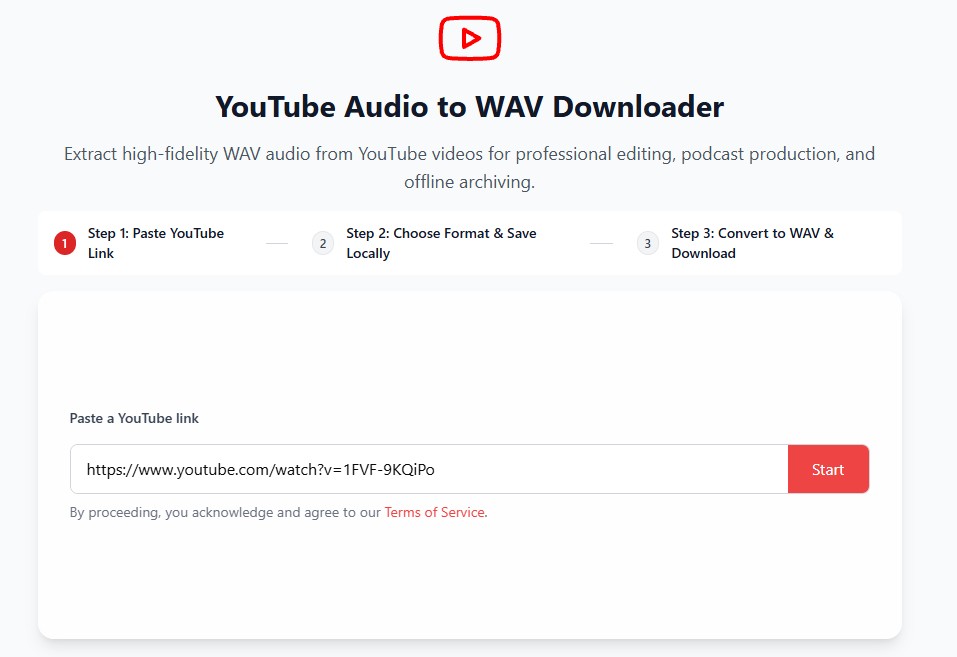
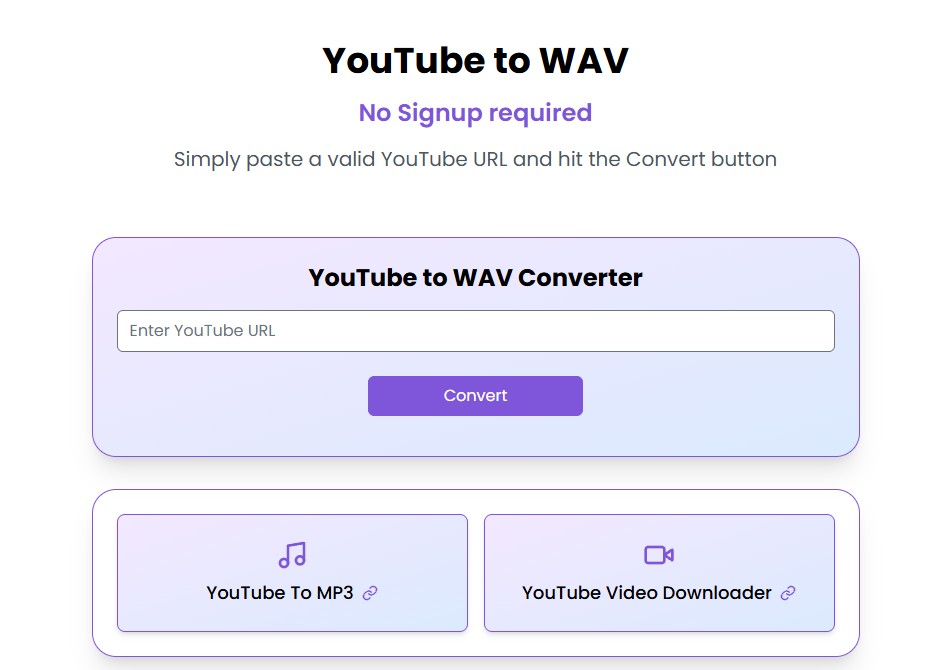
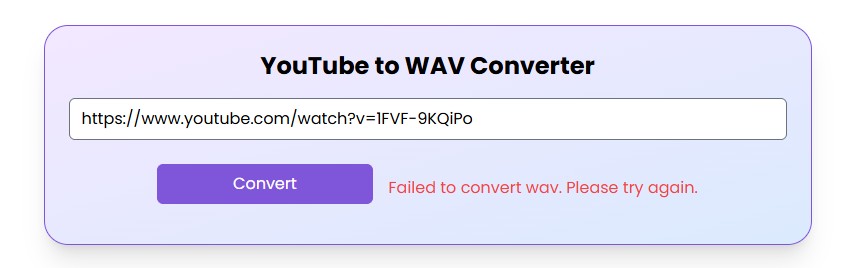
Converter pages change quickly, so current status must be separated into three groups: active pages that need a fresh output test, interfaces that redirect or require renewed verification, and pages that are gone or visibly stale.
The screenshots below preserve what earlier tests observed, but they do not turn a February file result into a current verdict. This churn is exactly why real WAV output must be verified from the newly downloaded file.
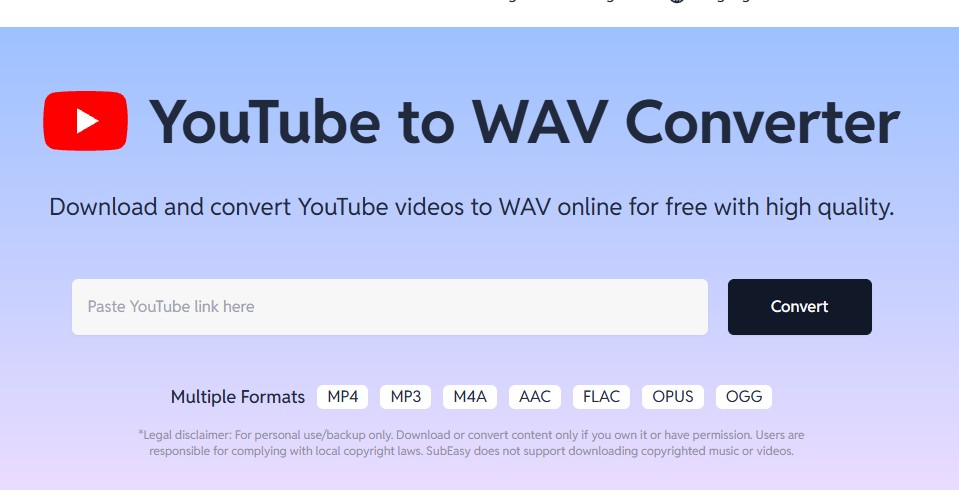
SubEasy: Active, Fresh Test Required
SubEasy's converter page is active, but its present output format, registration flow, and free limits require a new functional test. The older MP3-only and daily-limit observations should not be treated as current facts.
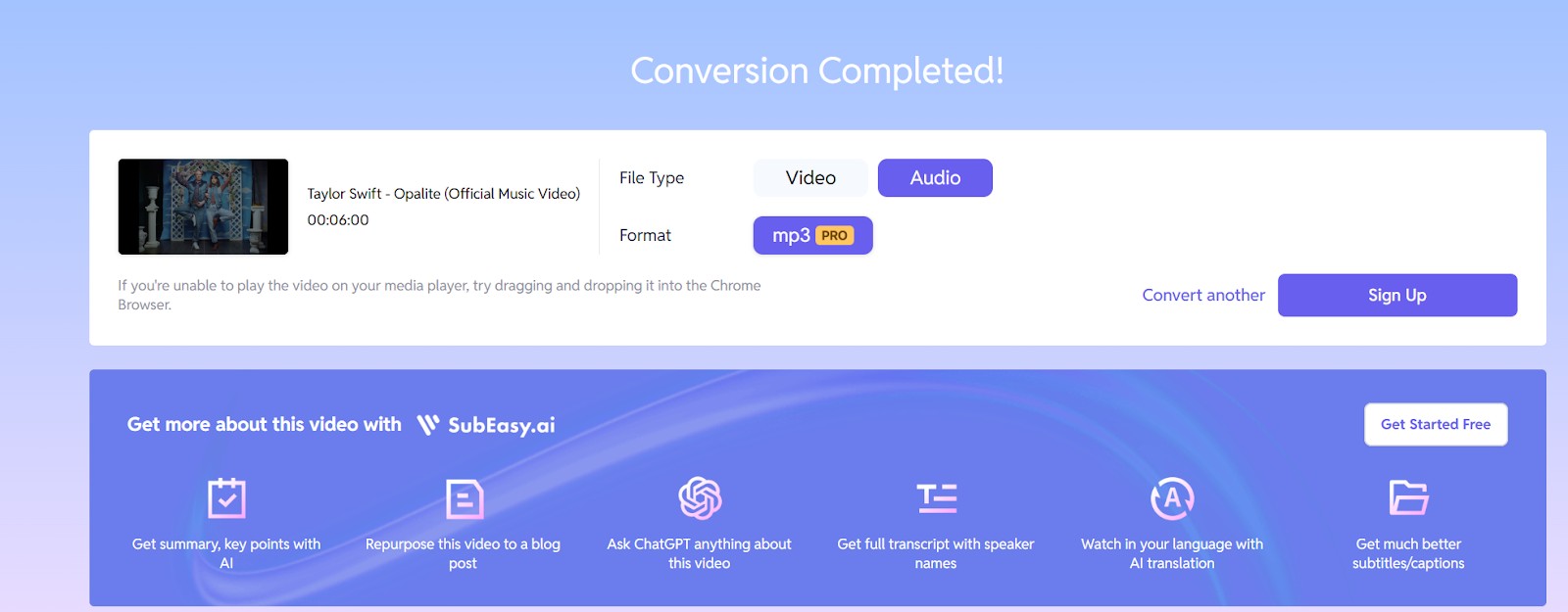
ExploreAI: Former Page Now Redirects
The former ExploreAI converter domain now redirects to an unrelated host, so it is a historical status note rather than an active peer. The earlier interface screenshots explain the old search result, not a current conversion route.
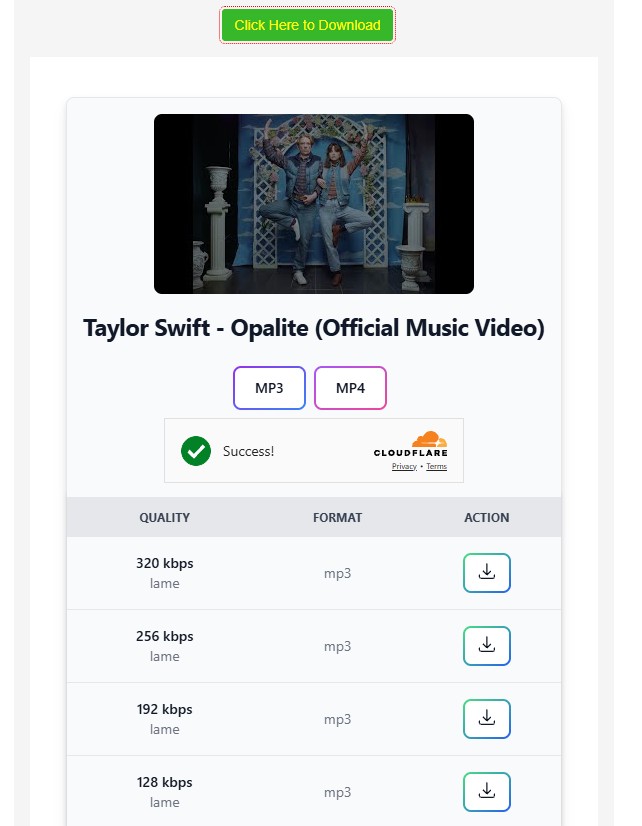
AccurateScribe: Current Interface Needs Retesting
The AccurateScribe URL currently resolves to a visible TubeWav downloader interface. That corrects the old dead-end description, but the actual downloaded format, redirects, and file properties still need a fresh end-to-end test.
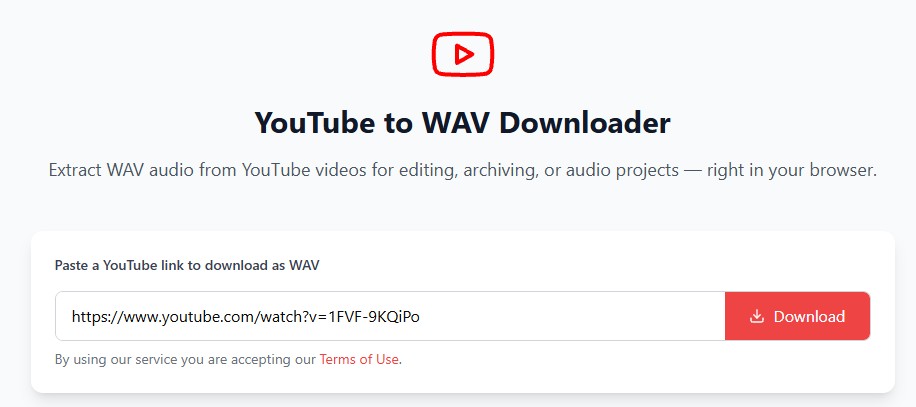
HireQuotient: Converter Page Is Gone
HireQuotient's named YouTube-to-WAV page returns 404 and should not be compared as an active converter. The old error screenshots remain useful only as historical context for why the page was removed from the live comparison.
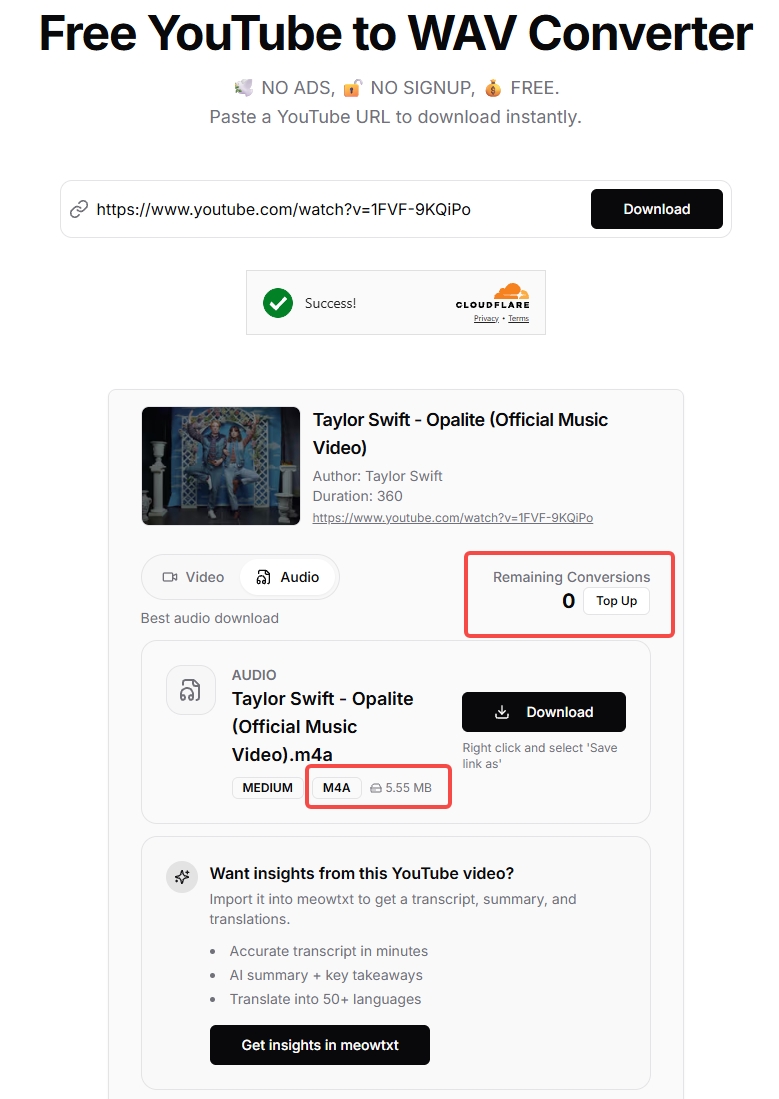
MeowTxt: Active, Output Needs Retesting
MeowTxt's converter page is active, but its current output format and free limit need retesting. The earlier M4A observation should not be repeated as a present result until a newly downloaded file confirms it.
Downloaderto: Reachable but Stale
Downloaderto remains reachable, but its visible maintenance signal is stale. Its output format, bitrate, popup behavior, and WAV claim need a fresh test before it can be treated as a current recommendation.
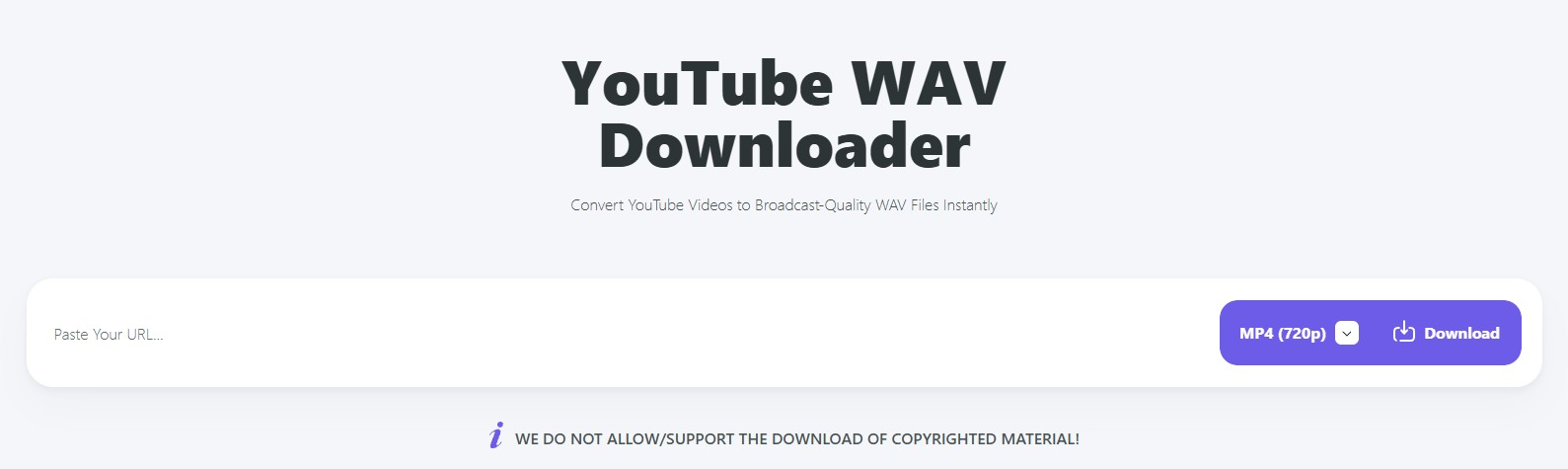
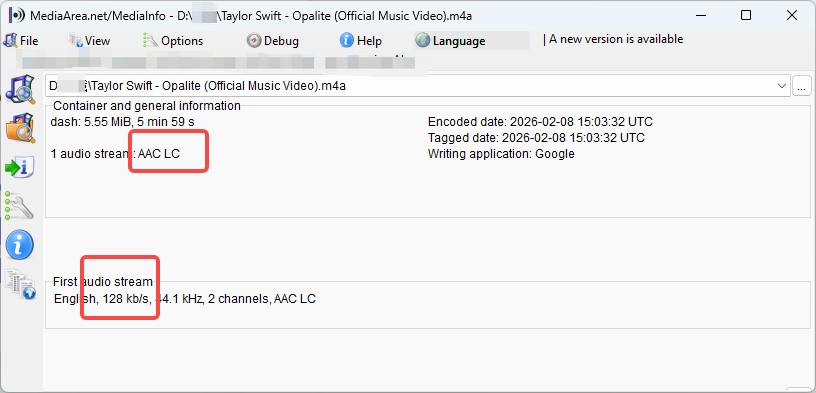
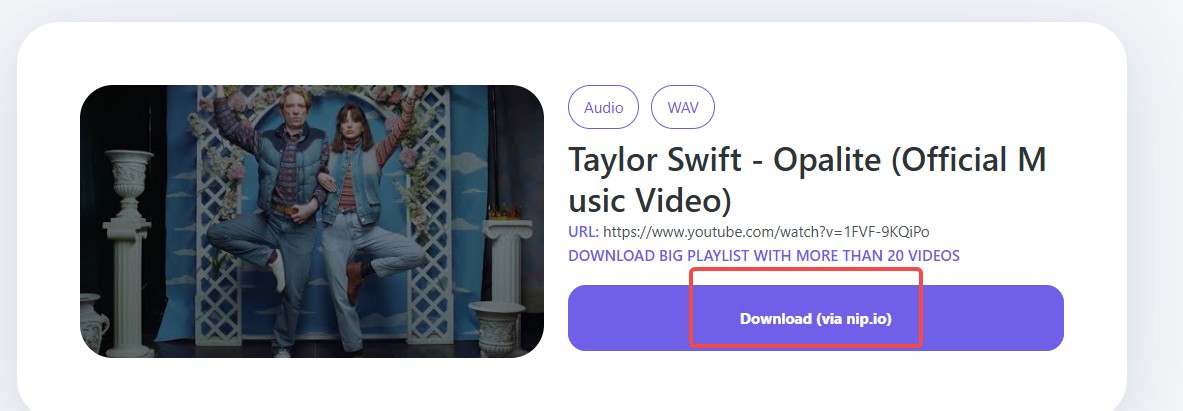
My editorial conclusion across these status checks is that active, reachable, and verified are three different labels. A useful recommendation needs the third one, based on the file produced now.
FAQs
What does 1411 kbps mean in a converted WAV?
It usually reflects the data rate of standard 16-bit, 44.1 kHz stereo PCM. It does not prove that detail missing from a compressed YouTube source has been recovered.
Does a 4K YouTube video produce better WAV audio?
No automatic link exists between 4K picture resolution and the available audio stream. Inspect the audio source and downloaded file rather than using the video label as a quality shortcut.
Can a converter create 320 kbps WAV audio?
“320 kbps” is commonly used for compressed MP3 settings, while WAV is normally described by sample rate and bit depth. If a page mixes those labels, inspect the delivered file before trusting the claim.
Why do YouTube-to-WAV tools suddenly stop working?
Endpoints, source handling, domains, interfaces, and usage limits can change. That is why I give more weight to a current file test than to an old ranking or a familiar landing-page label.
Conclusion
The right route follows a simple decision framework: fresh file verification for one clip, a multi-track desktop queue for repeated work, and another format when WAV's storage cost adds no practical benefit.
- One occasional clip: use a freshly verified browser option such as CutYT if it produces real WAV output. It is not ideal for a long list or a metadata-heavy library.
- Repeated tracks or playlists: use MusicFab when queueing, WAV output, artwork, and ID3 organization justify a desktop app. It is not ideal when you need one quick file.
- Portable listening: choose MP3 or M4A when small files and broad playback matter more than editing compatibility. They are not the right choice when an editor specifically requires WAV.
- Decoded archive with less space: consider FLAC when the target software supports it. It still cannot restore detail missing from the YouTube source.
A YouTube to WAV downloader should solve the actual workflow, not merely match the search phrase. For me, “real WAV output” remains the thread connecting the test method, the format choice, and the final recommendation.

Download YouTube Music to a computer with a clear look at official mobile-only downloads, desktop local-file options, format choices.
By Jane Chen - Aug 26, 2026

This guide separates a converter's live page, completed conversion, and verified .m4a file. It compares six browser tools using current status and prior outcomes, explains how to inspect the container and codec, and outlines desktop workflows for single videos and playlists.
By Jane Chen - Aug 19, 2026
YouTube Music tops out at 256 kbps AAC & OPUS with no native lossless tier. Here's how it compares to Spotify Lossless and Apple Music, plus the Wi-Fi, mobile
By Jane Chen - Aug 13, 2026
Compare six YouTube Music playlist downloaders for desktop, online, and command-line use. See full-playlist support, MP3 output limits, metadata, safety signals
By Jane Chen - Aug 12, 2026