9 YouTube to MP3 Options Reviewed in 2026: Safe & Free

Summary: Nine YouTube to MP3 options are reviewed by current status, redirects, output quality, device fit, and playlist handling. Use the comparison to choose a one-off online converter or a desktop workflow for repeated, organized conversions.
Table of Contents
Need a YouTube to MP3 converter without gambling on a misleading button or wrong file? For one song, start with CnvMP3 and stop if the flow leaves the site. For playlists or an organized library, a desktop workflow is the better fit.
This review covers eight online services plus one desktop option. It explains what was checked, which status claims remain uncertain, and how to choose a safe YouTube to MP3 converter without treating nine very different options as equal recommendations.
| Your situation | Practical route | Stop condition |
|---|---|---|
| One short, authorized item | Try CnvMP3 in the browser, and confirm the title and duration before saving. | Close the page if it opens an unrelated tab, requests an extension, or asks for credentials. |
| Playlists, repeat use, or tagged files | Use a desktop workflow such as MusicFab on Windows or Mac. | Pause the task if the service reports an access error; retry after a visible status update. |
| Unverified or stale service | Treat Y2Mate, EzMP3, Cobalt, and YTBMP3 as status notes, not default picks. | Do not proceed on domain warnings, mismatched media, or missing conversion controls. |
1. Eight Online YouTube to MP3 Converters
The best YouTube to MP3 converter is the one that completes the intended file correctly without redirects or misleading quality labels. This free YouTube MP3 converter review checks page status, redirect behavior, output correctness, bitrate evidence, playlist limits, and whether a YouTube converter still works.
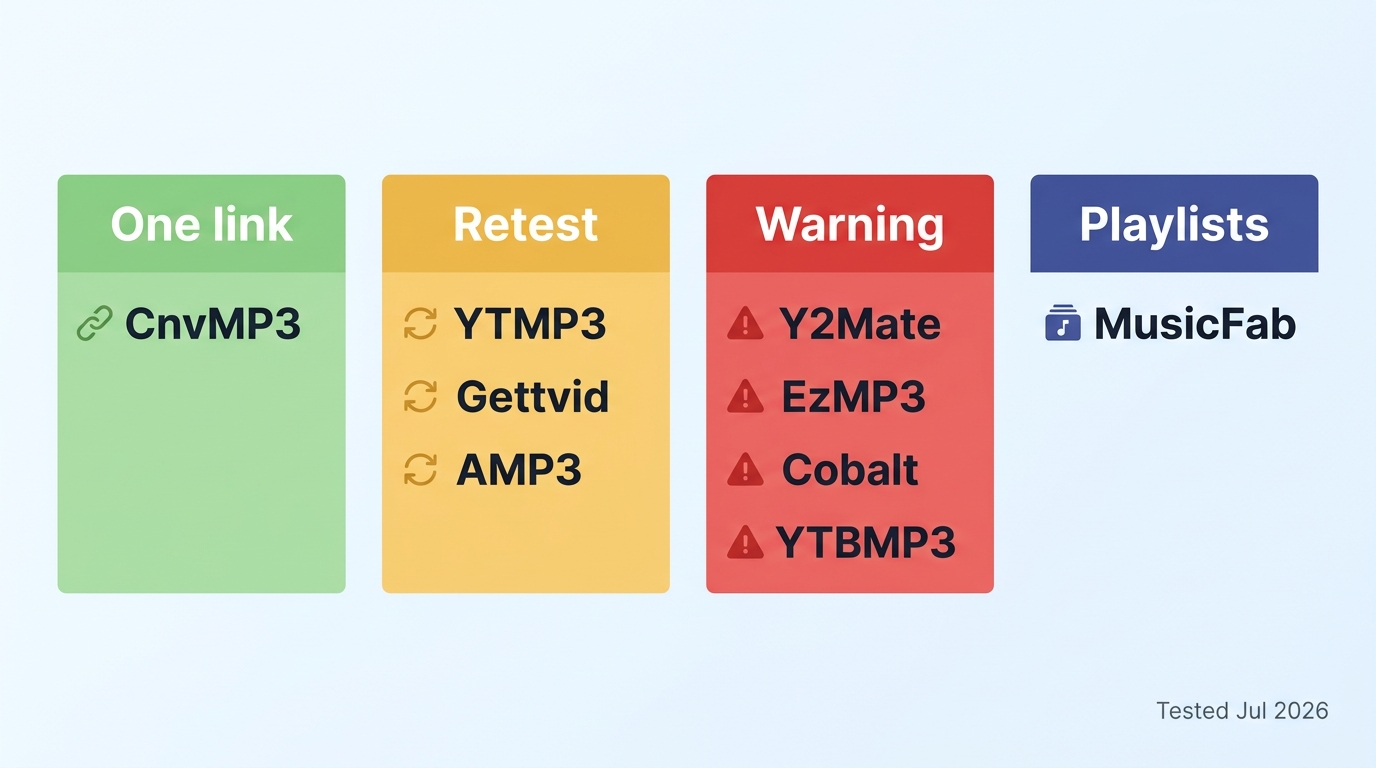
The July 2026 review separates active candidates from status warnings. A reachable page or visible button is not the same as a completed conversion, so unverified tools are labeled plainly instead of being promoted as winners.
1. CnvMP3
CnvMP3 is the clearest online YouTube to MP3 converter here for a quick, single-link task. Its interface presents MP3 choices from 96 kbps through 320 kbps, but it does not solve playlist conversion or YouTube Music link handling.
My take: use it when speed of setup matters more than batch organization. It is not ideal for playlists, repeat jobs, or anyone who needs metadata managed across an album.
YouTube Music playlist downloader workflows require a different approach because a single-link web form does not provide the same queue and library controls.
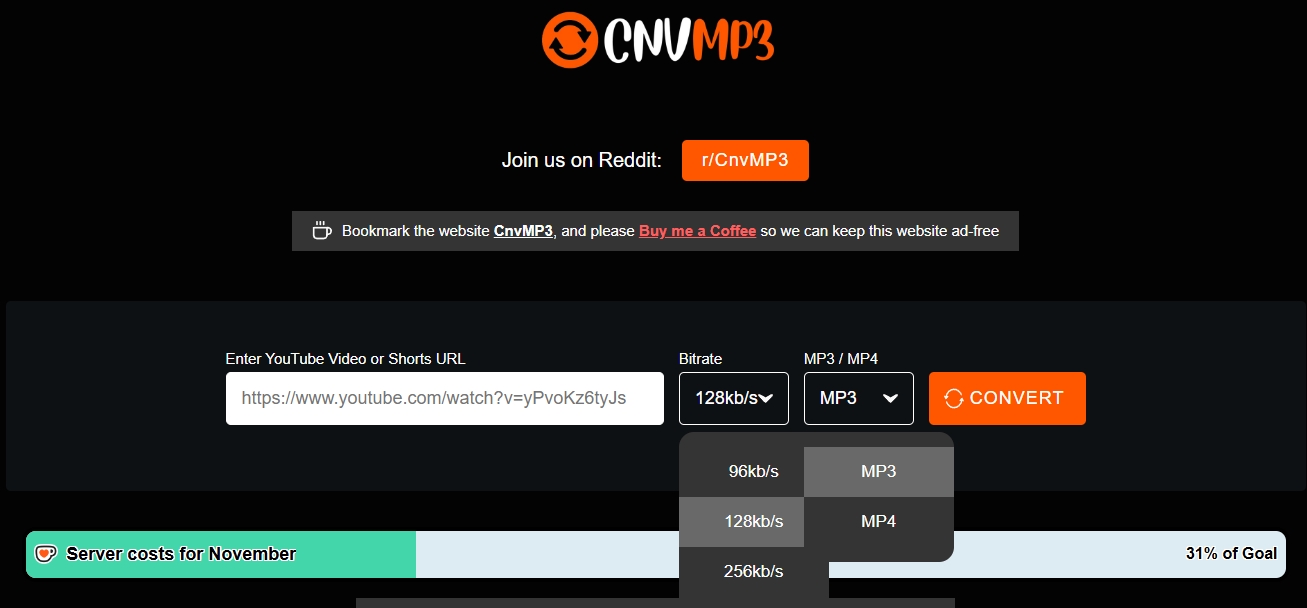
- Fits: one short item when the title, duration, and destination file can be checked immediately.
- Does not fit: playlists, YouTube Music links, or a tagged local library.
2. Y2Mate
Y2Mate should be treated cautiously because its current operation and domain behavior were not confirmed as a complete conversion in this update. A domain warning, unrelated tab, or notification prompt should disqualify it for a safety-first reader.
I would not use it for an account-linked task or a batch. The risk is not simply an ad on the page; it is losing control of where the next click leads.
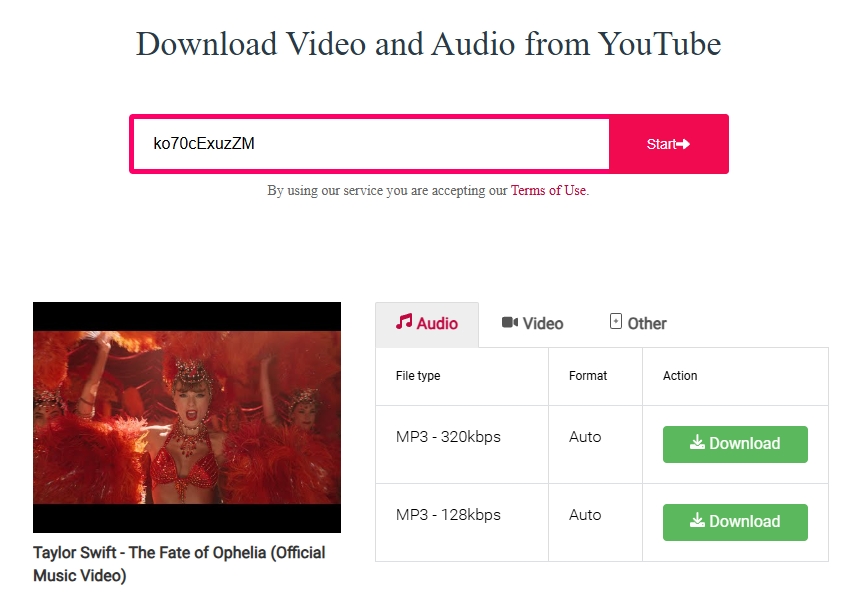
- Observed: multiple output labels may be presented depending on the domain.
- Unverified: current end-to-end conversion, real bitrate, and consistent domain behavior.
3. YTMP3
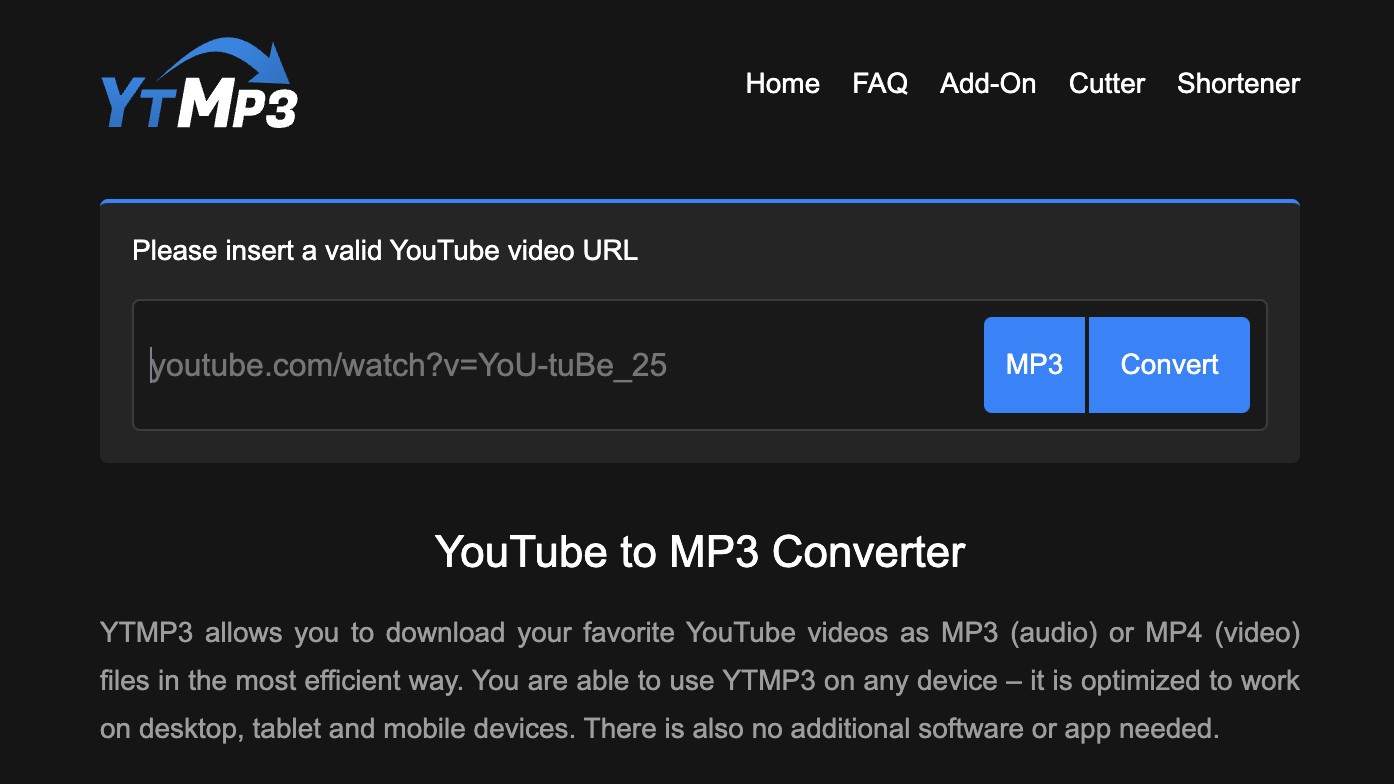
YTMP3 now resolves through ytmp3.gl rather than the previously cited ytmp3.as address. The page requires a fresh completed check of redirects, parsing, bitrate, and long-video behavior before it can carry a safety or quality verdict.
For now, it belongs in the one-off category only as an option to assess, not as a confirmed recommendation. A simple interface does not prove that the delivered file matches the source.
- Fits: a short trial where the result can be inspected before any second conversion.
- Does not fit: long videos, batches, or bitrate-sensitive use until a completed retest supports those claims.
4. EzMP3
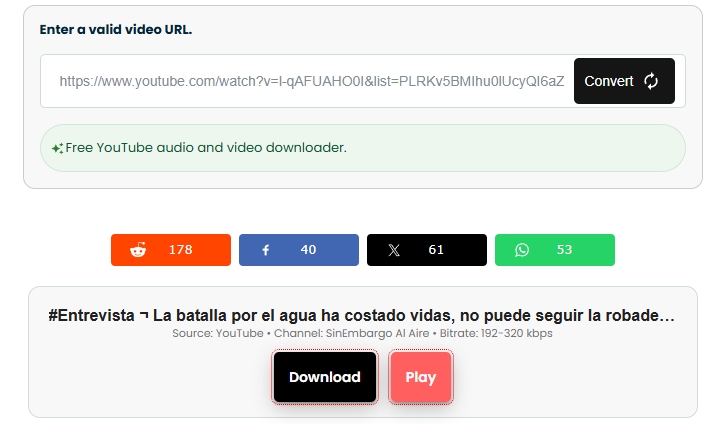
EzMP3 is a status warning, not an equal recommendation. The earlier review produced a different item from the pasted link, and intermittent availability makes that wrong-output observation more important than the bitrate controls shown on the page.
Wrong media is a hard stop. If the title or duration does not match, discard the result and move to a currently clearer candidate rather than trying repeated downloads.
- Status: intermittent and uncertain.
- Main concern: the output may not match the submitted link.
5. Cobalt
Cobalt is reachable and exposes format settings, but YouTube-specific conversion was not confirmed in the current review. Reports of failures after YouTube changes mean the site should be read as a status note until a successful dated conversion is available.
Its settings are useful only when the underlying conversion completes. I would not choose it for a time-sensitive job based on the controls alone.
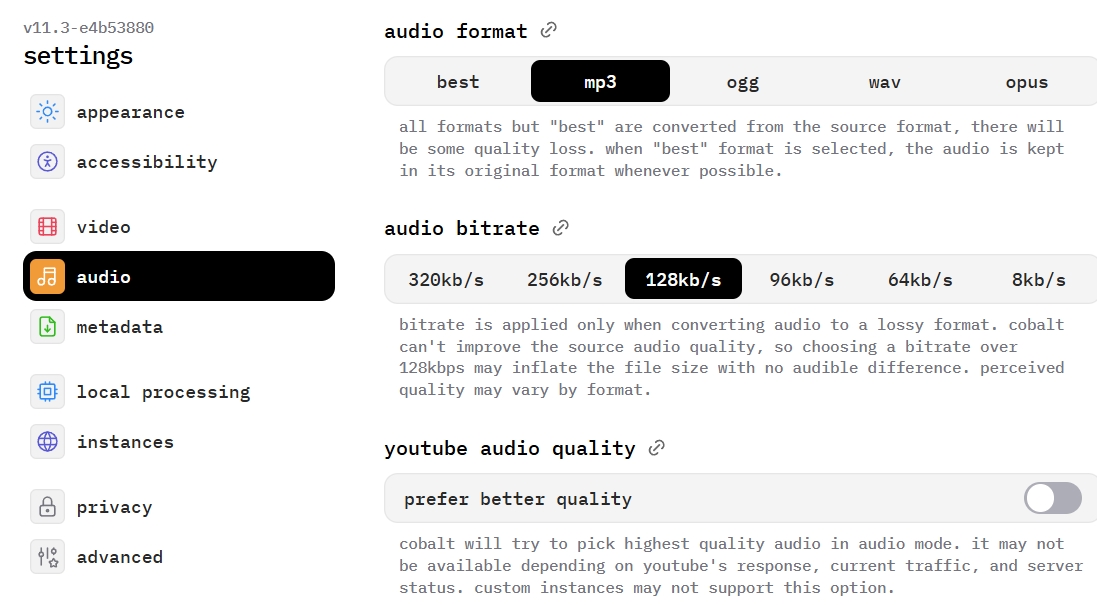
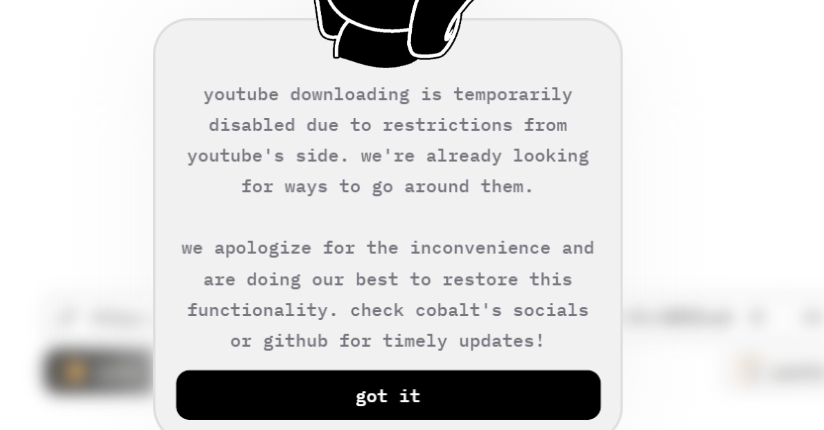
- Observed: format and quality controls are visible.
- Unverified: current YouTube conversion completion.
6. Gettvid
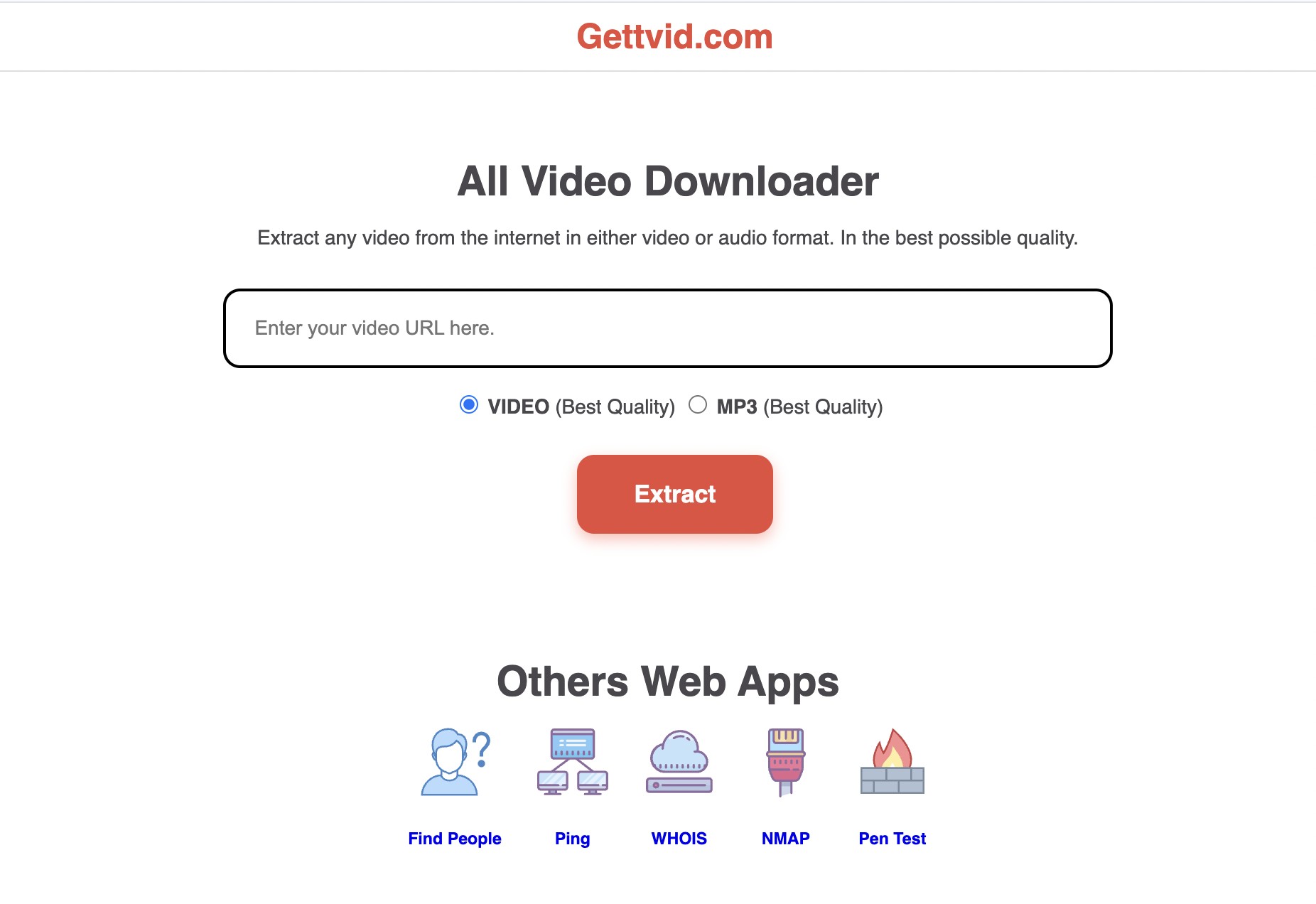
Gettvid exposes Video and MP3 controls in a simple web page, but the latest check did not complete a conversion. That makes it a possible single-link candidate, not a verified choice for bitrate control, playlists, or repeat use.
The practical test is output correctness, not how clean the landing page looks. Check the filename, title, duration, and playback before relying on a result.
- Fits: a cautious one-link trial.
- Does not fit: confirmed bitrate selection, batches, or metadata retention.
7. AMP3
AMP3 displays playlist, quality, trim, and progress controls, which gives it a broader interface than most browser tools. Conversion reliability still needs a completed retest, so those controls should not be mistaken for proof of stable playlist output.
I would shortlist AMP3 only when playlist input is essential and there is time to inspect the first result. It is not ideal when intermittent failure would interrupt a larger queue.
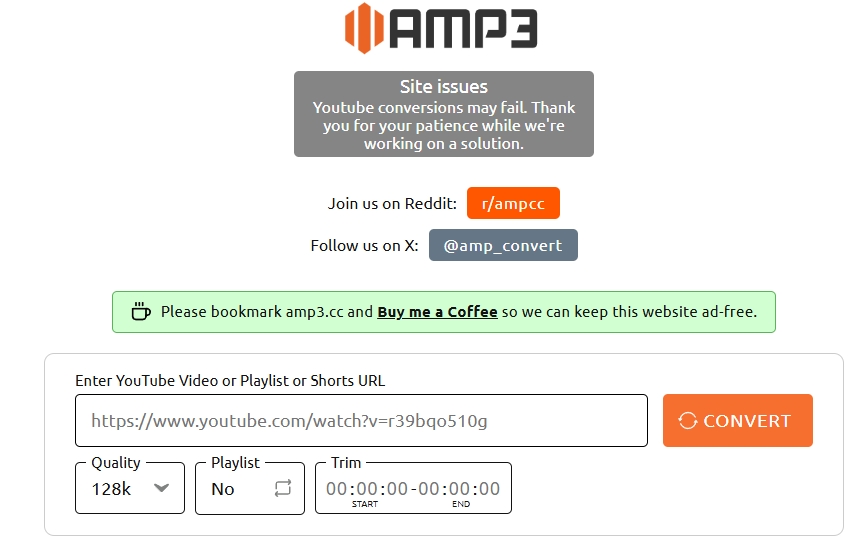
- Observed: playlist, quality, trim, theme, and progress options.
- Unverified: stable completion across a full playlist.
8. YTBMP3
YTBMP3 is reachable, but the fetched page did not confirm an operational conversion control or output quality in the latest check. Claims about confidentiality, reliability, or 320 kbps output therefore do not belong in a current recommendation.
For a reader searching for YouTube to MP3 no ads, an uncluttered page is still not enough. The conversion path and resulting file both need to work as expected.
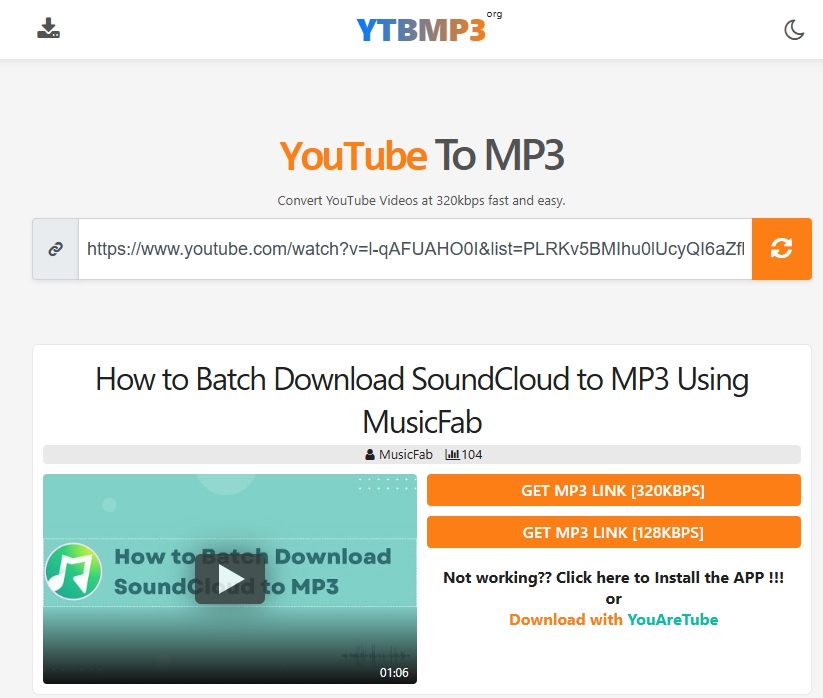
- Status: page reachable, conversion unverified.
- Does not fit: quality-sensitive or time-sensitive use.
2. MusicFab for Desktop YouTube to MP3 Workflow
For personal offline listening of content you are authorized to access, where permitted by YouTube's terms and applicable law, MusicFab YouTube Music Converter is a desktop option for YouTube to MP3 for Windows and Mac when repeated conversions, playlists, and organized files matter more than instant browser access.

MusicFab YouTube Music Converter
- Fits: repeated conversions, a YouTube playlist to MP3 workflow, and libraries that need usable tags and lyrics.
- Does not fit: someone who wants one file without installing desktop software.
- Reliability boundary: service-side changes can produce temporary access errors, including an HTTP 403 report. One report does not establish a universal state, but confidence should rest on a dated successful run and a visible status note.
My judgment is straightforward: installation is worth the extra setup when the queue and metadata save more work than the browser shortcut. It is not automatically the right answer for a single conversion. The 30-day trial covers three complete songs. Playlist batching is the reason to install it; for one file, the setup is harder to justify than a verified browser option.
3. Safe YouTube to MP3 Conversion Steps
Use conversion only for content you are authorized to access, where permitted by YouTube's terms and applicable law. Before starting, confirm the title, duration, account requirements, destination folder, and whether the chosen service supports the item type.
3.1 Online Conversion on Any Device
The shared browser path works on desktop, Android, and iPhone, but file handling differs after download. An online YouTube audio ripper should never require an extension, notification permission, or platform credentials for a simple link task.
- Open the authorized YouTube item and copy its URL.
- Paste the link into the selected converter and confirm that the displayed title and duration match.
- Choose MP3 only when audio is the goal; choose MP4 when the video track is needed.
- Start the conversion, close any unrelated tab, and inspect the saved filename and playback before processing another item.
- Desktop browser: choose the destination folder before approving the save.
- iPhone: the file normally appears in the Files app or the browser's Downloads location rather than the Music library.
- For a YouTube to MP3 Android workflow: check the browser's Downloads folder and move the file to a storage card only if the device and browser permit it.
My rule is to stop at the first off-domain step. A converter that depends on surprise navigation is not worth rescuing with repeated clicks.
3.2 MusicFab on Windows and Mac
The MusicFab workflow adds installation but gives repeated tasks a queue, format controls, and metadata handling. Sign in only when the YouTube Music service requires it, then select an item covered by the authorization boundary above.
1. Install and launch MusicFab on Windows or Mac, open YouTube Music in the built-in browser, and sign in when required by the service.
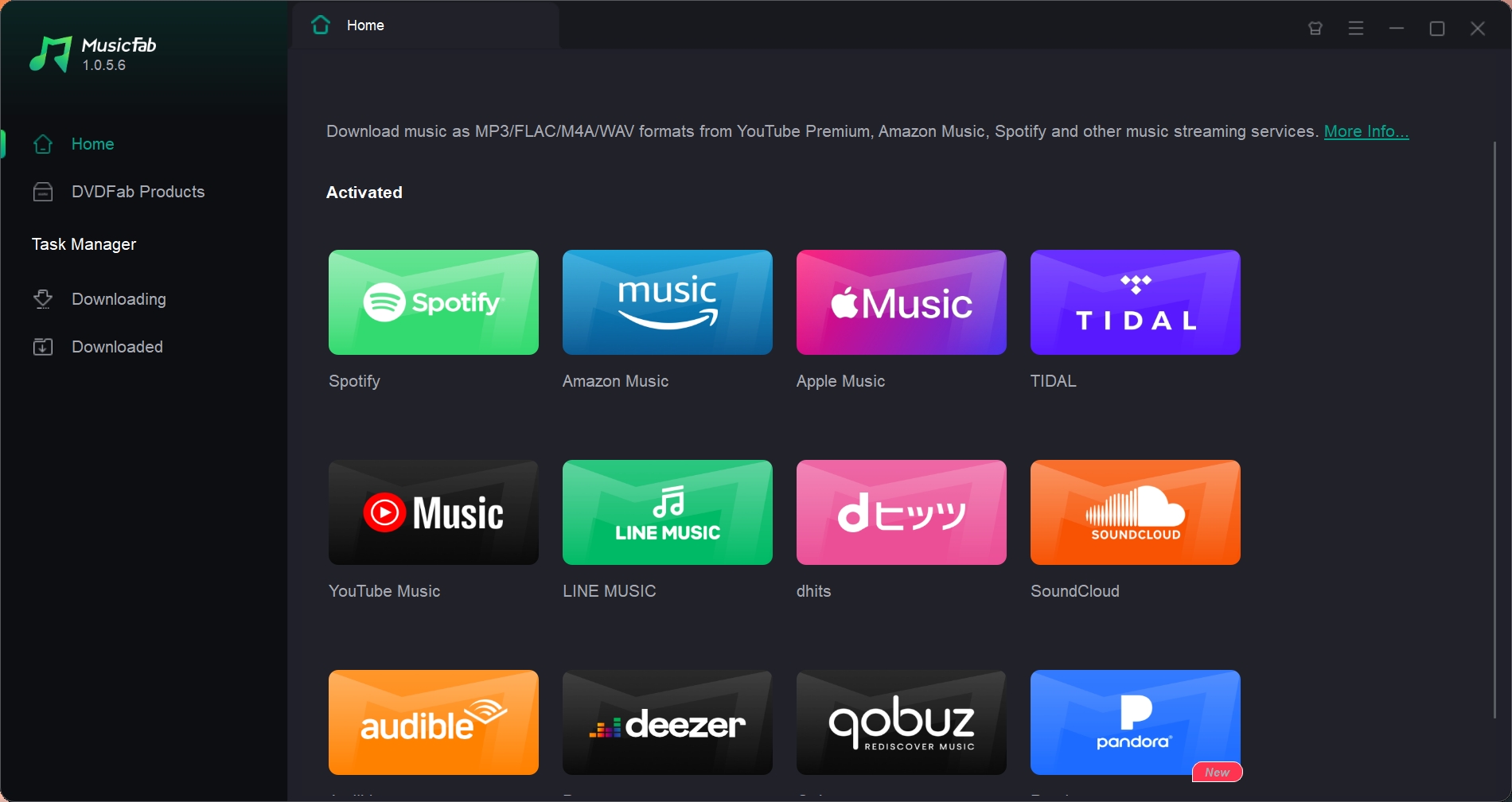
2. Select the authorized song, album, or playlist and let the app analyze the available item.
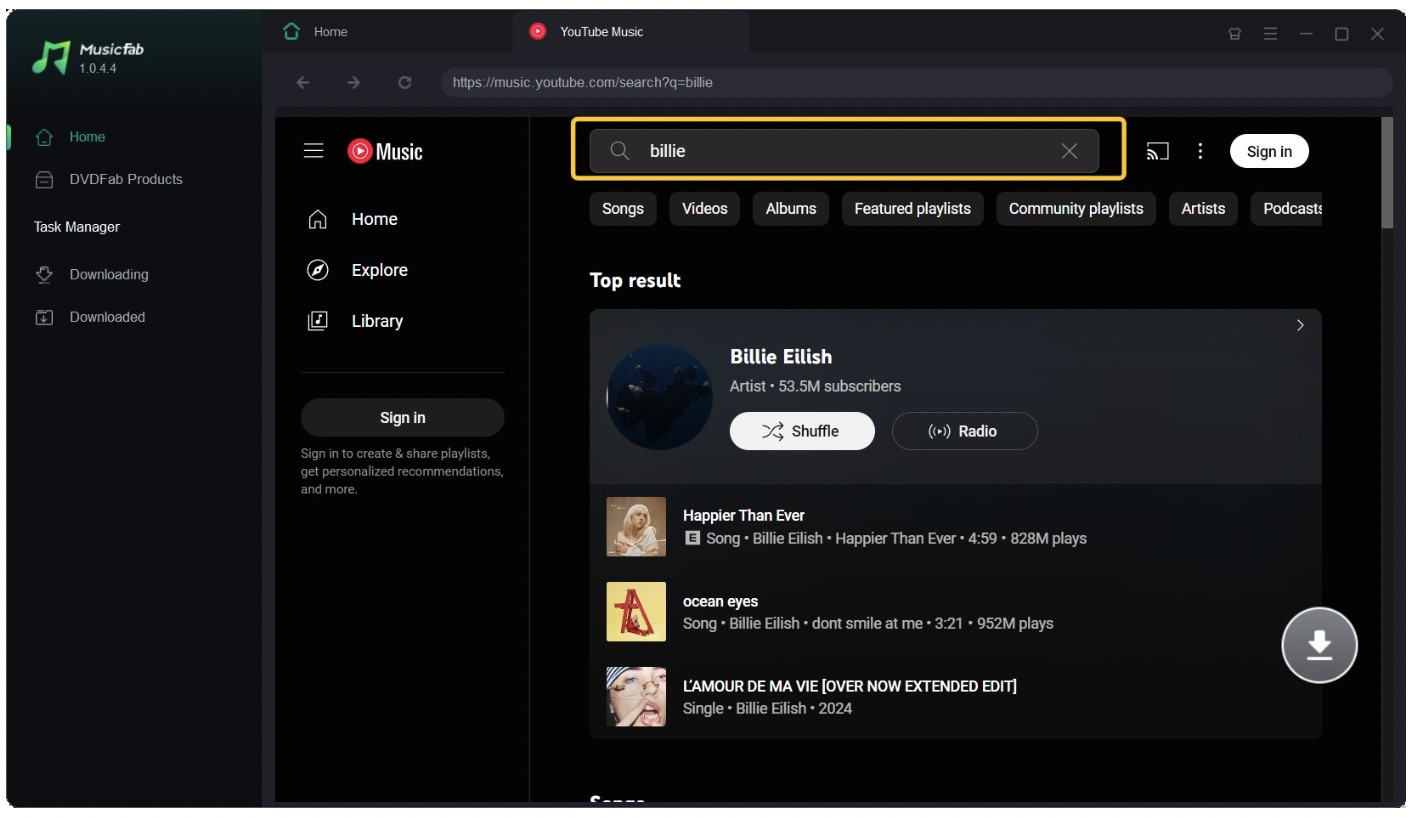
3. Choose the output format and quality supported by the source and your playback needs.
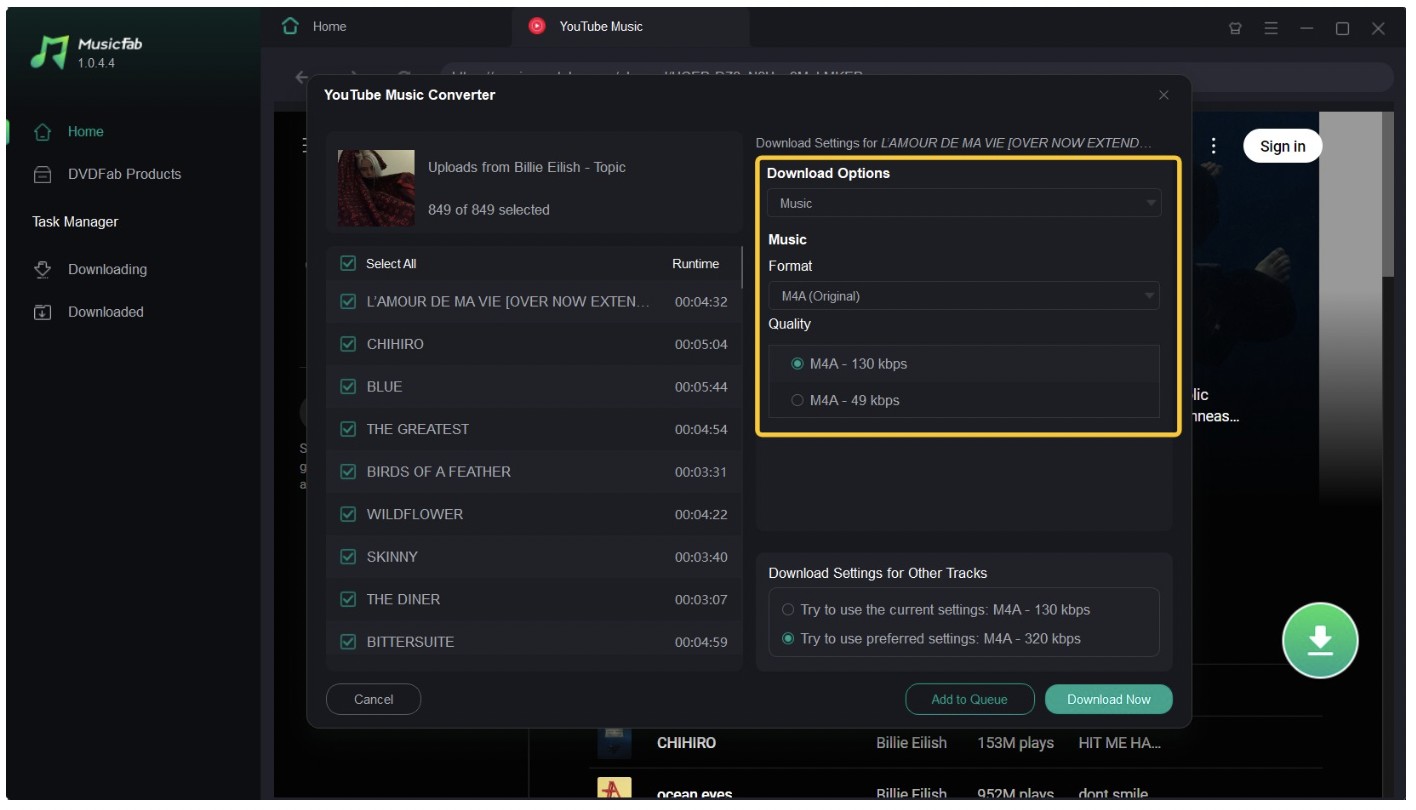
4. Start the task immediately or add it to the queue, then confirm the completed file and tags.
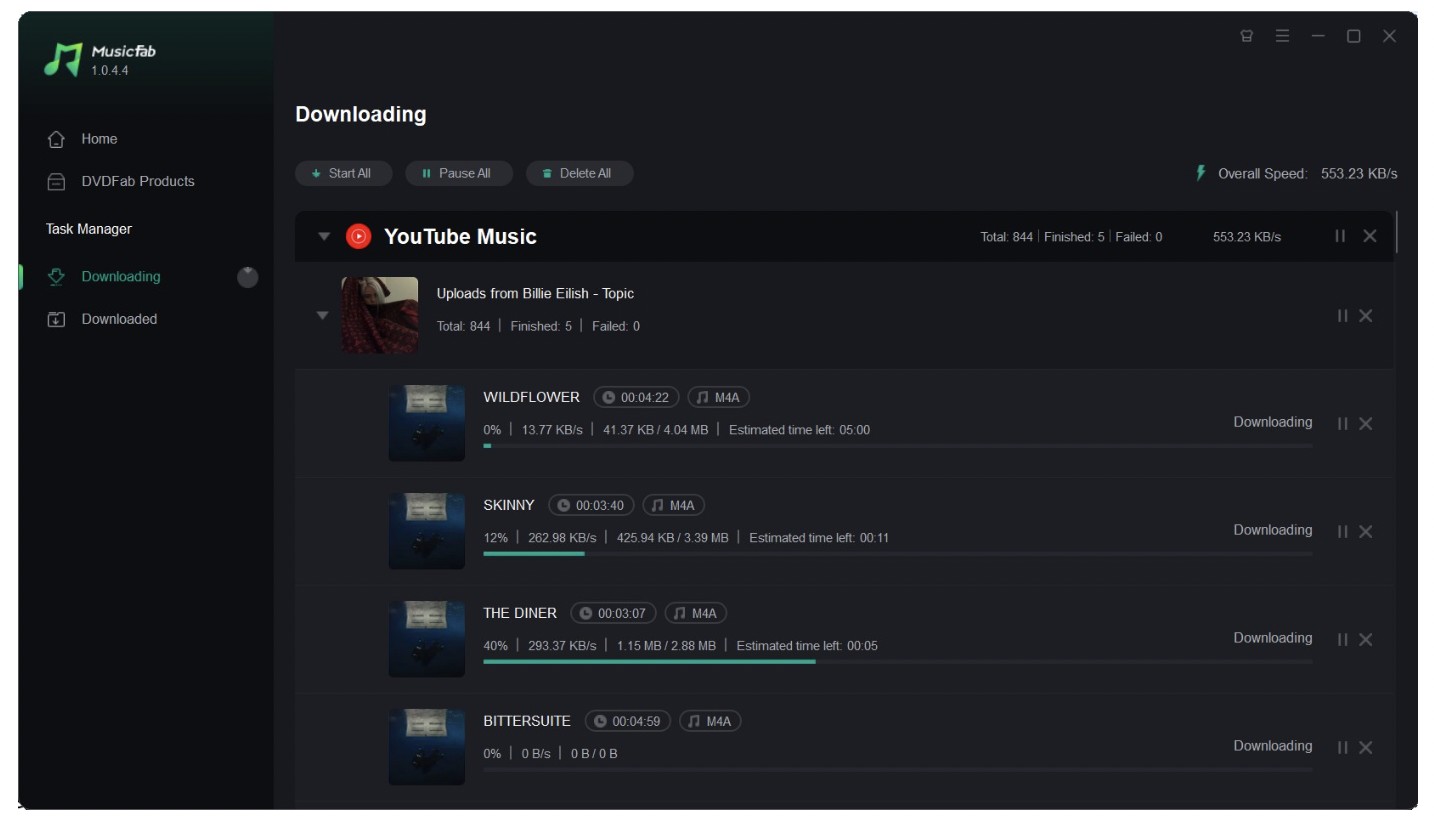
The install pays off when several files need consistent settings. A queue is convenient, but service access can change, so confirm each completed item rather than assuming a pending task will finish later.
4. Online vs Desktop: Quality and Reliability
Online tools win on speed of setup; desktop software wins when playlists, long items, metadata, and repeatability matter. The deciding evidence is the delivered file, not the bitrate printed on a button.
Real Bitrate and Source Quality
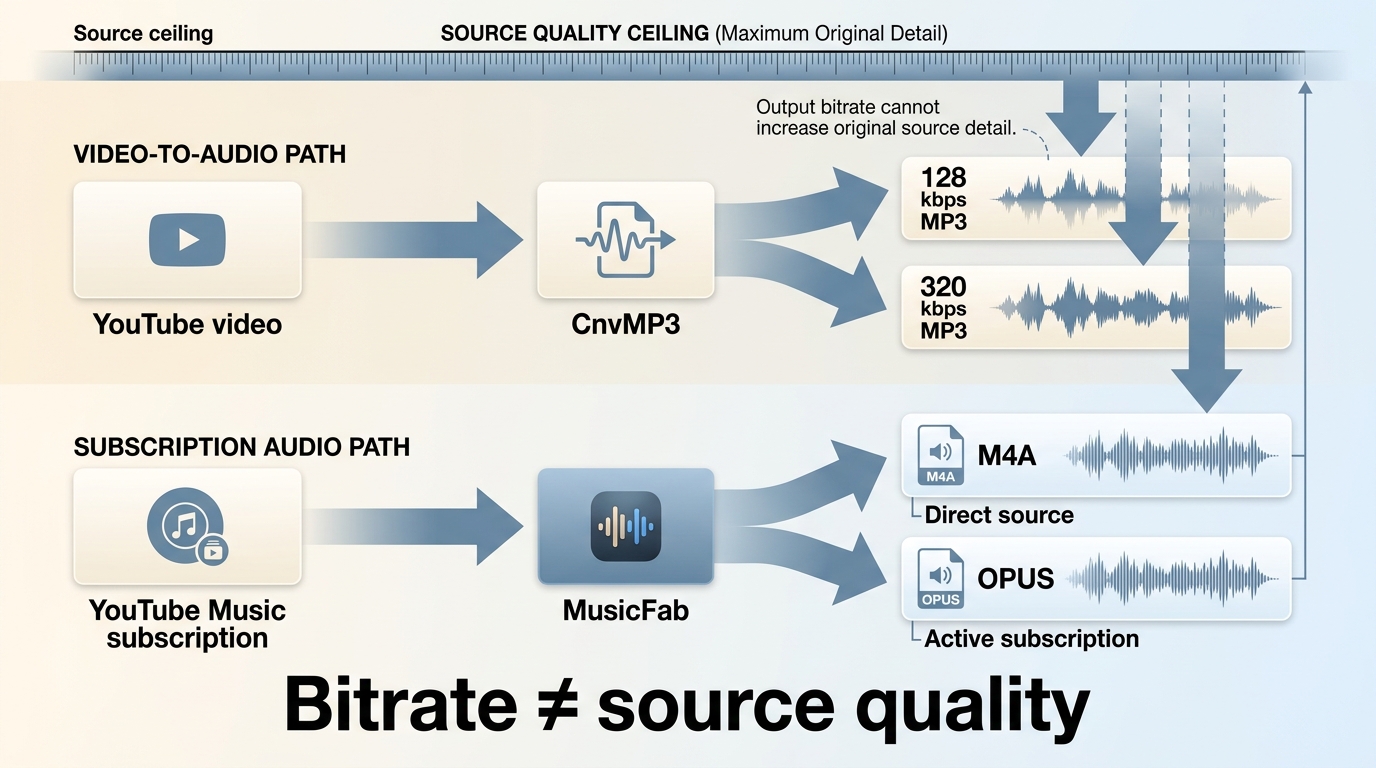
A 320 kbps YouTube audio export can be a higher-bitrate MP3 encode without containing more detail than YouTube originally delivered. Selecting 320 kbps does not create source information that was never present.
For YouTube MP3 audio quality, inspect the source, codec path, and resulting file instead of trusting the label alone. The broader YouTube Music playlist downloader workflow also matters when consistent quality must be applied across a batch.
My verdict: a correctly matched, stable file at an honest bitrate is more useful than a larger MP3 carrying a 320 kbps label.
Choosing MP3, MP4, and Audio Formats
Choose MP3 for broad audio playback, MP4 when the video track is needed, and M4A or OPUS when avoiding an unnecessary extra conversion matters. WAV and FLAC can fit editing or archive workflows, but they cannot restore detail absent from the source.
| Format | Use it for | Important limit |
|---|---|---|
| MP3 | Broad device support and simple audio playback | A higher bitrate label does not improve a limited source |
| MP4 | Keeping video and audio together | A YouTube to MP4 converter serves a different goal from audio-only conversion |
| M4A or OPUS | Keeping a source-oriented audio format when supported | Device compatibility varies |
| WAV or FLAC | Editing or a lossless container in a desktop workflow | The container does not add missing source detail |
Playlists, Long Videos, and Metadata
A YouTube playlist to MP3 job needs more than a paste box: queue recovery, correct track matching, long-item handling, and metadata determine whether the batch remains usable. Online services often cap duration or fail partway without a clear recovery path.
Before starting a batch, process one representative item and compare its title, duration, artist, and album data. That single check catches the wrong-song problem before it spreads through a playlist.
| Option | Current test status | Redirects or ad behavior | Verified output quality | Playlist and batch support | Long-video limits | Metadata retention | Supported devices | Best fit | Not ideal for |
|---|---|---|---|---|---|---|---|---|---|
| CnvMP3 | Active candidate; page and quality controls reviewed in July 2026 | No redirect was central to the reviewed flow; stop if behavior changes | 96-320 kbps choices observed; source quality still sets the ceiling | No playlist workflow | Not established for long items | No organized library support | Modern desktop and mobile browsers | One short item | Playlists and YouTube Music links |
| YTMP3 | Domain updated to ytmp3.gl; completed conversion pending | Needs a fresh redirect check | Not currently verified | No verified batch workflow | Not currently verified | Not established | Browser-based | A cautious one-link assessment | Quality-sensitive or long-item use |
| Gettvid | Page controls visible; conversion incomplete in latest check | No settled verdict | Not currently verified | No verified batch workflow | Not currently verified | Not established | Browser-based | Simple interface assessment | Bitrate control and batches |
| AMP3 | Playlist and quality controls visible; reliability pending | Light page behavior observed; completed flow still matters | Quality choices visible, output not currently verified | Playlist controls visible | Displayed controls do not establish completion limits | Not established | Browser-based | Playlist feature assessment | Time-sensitive batches |
| MusicFab | Desktop workflow available; temporary service errors remain possible | Local app workflow rather than ad-led web navigation | Up to 320 kbps and 24-bit/44.1 kHz within supported source conditions | Albums and playlists can be queued | Better suited to longer and repeated tasks, without a universal completion promise | ID3 tags, cover art, track numbers, and .lrc lyrics | Windows and Mac | Repeated tasks and organized libraries | A single file without installation |
| Y2Mate, YTBMP3, EzMP3, and Cobalt | Separate status warnings; stale, uncertain, or incomplete current evidence | Domain variation, redirects, or unclear controls depending on service | Not reliable enough for a shared quality claim | No confirmed common batch standard | Not confirmed | Not confirmed | Browser-based where reachable | Status monitoring only | Default recommendations |
The practical upshot is simple: use a browser option for one disposable task after checking the file, and use a desktop workflow when a failed item, missing tag, or partial playlist would create more cleanup than the installation.
5. Frequently Asked Questions
Why does a YouTube converter sometimes download the wrong song?
Link parsing, regional availability, playlist matching, and service changes can point a converter at the wrong media. Check the displayed title and duration before starting, then inspect the first file before processing a batch.
What should I do if a converter opens another tab?
Close the tab. Do not install an extension, allow notifications, or enter credentials. If the conversion depends on repeated redirects, switch to a cleaner candidate rather than continuing through the prompts.
Can YouTube to MP3 converters handle long videos?
Some can, but limits vary, and long items may time out or stop partway. A desktop queue is usually a better fit for long material and batches, although no workflow should be treated as universally successful.
Is it permitted to convert a YouTube video to MP3?
Permission depends on the content, YouTube's terms, and applicable law. Keep the use personal and limited to material you are authorized to access; this is an editorial boundary, not blanket legal advice.
Conclusion
The safest YouTube to MP3 converter in 2026 is the one that matches the job, verifies the result, and does not ask for more trust than it has earned. After reviewing eight online services and one desktop workflow, the practical split is clear: use CnvMP3 for a single authorized item when the title, duration, and file can be checked immediately, and switch to MusicFab on Windows or Mac when playlists, repeat conversions, or organized metadata justify the installation.
The rule that governs every option is simple: confirm the output before committing to a second conversion. Check the title, duration, filename, and playback; stop at the first unrelated tab, extension request, credential prompt, or domain warning; and convert only content you are authorized to access where permitted by YouTube's terms and applicable law. Browser tools win on setup speed; desktop tools win on control and cleanup. Choose based on what would cost more to redo.

Download YouTube Music to a computer with a clear look at official mobile-only downloads, desktop local-file options, format choices.
By Jane Chen - Aug 26, 2026

This guide separates a converter's live page, completed conversion, and verified .m4a file. It compares six browser tools using current status and prior outcomes, explains how to inspect the container and codec, and outlines desktop workflows for single videos and playlists.
By Jane Chen - Aug 19, 2026
YouTube Music tops out at 256 kbps AAC & OPUS with no native lossless tier. Here's how it compares to Spotify Lossless and Apple Music, plus the Wi-Fi, mobile
By Jane Chen - Aug 13, 2026
Compare six YouTube Music playlist downloaders for desktop, online, and command-line use. See full-playlist support, MP3 output limits, metadata, safety signals
By Jane Chen - Aug 12, 2026