Spotify Playlist Disappeared? Official Fixes, Backup Limits

Summary: Find a missing Spotify playlist through account checks and the official recovery page. Learn the limits of deleted-playlist restoration and how copies of accessible tracks differ from restoring a cloud playlist.
If your Spotify playlist disappeared, check the account, Library filters, and playlist link before assuming it was deleted. Spotify playlist recovery restores playlists deleted within the last 90 days. A missing Library entry, an unavailable song, and a lost offline download need different fixes.
I understand why a missing playlist feels bigger than an app error: it can hold the soundtrack to a writing project or years of careful sorting. My take is that repeated reinstalls are a poor first response to missing curation. They change the app without telling you what happened to the collection. Start by locating the playlist, then follow the recovery branch that matches what is actually missing.
Find or Restore a Playlist in Spotify
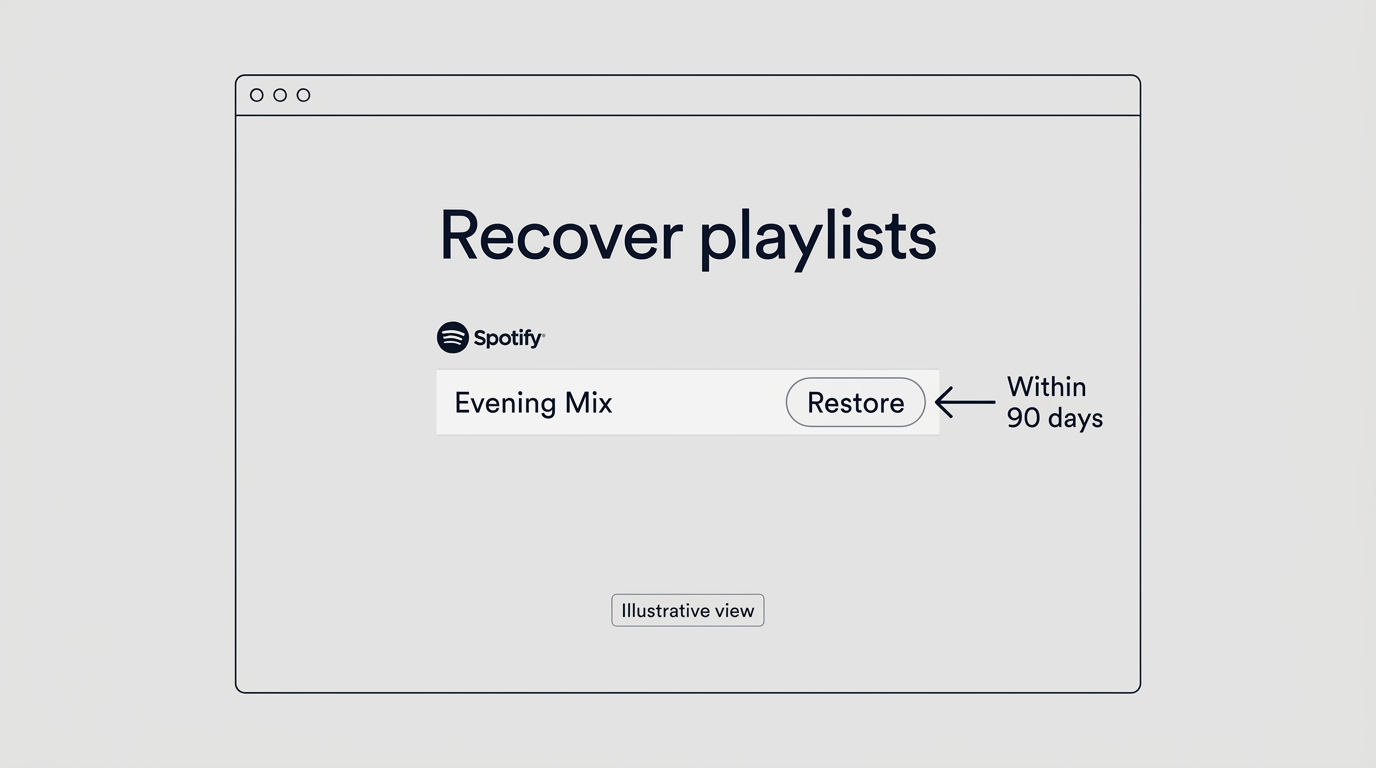
Start with the account and the playlist’s direct link, then use Recover playlists for an eligible deleted list. If the playlist still opens, solve the visibility problem instead of treating it as deleted.
Name what disappeared before changing anything. An absent playlist is a missing collection; grayed-out songs are a playback or availability problem inside a collection. A missing download indicator means the device no longer has that offline copy. Those symptoms are different.
As one Reddit user in r/truespotify put it, “Suddenly I can’t see my playlists on my own profile.” That describes visibility on a profile, not proof of deletion. Your Library and the playlist link are better places to investigate next.
Check the Account, Library Filters, and Playlist Link
Use this branching check before the recovery page:
- Confirm the account. Check the username on your Spotify account page, rather than relying on the display name. If you have used different email addresses or sign-in methods, make sure you are back in the account that held the playlist.
- Clear Library filters. On mobile, pull down in Your Library to reveal active filters and remove anything narrowing the view. Search for the playlist again. If you find it, open it and save it to Your Library.
- Try the existing playlist link. Use a link from a message or bookmark, or ask someone who already has it to open it. If it loads for you, the playlist exists. If it loads for them but not you, keep that detail for support.
- Compare the app with Spotify’s web player. Use the same account in both. If the playlist appears on the web, log out and back into the app, close and reopen it, and update it. If both are missing it, continue with the account and deletion checks below.
The useful result is the branch you identify. An app-only failure points you toward the client; missing access across clients calls for an account or playlist investigation. I would keep a working link before spending time on app repairs.
Restore a Deleted Playlist From Your Spotify Account
Use recovery when the playlist was actually deleted. On a phone, open the account page in a browser; you do not need to find a recovery control inside the mobile app.
- Open Spotify’s Recover playlists page while signed in to the account that owned the deleted playlist.
- Select Restore beside the playlist you recognize.
- Return to Spotify and look at the bottom of your playlist collection for the restored list.
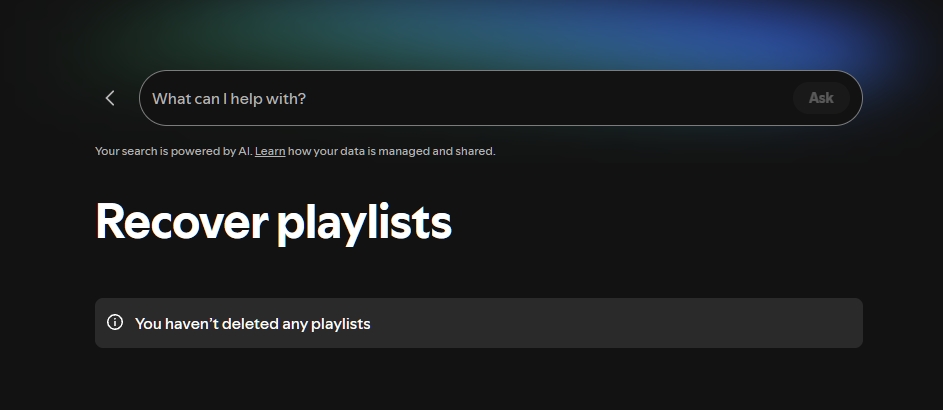
This route restores the playlist entry. If it is absent from the recovery page, use the limits section below to decide what to investigate next.
A just-made desktop mistake has a quicker response. Press Cmd+Z on Mac or Ctrl+Shift+Z on Windows to immediately undo a deletion. Treat that as an immediate undo action, not a promise to retrieve an individual song removed long ago.
Save a Separate Copy of Tracks You Can Still Access
Copying helps when the current playlist is still readable. Open its three-dot menu, select Add to other playlist, and choose or create a destination playlist. The menu uses horizontal dots on iOS and desktop, and vertical dots on Android.
A new destination holds the current tracks separately. Saving someone else’s playlist to Your Library keeps a reference to their collection; it does not create your own copy of its contents. I would give the destination a distinct name so you can tell the two apart.
A duplicate preserves today’s selection, not yesterday’s version. This is how to copy a playlist on Spotify while you still have access; it cannot reconstruct tracks already missing from that selection. Local audio files serve another purpose, which comes after the recovery limits.
What Spotify Can and Can’t Recover
Recover playlists covers deleted playlists within the 90-day window, not every kind of missing music. An empty recovery page is a reason to check the account and missing-item type, not a verdict that your music is permanently gone.
| What is missing? | Official route | Boundary | Next move |
|---|---|---|---|
| Deleted playlist | Recover playlists | Deleted within 90 days | Restore in original account |
| Playlist hidden in Library | Account and Library checks | Hidden is not deleted | Check filters, login, and link |
| Earlier playlist version | No past-version recovery | Current tracks can be copied | Save the accessible version |
| Unavailable catalog tracks | Catalog availability | Rights-holder permissions control availability | Separate playback issues from deletion |
| Offline downloads | Spotify download controls | Connect online every 30 days | Re-download when eligible |
Source: Spotify’s official Help Center on playlist recovery, missing music, and offline downloads, as of November 2026. Availability and supported devices may change; Spotify’s Help Center carries current details.
Match the missing item to the route. The 90-day window concerns deleted playlists; it is not a retention deadline for every song in your Library. Beyond that recovery window, the self-service route offers no recovery guarantee.
A blank recovery page does not explain the cause. The list might belong to another account, might never have been deleted, or might be someone else’s saved playlist or a Spotify-generated collection. None of those categories guarantees recovery. As a Reddit user in r/spotifywrapped described their case, “None of my five missing Wrapped playlists appear (as recoverable) on that page…” That is a missing-entry symptom, not a rule for all Wrapped playlists.
A restored playlist cannot restore catalog permissions. A song that is unavailable in your region needs to be considered separately from the playlist that contains it. Restoring the container does not change the rights holder’s availability decision.
Offline copies are another separate layer. Reinstalling Spotify removes downloads, and SD-card trouble or outdated software also affects offline access. If the cloud playlist opens and its tracks play online, a Spotify download problem belongs on that troubleshooting path.
When to Stop Retrying and Contact Spotify Support
Escalate when the correct account and recovery checks leave the playlist missing. Send Spotify Support your username, playlist link or identifier, approximate disappearance time, device, and checks already completed. Never send your password.
Unfamiliar account changes deserve the account-security route. Use Spotify’s compromised-account help if you see edits or access you do not recognize. My stopping point is a missing playlist across clients with no useful recovery entry: another reinstall adds little, while a link and a clear timeline give support something concrete.
When MusicFab Helps Preserve Accessible Tracks
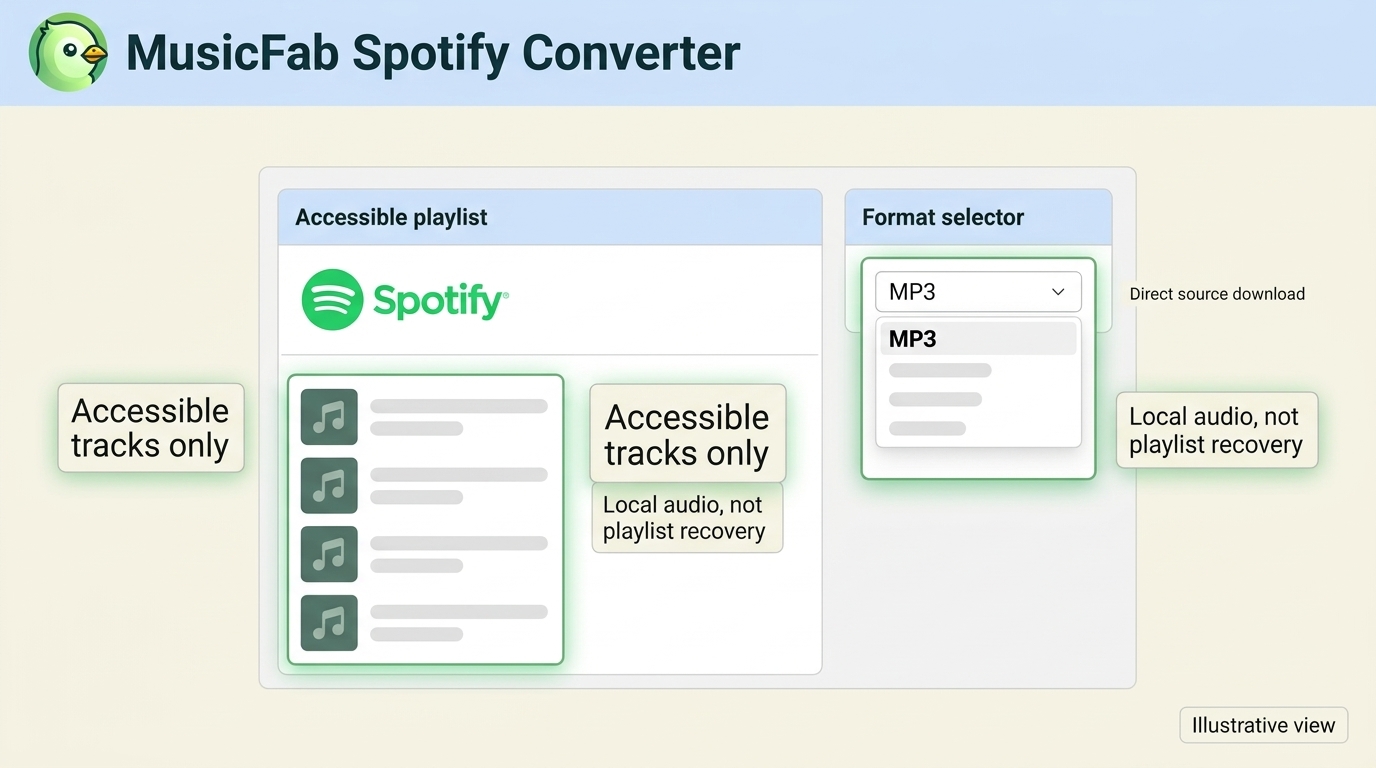
MusicFab Spotify Converter batch-saves accessible Spotify playlists on Windows or Mac as MP3 files with ID3 tags and cover art (30-day trial: 3 full songs per service). It creates local audio copies separately from Spotify’s official downloads.

- Save Spotify music as MP3, FLAC, WAV, M4A or OPUS format.
- Download Spotify songs/playlists/albums/podcasts in batch
- Remove Spotify ads for free users.
- Save Subtitles as External SRT Files.
Our October 2026 client usage records include MP3, AAC, FLAC, WAV, and Opus outputs. From August through October 2026, our client recorded more than 2,500,000 completed Spotify downloads. For an accessible playlist, open it in the built-in browser and select an output format for batch saving. FLAC output alone does not establish lossless source audio. I’d use saved audio for a separate collection, not cloud-playlist or edit-history recovery.
Use requires an active subscription, appropriate copying permission, and compliance with Spotify’s terms and local law; keep copies personal, without redistribution or resale.
FAQs About Missing Spotify Playlists
Q1. Why Did My Liked Songs Disappear While My Playlists Remain?
Liked Songs is your saved-song collection, not an ordinary playlist you created. Check the account and Library filters, then search for a song you remember saving and inspect its saved status. A different account, an unsuccessful save, or unauthorized changes call for different responses. Do not assume Recover playlists restores removed likes. If the collection remains missing, ask Spotify Support about Liked Songs specifically, rather than reporting a deleted playlist. I would preserve the names of remembered tracks to make that distinction clear.
Q2. Did Losing Premium Delete My Playlists?
No. Moving to Free keeps your playlists and saved music. Spotify’s Premium cancellation guidance confirms that distinction; music downloads are a Premium benefit, so losing offline access is a different issue. One Reddit user in r/truespotify wrote, “I had premium and it just expired.” The timing explains the concern, but does not establish that the plan change deleted a playlist. If the cloud list itself is absent, follow the account checks rather than treating a new subscription as a recovery fix.
Q3. Is It Safe to Sign In to MusicFab With a Spotify Account?
If you have chosen this backup workflow, start with the genuine installer and Spotify sign-in page. An embedded browser alone is not a security guarantee. Check the installer’s origin and the account page before entering credentials, use a unique Spotify password, and watch for unfamiliar access. Spotify’s account-protection guidance explains password hygiene and removing unwanted app access. I would treat unexpected sign-in behavior as an account-security question, separate from playlist recovery.
Choose the Next Step for Your Playlist
If the link opens, work on account or Library visibility; if your own playlist was deleted, use the eligible recovery route. When those checks fail, take the playlist link and your findings to Spotify Support. Jane Chen recommends regaining access before deciding whether you need a separate copy: saved audio serves a listening library, while Spotify handles the cloud playlist. Keep that distinction in view, and you will avoid spending money on software to solve a missing-list problem it cannot repair.


Install Spotify on a compatible iPhone or iPad and resolve common App Store obstacles. Learn how in-app offline music differs from audio files transferred from a computer.
By Jane Chen - Nov 6, 2026
Spotify’s in-app downloads differ from standalone media files. This guide separates making a new MP4 from authorized audio, saving compatible player audio, and requests for existing Spotify videos.
By Jane Chen - Nov 6, 2026
Install Spotify on a supported Mac and download playlists for in-app offline listening. Learn how app downloads differ from standalone audio files, when a converter fits, and what to consider for travel and account access.
By Jane Chen - Nov 6, 2026
Reduce unwanted Spotify pauses by checking Discord microphone activity and choosing the right input mode. Understand the trade-offs for Listen Along, distinguish immediate mobile pauses, and assess a separate local-music workflow.
By Jane Chen - Nov 6, 2026