
Apple Music vs Pandora vs Spotify: Best Choice in 2026

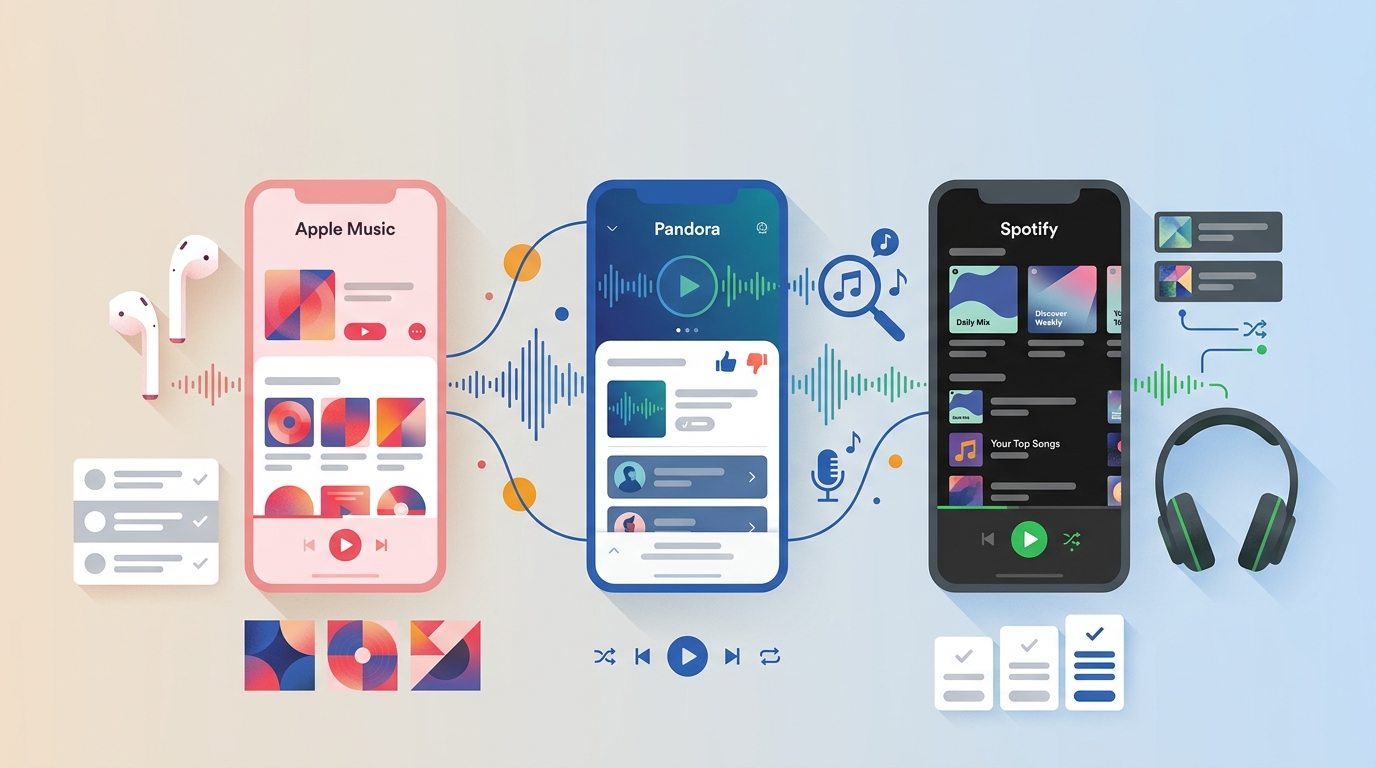
Table of Contents
Apple Music is the better fit for on-demand listening and Apple devices, Pandora for low-effort U.S. radio, and Spotify for broad discovery and social features. No service wins every category; price, sound, device fit, and offline behavior determine the better match.
Ever paid for two music apps because one nails on-demand and the other nails radio-style discovery? That's the core Apple Music or Pandora tension, and it's why the Pandora Premium vs Apple Music question keeps coming back even after Pandora Premium added on-demand playback. I've kept active subscriptions to both (plus Spotify) to compare how they actually behave day to day, and the honest answer is that no single app wins on every axis. Below I walk through the trade-offs by price, sound quality, discovery mechanics, device fit, and offline access so the Spotify vs Pandora vs Apple Music decision fits how you actually listen.
Key Takeaways
Here's the short answer: the real choice between Apple Music and Pandora comes down to control versus low-effort radio. Apple Music gives you an on-demand library with lossless audio at $11.99 per month (as of August 2026); Pandora keeps stations effortless at $4.99 for Plus or $10.99 for Premium, but only inside the U.S. Spotify sits in the middle as the flexible all-rounder. The rest of this guide unpacks price, sound, discovery, device fit, and offline behavior so you can settle it for your own listening.
- Apple Music = best for premium, on-demand, high-quality listening
- Pandora = best for radio-style discovery (US-only)
- Spotify = best all-around ecosystem + free-to-paid flexibility
- • Pick Apple Music if you want ad-free, on-demand listening, deep Apple-device integration, and high audio quality (Lossless + Spatial Audio).
- • Pick Pandora if you love hands-off music discovery (radio-style stations) and you live in the United States.
- • Pick Spotify if you want the best all-around discovery + social features, and you value having a strong free tier (and Premium if you want offline + higher quality).
Apple Music vs Pandora: Price & Plans
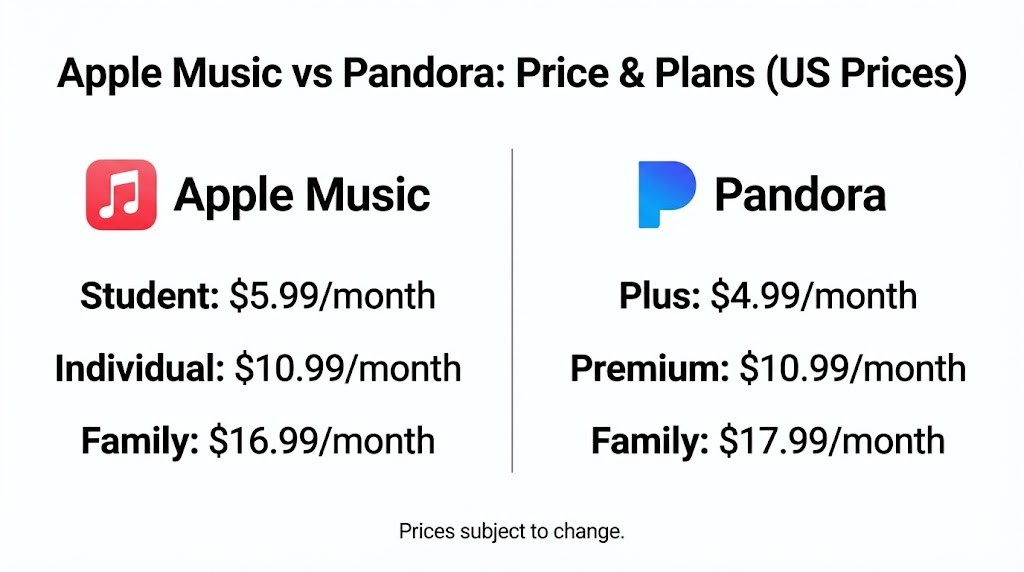
As of August 2026, Apple Music has a slight price premium over Pandora at every tier, and the family gap is now $2 per month. That changes the value math from the old "basically tied" story you'll still see quoted elsewhere.
Apple Music: subscription-first (no permanent free tier)
Apple Music's core U.S. plans are Individual $11.99/month, Student $6.99/month, and Family $19.99/month on the Apple Music family plan (up to six people). New subscribers typically get a trial or limited-time promo, but Apple Music doesn't run an always-free, ad-supported tier the way Pandora does.
Pandora: free stations + upgrades for control
Pandora starts with a free, ad-supported radio experience (with limited daily skips).
From there, you can upgrade depending on what you want:
- Pandora Plus ($4.99/month): mainly upgrades the radio experience—ad-free personalized stations, more skips/replays, and offline listening.
- Pandora Premium ($10.99/month): includes Plus benefits and adds on-demand control (search & play what you want), playlists, and broader offline options.
- Premium Family ($17.99/month): Premium features for up to six accounts.
Quick note on pricing: Pandora’s official prices above are when purchased directly via Pandora, and costs can differ depending on the billing provider (Apple/Google/etc).
For the full Plus-versus-Premium breakdown, see our Pandora Plus vs Premium comparison.
Apple Music vs Pandora: Sound Quality
If sound quality is a deciding factor, Apple Music wins on paper. But the best choice still depends on how (and where) you listen. Pandora's delivered bitrate varies by tier and device rather than one universal setting, while Apple Music offers Lossless up to 24-bit/192 kHz (Hi-Res may require external equipment).

If you use Bluetooth earbuds in noisy places, you may not notice a dramatic difference. If you use wired headphones / good speakers, Apple Music’s ceiling is clearly higher.
Pandora Quality by Tier and Device
Pandora's audio quality isn't one universal number. What you actually hear depends on your plan and where you're listening:
- Many mobile contexts stream at roughly 24 to 64 kbps.
- Most home devices land around 128 kbps.
- 192 kbps applies only in specified paid contexts.
- Pandora Premium lets you set different quality levels for cellular, Wi-Fi, and downloads, which helps if you're managing data.
For commuting, workouts, and background listening, this range is genuinely fine — I'd rather have Pandora's station flow at 128 kbps than pixel-peep a spec sheet. Once you sit down with wired headphones, though, the ceiling matters, and this is where Apple Music pulls ahead.
Apple Music Sound Quality: Lossless and Hi-Res Lossless
Apple Music makes its catalog available in Lossless and Hi-Res Lossless, with Lossless up to 48 kHz and Hi-Res Lossless up to 192 kHz.
The tradeoff: lossless files are much larger and use more bandwidth/storage than standard streaming.
Also, to actually benefit from higher resolutions, you may need wired listening and, for sample rates above 48 kHz, an external DAC.
Quick pick by set up
- If you’re the type who owns decent wired headphones, a DAC, or a home hi-fi setup: Apple Music is usually the better pick for sound quality.
- If you mostly listen casually (commute, work, background music) and want radio-style discovery: Pandora on High can be good enough without the extra data/storage overhead.
Apple Music vs Pandora: Features Difference
On-Demand Control vs Lean-Back Radio
The mechanics matter more than the marketing here.
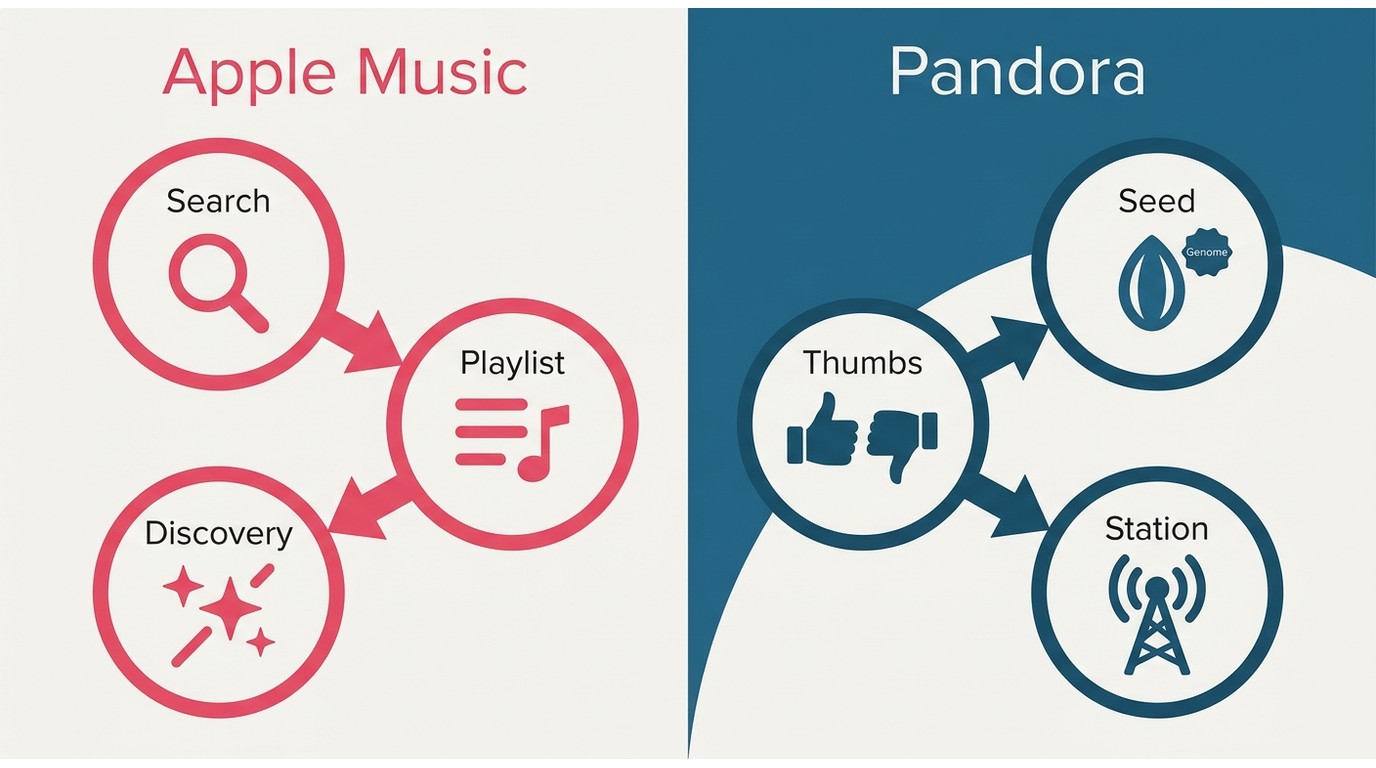
Apple Music asks you to steer. You search for a song or artist, tap into a song or artist station, and use the Apple Music Discovery Station to refresh a rotating mix. Feedback is lighter-touch (favorites, suggests, and "play more like this" on individual tracks) and editorial curation carries a lot of weight — genre hubs, featured playlists, and radio shows shape what shows up in Home.
Best for: playlist people, album listeners, and anyone who wants discovery without giving up on-demand control.
Pandora asks you to seed and forget. You type an artist, song, or genre; the Music Genome Project builds a station; and every thumbs up, thumbs down, or skip quietly retrains it. On Premium, Pandora Modes let you nudge a station toward Discovery, Deep Cuts, or Crowd Favorites without abandoning it. In my experience Pandora still owns the effortless-flow use case — I've never had Apple Music's on-track feedback shape a station as decisively as Pandora's thumbs.
Best for: commuting, working out, driving, and background listening where you don't want to keep picking the next song.
Availability and Device Compatibility
The most important line first: Pandora is only available inside the United States due to licensing restrictions. If you travel a lot or share a household outside the U.S., that alone can decide the question.
Beyond the border question, here's how the three services stack up across everyday devices:
| Device / context | Apple Music | Pandora | Spotify |
|---|---|---|---|
| iOS / Android / web | Yes | Yes (U.S. only) | Yes |
| Windows / Mac app | Yes (native) | Web only on desktop | Yes (native) |
| Smart speakers | HomePod, Alexa, Google | Alexa, Google | Alexa, Google, Sonos |
| Car (CarPlay / Android Auto) | Deep CarPlay integration | Both supported | Both supported + Spotify Connect |
| Multi-device handoff | Apple ecosystem (AirPlay, Watch) | Limited | Spotify Connect (broad) |
Official support is one thing; day-to-day reliability on a specific car head unit or older speaker is another, and readers' experiences vary. My take: for many listeners, device fit outweighs a spec-sheet advantage — a service that plays cleanly through your car every morning beats one that's technically higher-fidelity but fussy to hand off.
Practical Differences by Device and Downloads
Apple Music is better if you care about:
- Audio quality (Lossless + Spatial Audio included)
- A large on-demand catalog
- Seamless Apple ecosystem features (Siri, CarPlay, Apple Watch, etc.)
Pandora Premium is better if you care about:
- Radio-first discovery that requires almost no effort
- Strong stations plus on-demand when you want it
Offline downloads, plainly stated. On both Apple Music and Pandora, downloads are app-managed offline access, not open MP3 files you can move around freely. Playback runs inside the official app and depends on an active, eligible subscription — cancel or drop below the required tier, and downloaded titles stop playing. This is a legitimate feature, not a defect; it's just different from owning a file. For most readers, official Apple Music offline listening is enough, and if you specifically need a compatible local file for content you're authorized to access — say, for a DJ set, a car with a USB stick, or an old MP3 player — that's a separate workflow to convert Apple Music to MP3 from content you're authorized to access.
Spotify vs Pandora for Music Discovery
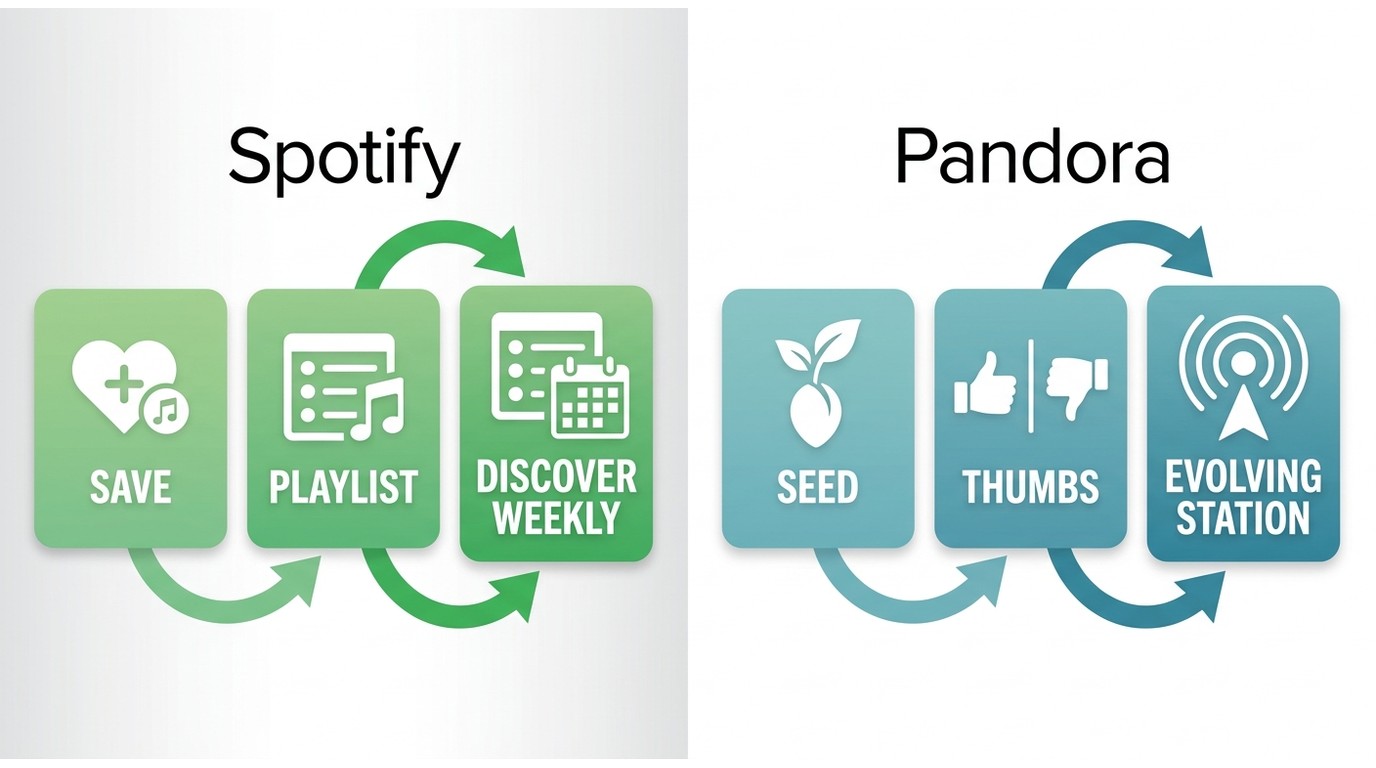
To judge Pandora's discovery, Spotify is the fairest yardstick — it's the service most listeners actually compare Pandora to when they say "the algorithm gets me." Active discovery means steering: you save tracks, follow artists, and lean on weekly updates. Lean-back radio discovery means letting an algorithm evolve a station from a few seeds and your thumbs. Spotify wins the hands-on version; Pandora still owns the effortless station one.
- Choose Spotify if you want the most tailored, interactive discovery and you like managing playlists.
- Choose Pandora if you want radio-style discovery where thumbs up/down quietly trains your stations over time.
| Feature | Spotify | Pandora |
|---|---|---|
| Discovery style | Active + customizable (weekly mixes; DJ sessions, prompt-style tools) | Lean-back radio (stations evolve from seeds and thumbs) |
| Best tools | Discover Weekly, Release Radar, daylist, DJ | Stations, Music Genome Project, Pandora Modes |
| Social discovery | Strong | Limited |
| Availability | Broad | U.S. only |
What Listeners Notice About Recommendations
Listener feedback is useful as a fit signal, not a universal verdict. Longtime Pandora users often point to the variety that comes from seeds, thumbs, and evolving stations, especially when they want cross-genre music without managing a queue. Some Apple Music listeners find artist stations useful but report more repetition in certain listening patterns.
Control is the trade-off. Pandora can feel more random in a productive way, while Apple Music gives listeners more direct ways to choose the next song, album, station, or playlist. Perceived sound differences in the car also come up in listener discussions, but the phone, car system, connection, and audio settings can all affect that impression.
Spotify vs Pandora vs Apple Music: Quick Comparison
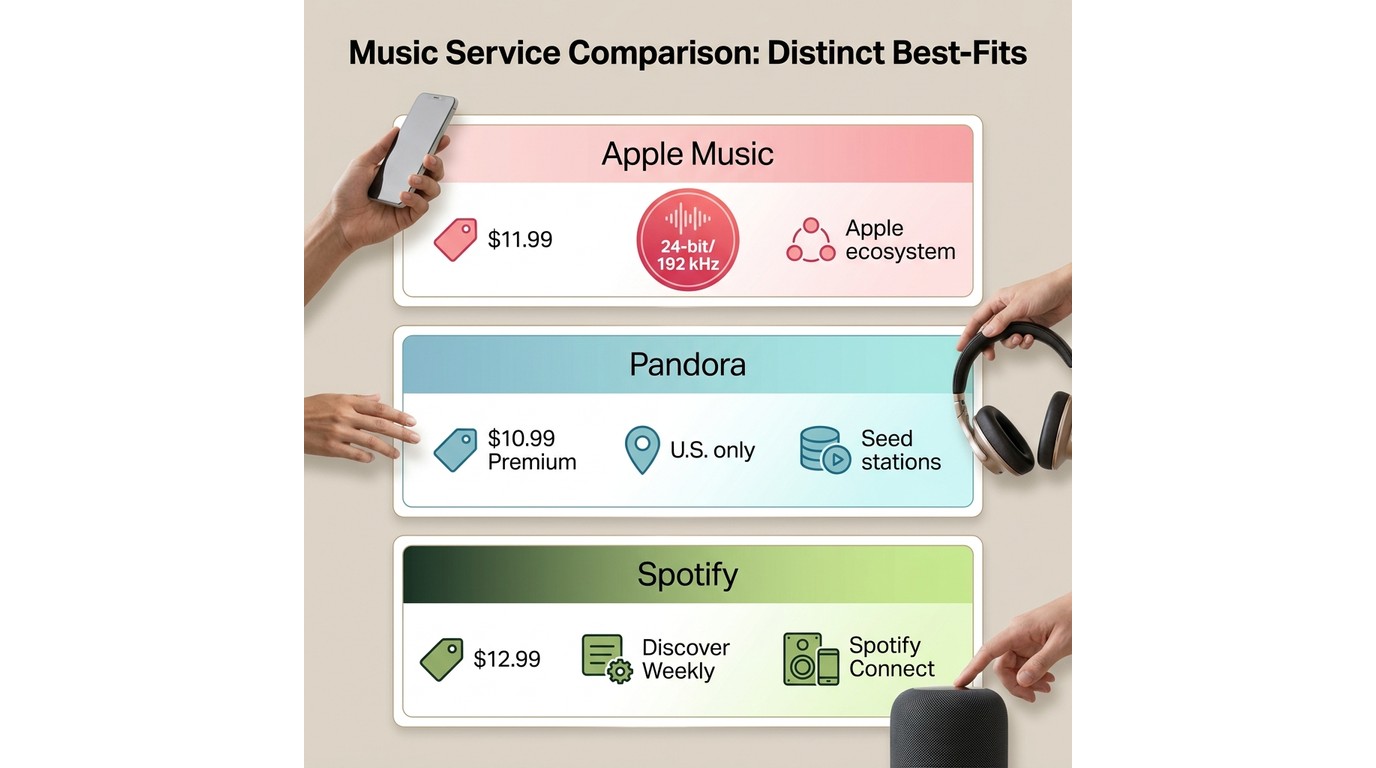
- On monthly cost, Pandora Premium ($10.99) is now slightly cheaper than Apple Music Individual ($11.99); Spotify Premium sits highest at $12.99.
- If you want to spend $0 and still have a usable app, Spotify's free tier is the usual starting point.
- If best audio is your top priority, Apple Music and Spotify Premium are the real contenders; Pandora is about convenience and discovery, not fidelity.
| Feature | Apple Music | Pandora | Spotify |
|---|---|---|---|
| Best for | On-demand + library | Radio-style discovery | All-rounder + podcasts/audiobooks |
| Free tier | Limited (live radio only) | Yes (ad-supported) | Yes (ad-supported) |
| US Individual price | $11.99/mo | Premium $10.99/mo Plus $4.99/mo | $12.99/mo |
| Family / Student | $19.99 / $6.99 | Premium Family $17.99 | Student $6.99 |
| Max audio quality | Lossless up to 24-bit/192 kHz | Up to 192 kbps (paid contexts) | Lossless (up to 24-bit/44.1 kHz) |
| Discovery style | Editorial + Discovery Station | Seed-based stations + thumbs | Algorithmic mixes + social |
| Devices / ecosystem | Deep Apple; broad third-party | Mobile + web focus | Spotify Connect (widest) |
| Beyond music | Radio shows, some classical | Limited podcasts | Podcasts + audiobooks |
| Availability | Broad (varies by region) | U.S. only | Broad |
| Official offline | App-managed; needs active plan | App-managed on paid tiers | App-managed on Premium |
Apple Music vs Pandora vs Spotify: Which One to Pick?
It comes down to one thing: do you want control or discovery?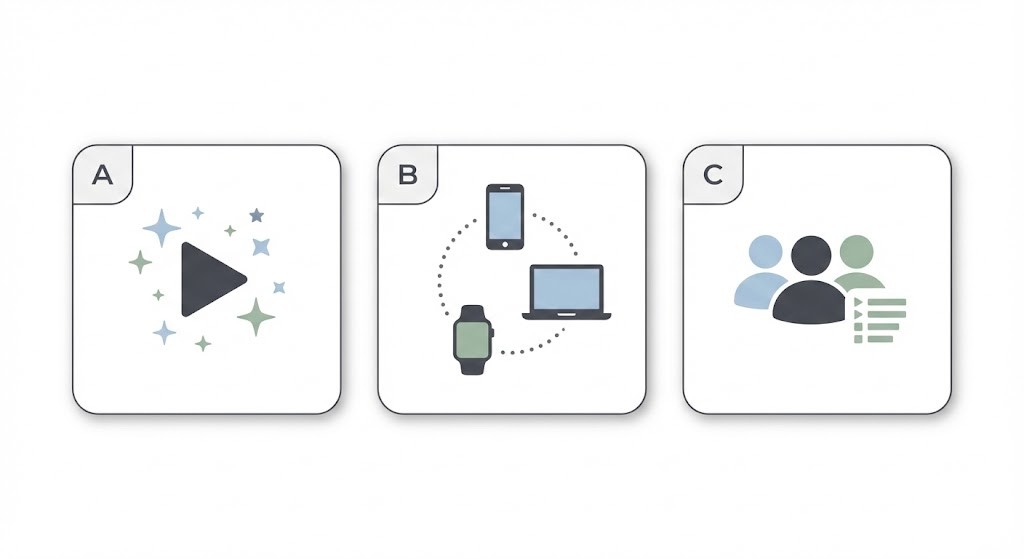
- Scenario A: You want the easiest music that fits the moment.
- Best for: commuters and background listeners who don't want to keep queueing tracks. Choose Pandora (or Pandora Premium if you want on-demand too).
- Not ideal for: anyone outside the U.S., or lossless-audio buyers.
- Scenario B: You're already in the Apple ecosystem.
- Best for: iPhone / Mac / HomePod / Apple Watch users who care about Lossless and Spatial Audio. Choose Apple Music.
- Not ideal for: readers who mostly want lean-back radio, or who want a free tier.
- Scenario C: You want the most flexible all-rounder and you share music.
- Best for: mixed device households, social listeners, and anyone who values a strong free tier that can scale to Premium. Choose Spotify.
- Not ideal for: listeners who prioritize the highest possible audio ceiling above everything else.
My editor's take: no single service wins on every axis. Apple Music takes the sound-quality-plus-Apple-integration lane, Pandora still owns effortless U.S. radio, and Spotify is the most flexible all-rounder — pick by how you actually listen, not by which one is "best" in the abstract.
For a detailed comparison between each platform: Apple Music vs Spotify Sound Quality, Spotify vs Pandora.
No streaming app is perfect for every situation. For content you're authorized to access, where permitted by platform terms and applicable law, MusicFab All-In-One is an optional desktop workflow for building a personal local-file library across 13+ major music platforms with direct-source downloads at up to 20x conversion speed. It's a good fit if you specifically need portable files for a car, DJ setup, or offline archive; it's not needed if official in-app offline listening already covers you. A three-full-song free trial lets you check the fit before paying.
Related reading: MusicFab Review
FAQs
Is Pandora Premium a Better Value Than Apple Music?
Pandora Premium (0.99/mo) undercuts Apple Music Individual (1.99/mo) by a dollar. Pandora Premium is the better value if station-led discovery is what you actually use every day. Apple Music earns the extra dollar if lossless audio, Spatial Audio, or Apple ecosystem integration matter — those aren't upsells on Apple Music, they're included.
Can I Transfer Pandora Playlists to Apple Music?
There's no native merge between Pandora and Apple Music. Third-party transfer services (like Soundiiz or SongShift) can move supported playlists across, but station history, thumbs up/down feedback, and full listening history typically don't survive the trip. Expect to rebuild your stations manually in Apple Music.
Is Pandora Still Worth Paying For in 2026?
Yes, for the right listener. Pandora is still actively developed and remains one of the smoothest ways to run seed-based radio with almost zero input — that's a real use case Apple Music and Spotify don't replicate as well. It's not the right pick if you're outside the U.S., prioritize lossless audio, or want the broadest device ecosystem. Popularity swings don't decide fit; how you actually listen does.

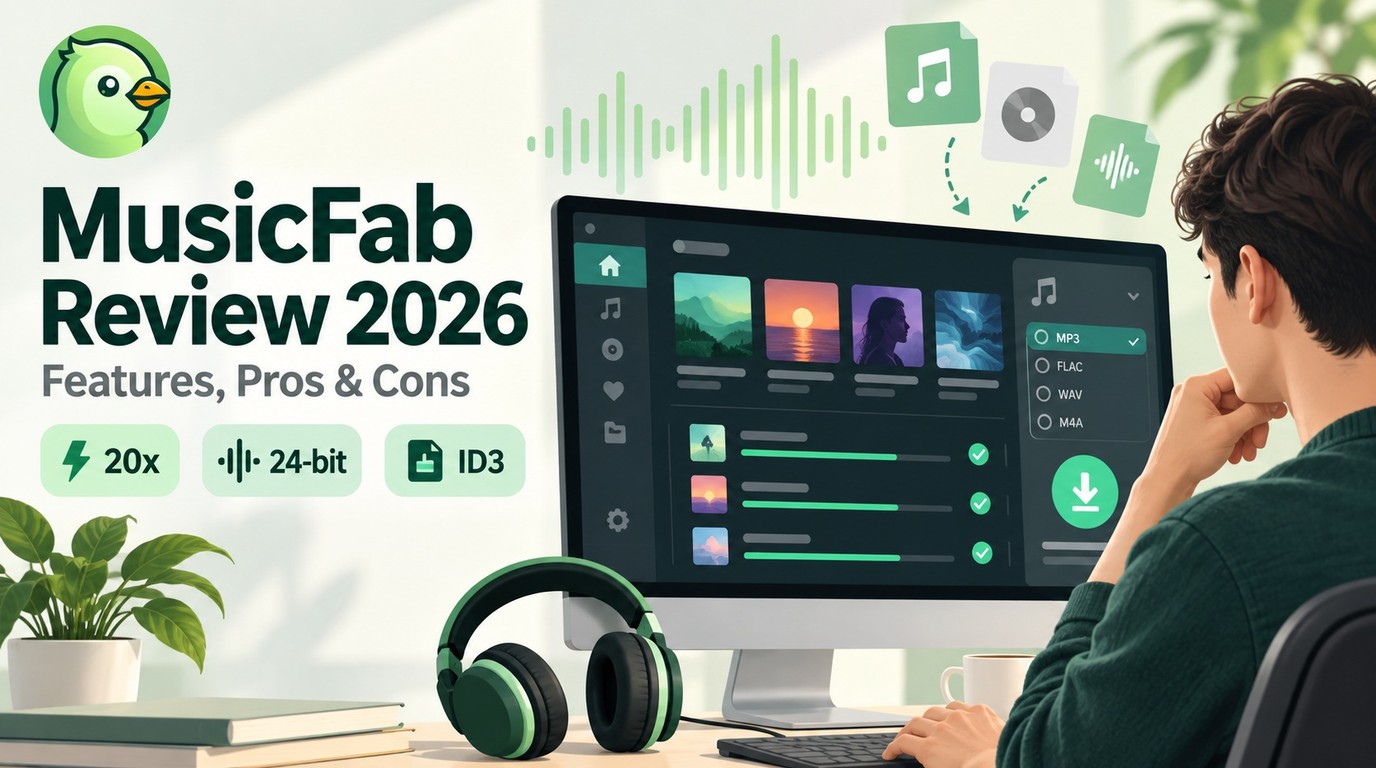
In this article, I will share my personal MusicFab review, analyzing its features, pros and cons, user feedback, recently update and roadmap.
By Jane Chen - Sep 22, 2026
Apple Music offers a higher lossless ceiling and Dolby Atmos, while Spotify combines 24-bit/44.1 kHz FLAC with Connect and discovery strengths. This guide compares specs, device paths, settings, a fair listening protocol, switching trade-offs, and an optional authorized local-file workflow.
By Jane Chen - Aug 26, 2026
Choose a K-pop download method by file ownership, rights status, source quality, and batch needs. This guide compares MusicFab, licensed purchases, owned CD rips, creator-authorized catalogs, desktop tools, and unverified archives, with practical MP3-versus-FLAC guidance and four legal-use FAQs.
By Jane Chen - Aug 13, 2026
Podcast downloads fall into two categories: app-managed offline copies and portable audio files. This guide covers free publisher and RSS links, current iPhone and Android app workflows, bulk and retention limits, a platform comparison, and an authorized MusicFab desktop workflow for saving local files.
By Jane Chen - Aug 13, 2026