
2025 Top 11 Free Tools to Convert Spotify To MP3 Online,Software,Open Source

Summary: Choose among online tools, paid software, audio recorders, and advanced tools that can help you download music from Spotify to MP3. Keep reading to learn in-depth about the various ways and choose the one that aligns with your specific requirements.
Table of Contents
Recently, Spotify revealed plans to introduce a higher-priced subscription tier, increasing the price by $5 on the existing plan, aiming to offer even more value and features for users.
While premium users can download music for offline listening, they still cannot export it.
Converting Spotify to MP3 is a smart way to create a personal backup and listen on any device. We'll cover 4 methods, including 11 tools—desktop software, online free converters, recorders, and advanced/open-source—with each's pros & cons.
Disclaimer: This guide is only for informational purposes, and please use the tools below for personal use.
Overview of Top 15 Spotify to MP3 Converters
Below, we have presented a bird's-eye view of the different tools to convert Spotify to MP3 for users to make their preferred pick:
| Tool | Device | Formats | Quality | ID3 Tags | Batch Processing | Speed |
|---|---|---|---|---|---|---|
| MusicFab | Windows, Mac | MP3, M4A, WAV, FLAC or OPUS | Up to 320 kbps | Yes | Yes | Fastest |
| Spotidownloader | Desktop&Mobile | MP3 & FLAC | Up to 320 kbps | Yes(with watermark) | No | Fast |
| Spotmate | Desktop&Mobile | MP3 | Up to 128 kbps | Yes(not correct) | No | Slow |
| Spotidownloads | Desktop&Mobile | MP3 | / | / | No | Not working |
| Spotifydownloaderize | Desktop&Mobile | MP3 | / | / | No | Not working |
| Spotdl | Desktop&Mobile | MP3 | / | / | No | Not working |
| Online Voice Recorder | Desktop&Mobile | MP3 | Up to 320 kbps | No | No | Slow |
| VEED.IO Audio Recorder | Desktop&Mobile | MP3 | Up to 320 kbps | No | No | Slow |
| Cinch Audio Recorder | Mac & Windows | MP3, WAV | Up to 320 kbps | Yes | No | Slow |
| Chimera | Windows, Mac, Linux, and Android | MP3, WAV, M4A, AAC, FLAC | 128 kbps to 320 kbps | No | Yes | Slow |
| Telegram Bots | Android, iOS | MP3 | 128 kbps to 256 kbps | No | No | Slow |
1. Best Spotify To MP3 Converter - MusicFab
MusicFab Spotify Converter
Your search for software that can convert Spotify songs ends with the MusicFab Spotify Converter, which operates at 20 times faster speed of its traditional peers. Multiple software converter programs use recording technology to save files from Spotify. But, MusicFab downloads music rather than records, making it faster, more stable, and more reliable.
MusicFab Spotify Converter allows you to search, preview, and download music from Spotify to MP3 with its built-in browser.
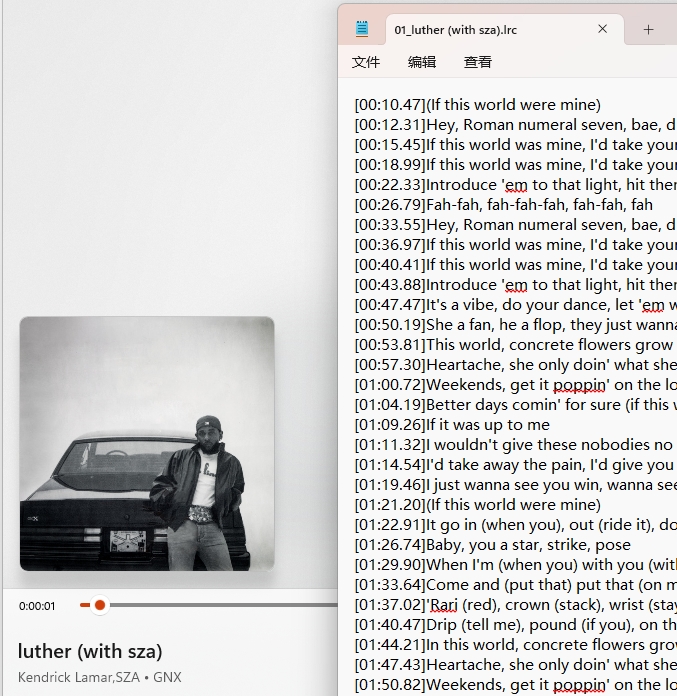
Be it albums, audiobooks, podcasts, or music, MusicFab Spotify Converter can help you download audio files in batches while saving the audio lyrics as an external .lrc file.

- Convert Spotify to MP3, M4A, WAV, FLAC, or OPUS format.
- Download Spotify songs/playlists/albums/podcasts in a batch.
- Save MP3 up to 320 kbps (depends on the source)
- Retains ID3 tags, including artist, title, artwork, album, track number, etc.
- Support both free & premium Spotify accounts.
- Built-in browser allows you to search & convert any Spotify link to MP3 and enjoy it on the go.
- Secure encoding technology helps to ensure optimum data management.
Trustpilot Rating: 4.5/5
Free Trial: You can download 3 full songs with no limits to experience.
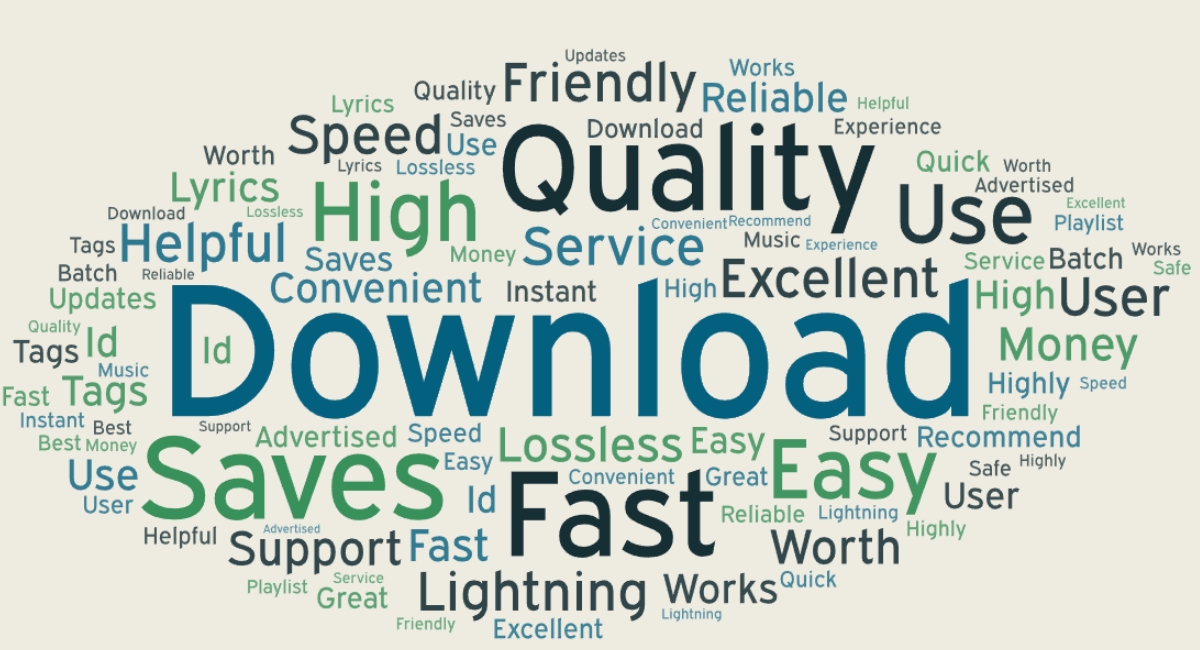
What users say about MusicFab on Trustpilot:
Related MusicFab Review: 2025 MusicFab Review: Features,FeedBack, User Guide
How to Convert Spotify to MP3 at 320kbps using MusicFab?
- Step 1: Search for or choose the Spotify song/playlists
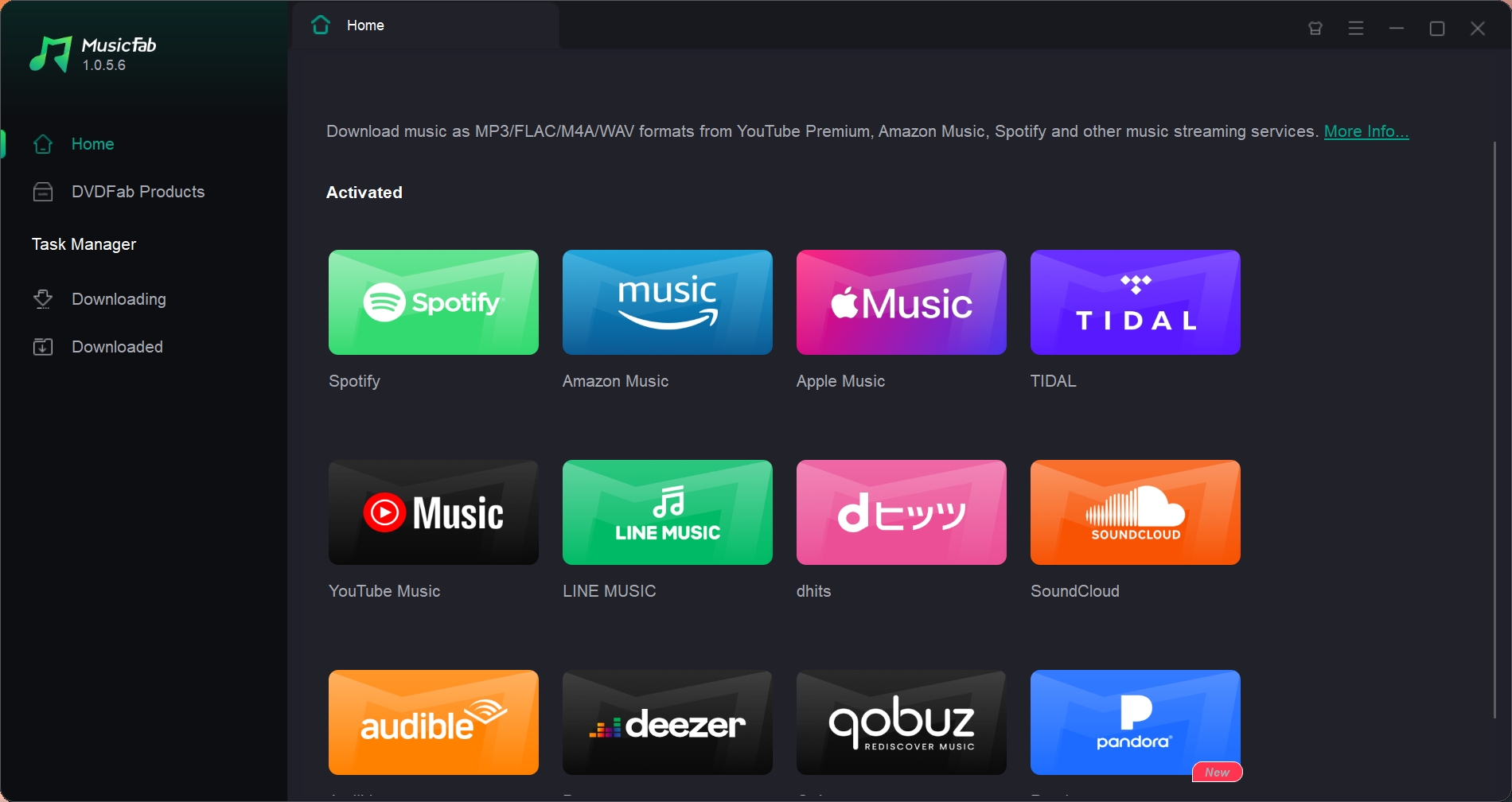
Launch MusicFab, click Spotify, and log in using your Spotify account.
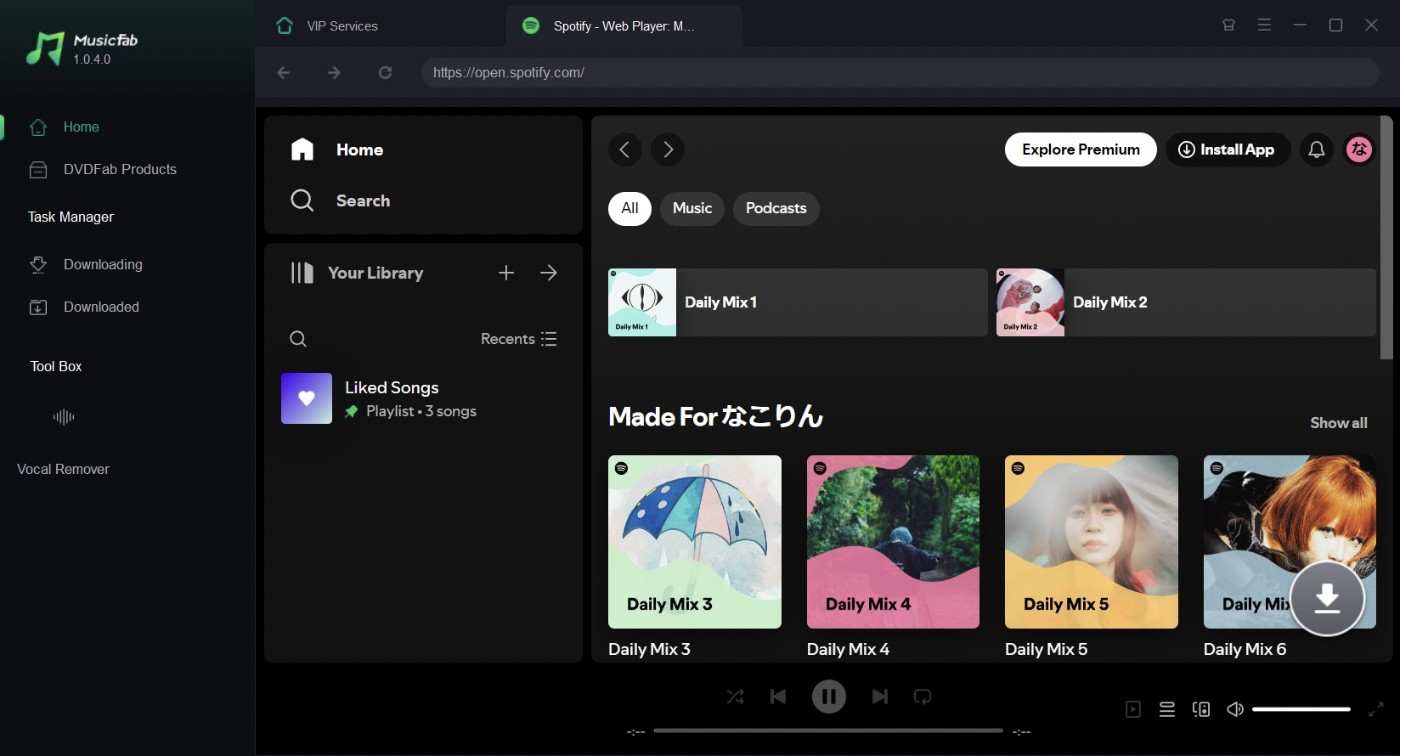
Next, search for what you want to download.
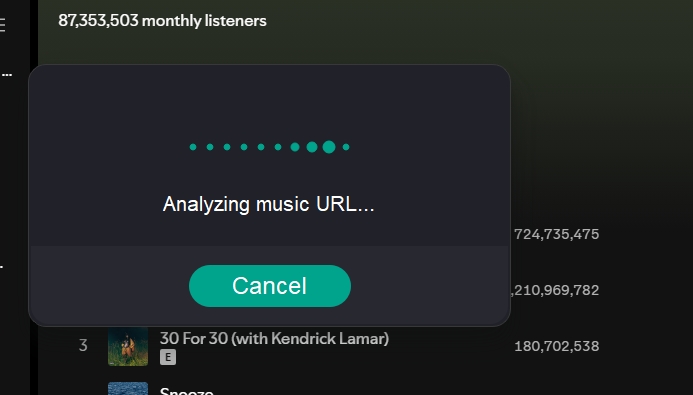
- Step 2: Click the analyze button on the bottom right.
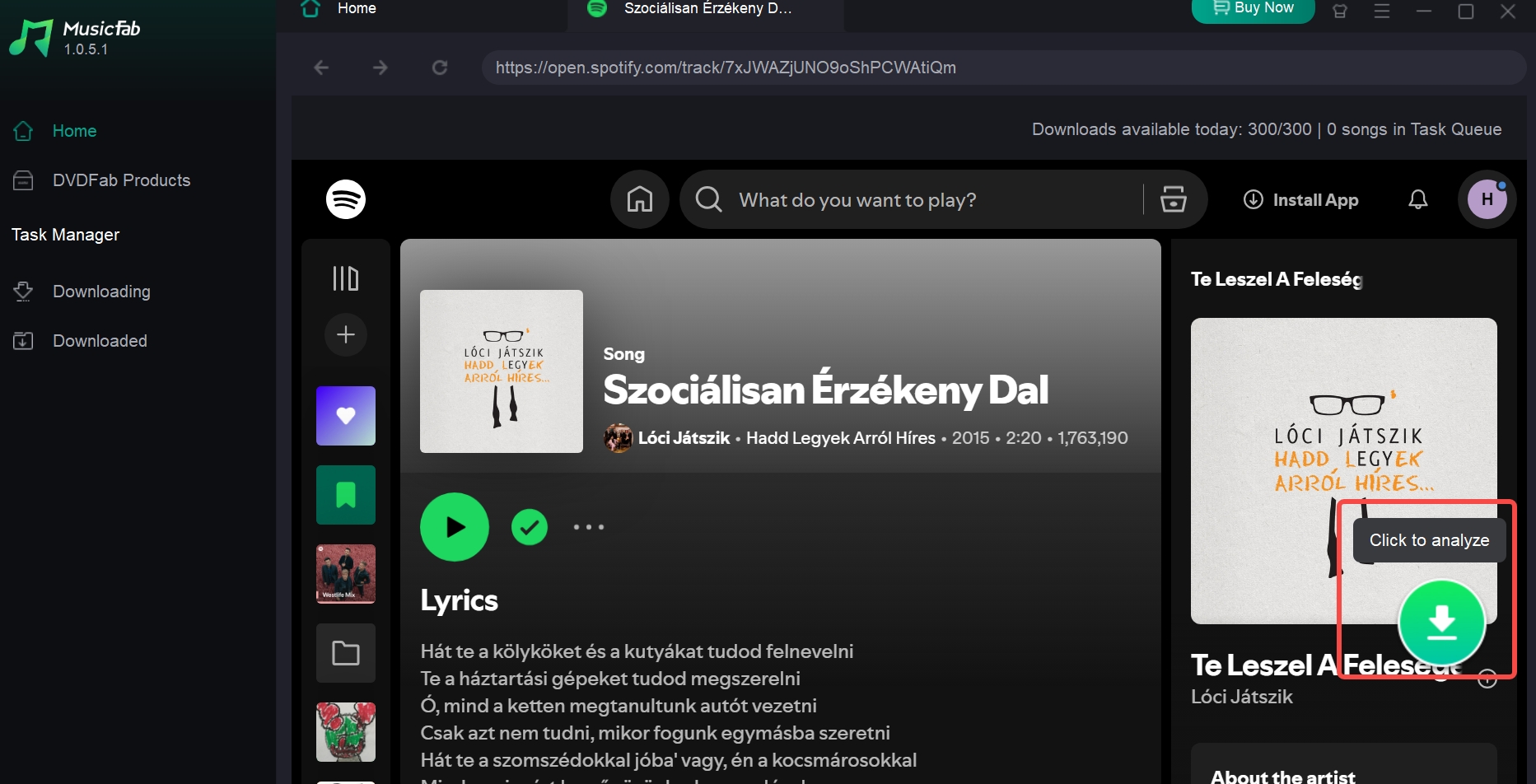
Then, MusicFab will automatically analyze it within seconds
- Step 3: Customize The Audio Quality & Format
On the pop-up window, you can choose an audio format like M4A, MP3, FLAC, WAV, or OPUS. You can also select audio quality up to 320 kbps and a 44.1 kHz sampling rate.
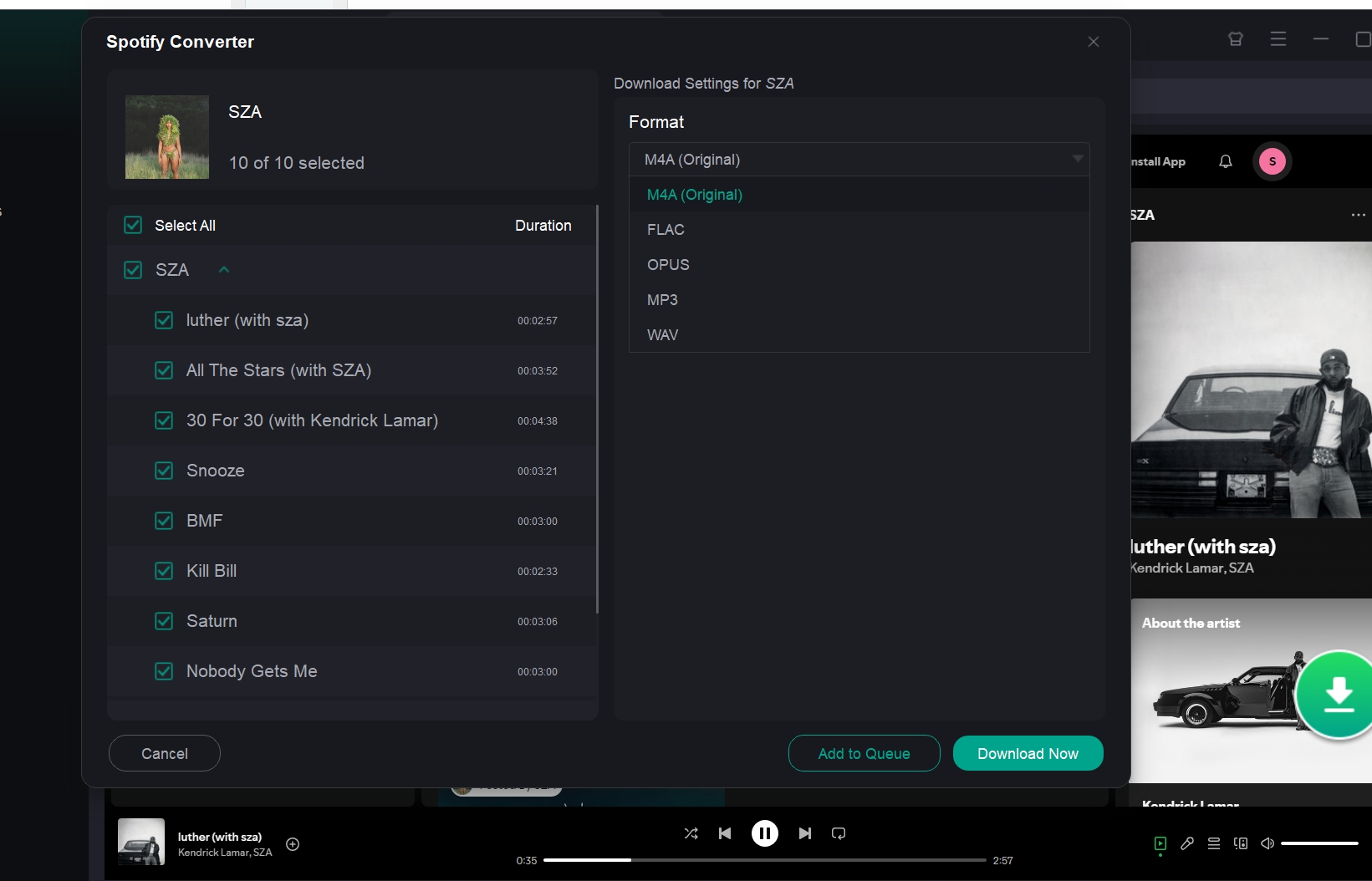
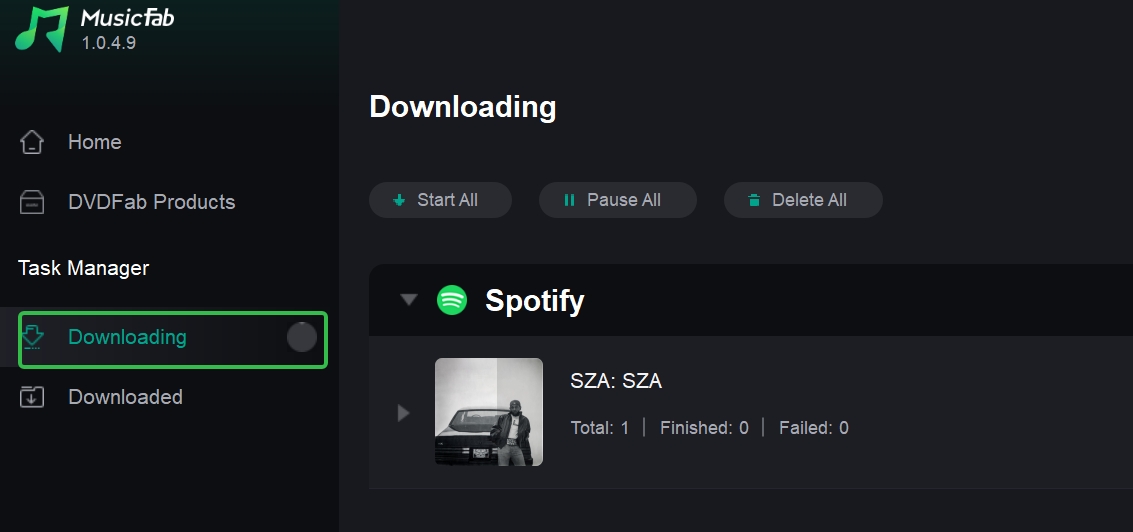
After setup, click Download Now to start downloading. You can find it in the download zone.
When it finishes, you can find the song and the lyrics in the downloaded area.
If you prefer to download Spotify music on your PC, this review of the top Spotify downloader for Windows might be helpful to you.
2. Top 5 Tools To Convert Spotify To MP3 Online Free
If you occasionally listen to Spotify tracks offline, using an online Spotify to MP3 converter that enables you to download at 128, or up to 320 kbps would be a good choice. All these tools do not require sign-in, making them ideal for enjoying Spotify tracks on the go.
Want a free online Spotify playlist/album to mp3 converters? This review lists several options.
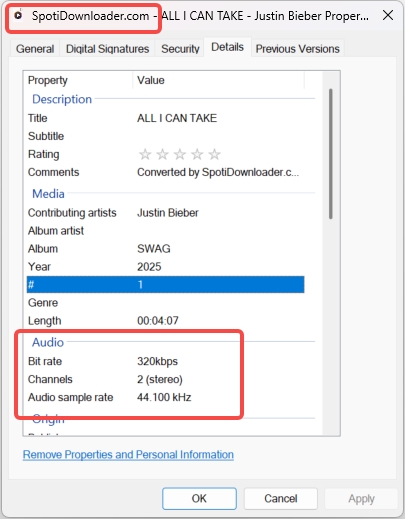
Below I use the same audio source that is up to 320 kbps to test each tool's real download quality.
1. SpotiDownloader
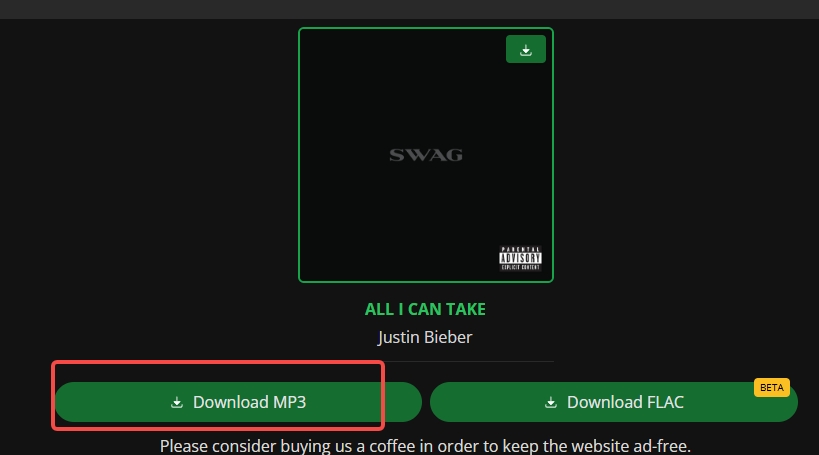
website: https://spotidownloader.com/en6
SpotiDownloader is a free online Spotify downloader. You can convert Spotify links to MP3 or FLAC (beta) without installation or an account. Compared to other online Spotify converters, it contains very few ads and no redirects.
Pros:
- MP3 & FLAC supported
- Fast & Easy-to-use
- Up to 320 kbps
Cons:
- Mediainfo contains website watermark
2. Spotmate
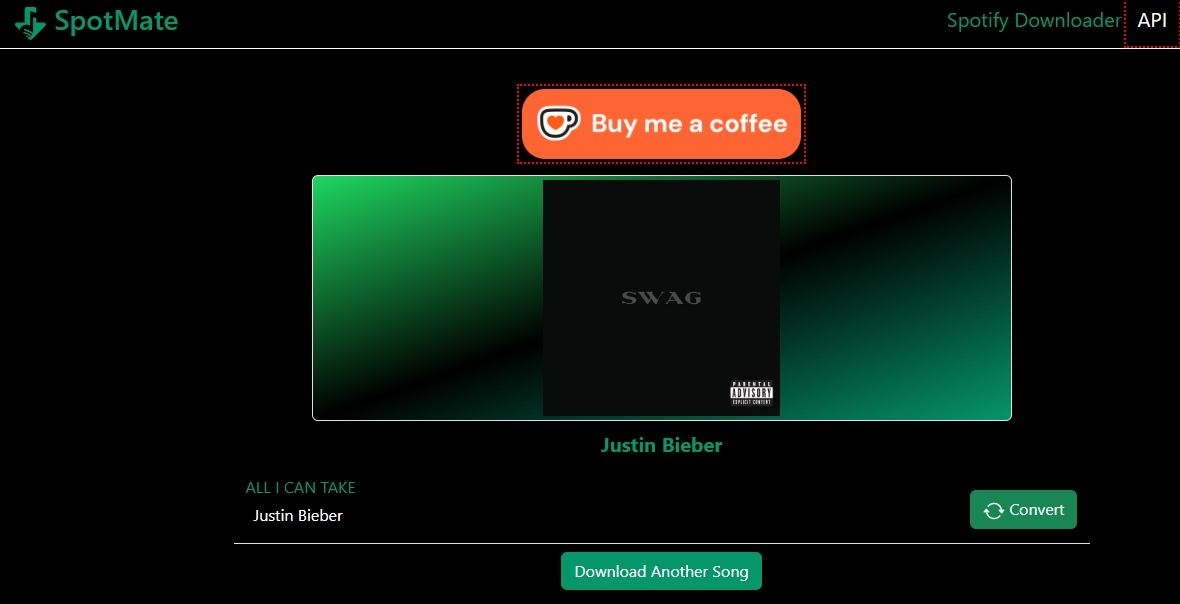
Spotmate offers a fast and intuitive way for you to convert Spotify to MP3 on your Mac, Windows, iOS & Android devices. It works at record speed and can deliver high-quality output as you download Spotify songs to MP3 online.
Website: https://spotmate.online/en
Pros:
- No title watermark in the metainfo
- Very few ads & no redirects
- Fast
- Also has an android version app
Cons:
- MP3 is the only output format supported.
- More complex than other online converters. You need to click “Convert” and then “Download” to download the file.
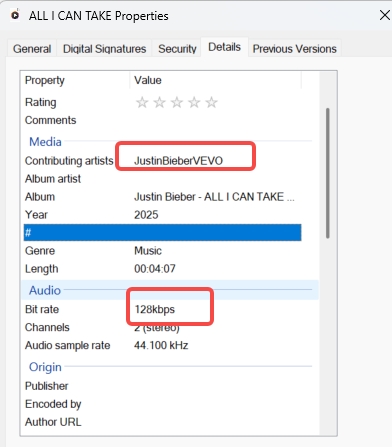
- Only up to 128 kbps
- Artist info is incorrect
3. Spotidownloads
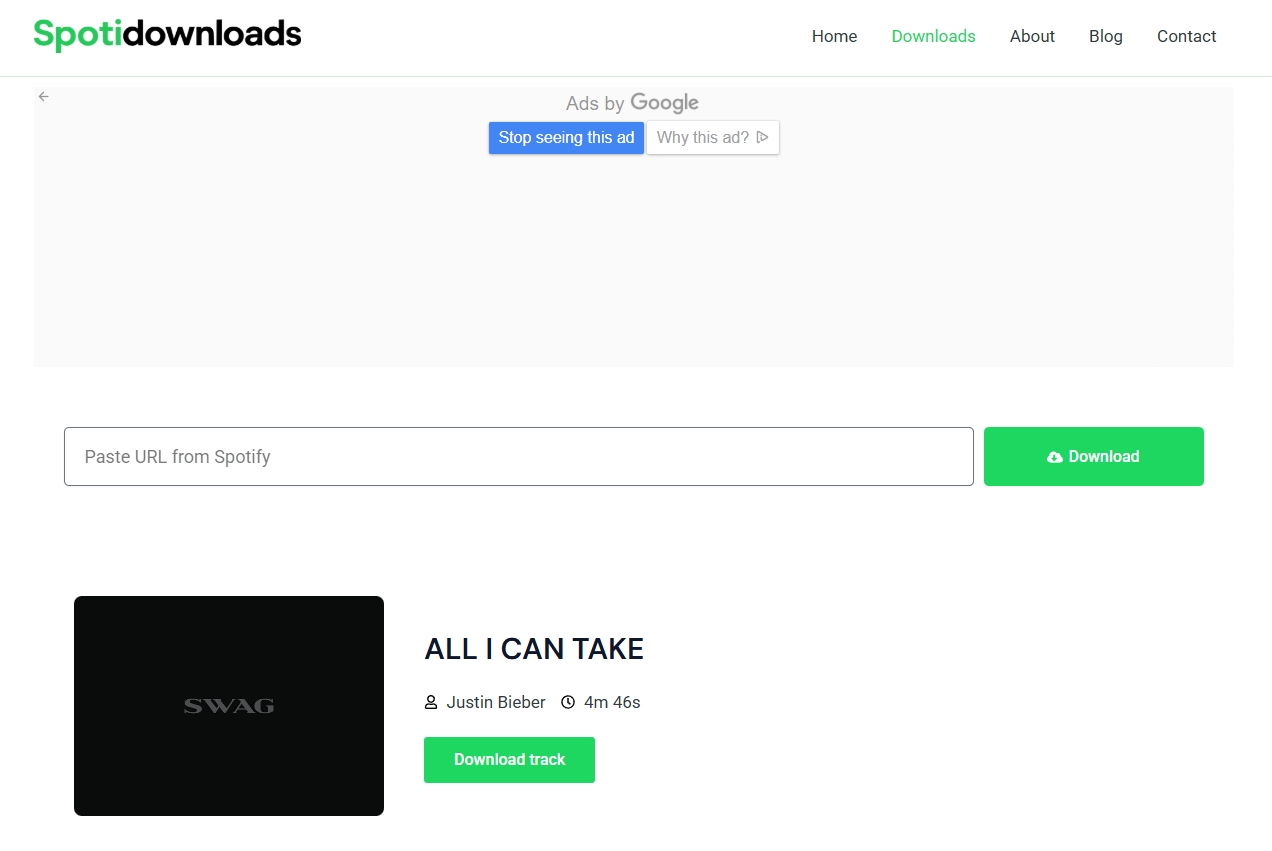
Spotidownloads offers a simple solution for your music downloading needs from Spotify. It can help you download Spotify links to MP3. But it is not working during this test.
website: https://spotidownloads.com/
Pros:
- Easy to use.
Cons:
- Contain Ads
- Unstable: download is not working in the test.
- Slow: After clicking Download Track, it shows “Initiating,” “Processing,” and “Downloading,” but I got no files in the end.
For more online and open-source Spotify music downloaders, read this article.
4. Spotify.downloaderize
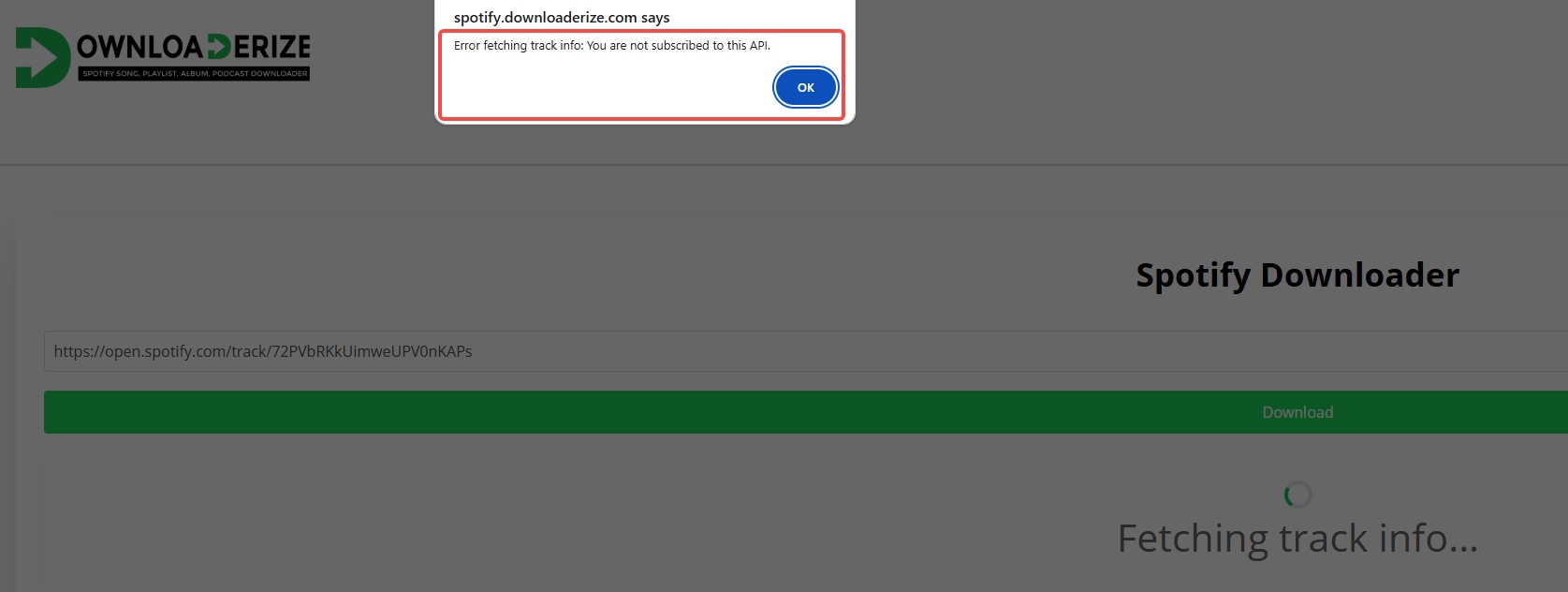
Spotifydownloaderize fails to download too during the test. When I paste the url and click download, it shows "fetching track info," then pops up an error message stating that I am not subscribed to the API. It is so confusing.
website: https://spotify.downloaderize.com/
5. Spotdl downloader

Spotdl is also a popular online Spotify converter for free to let you get Spotify to MP3. But it doesn't work in the test. It shows that something went wrong and failed to load the song result.
website: https://spotdl.io/en
3. Best 3 Audio Recorders To Convert Spotify to MP3
Using these audio recorders, you simply have to play the tracks in the background, and the recorders will do it.
Online Voice Recorder
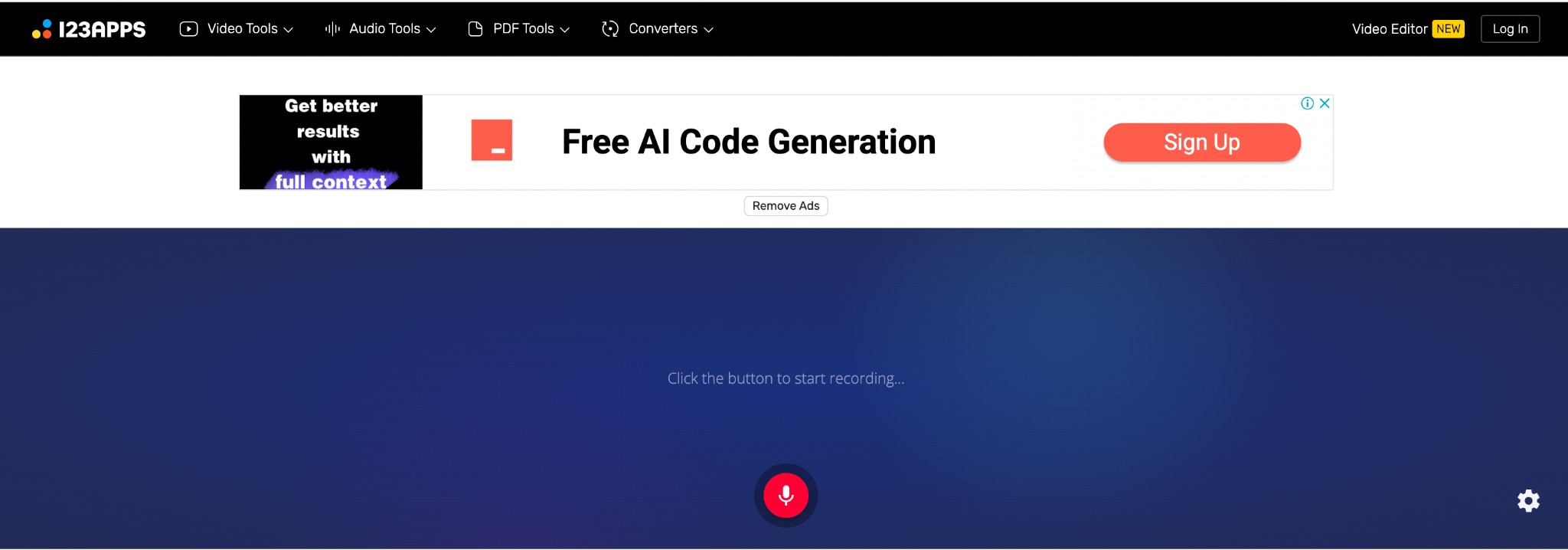
Online Voice Recorder is an intuitive voice recording tool that can record and convert Spotify to MP3 online for free. Simply play the Spotify tracks in the background and hit the red microphone button to record the same in MP3.
Features:
- You can adjust the microphone settings to alter the volume and echo effect
- Silent fragments detected at the beginning and end of the recording are automatically deleted.
- Users can crop out unwanted segments of Spotify tracks after recording.
- Online Voice Recorder guarantees complete privacy of user recordings.
Cons:
- Users often get bombarded with advertisements under the free plan.
- Users need to upgrade to the paid plan to utilize its full features.
Free Trial: Under the free plan, you can generate a maximum of 35 audio files daily, having a maximum size of 10 GB.
VEED.IO Audio Recorder
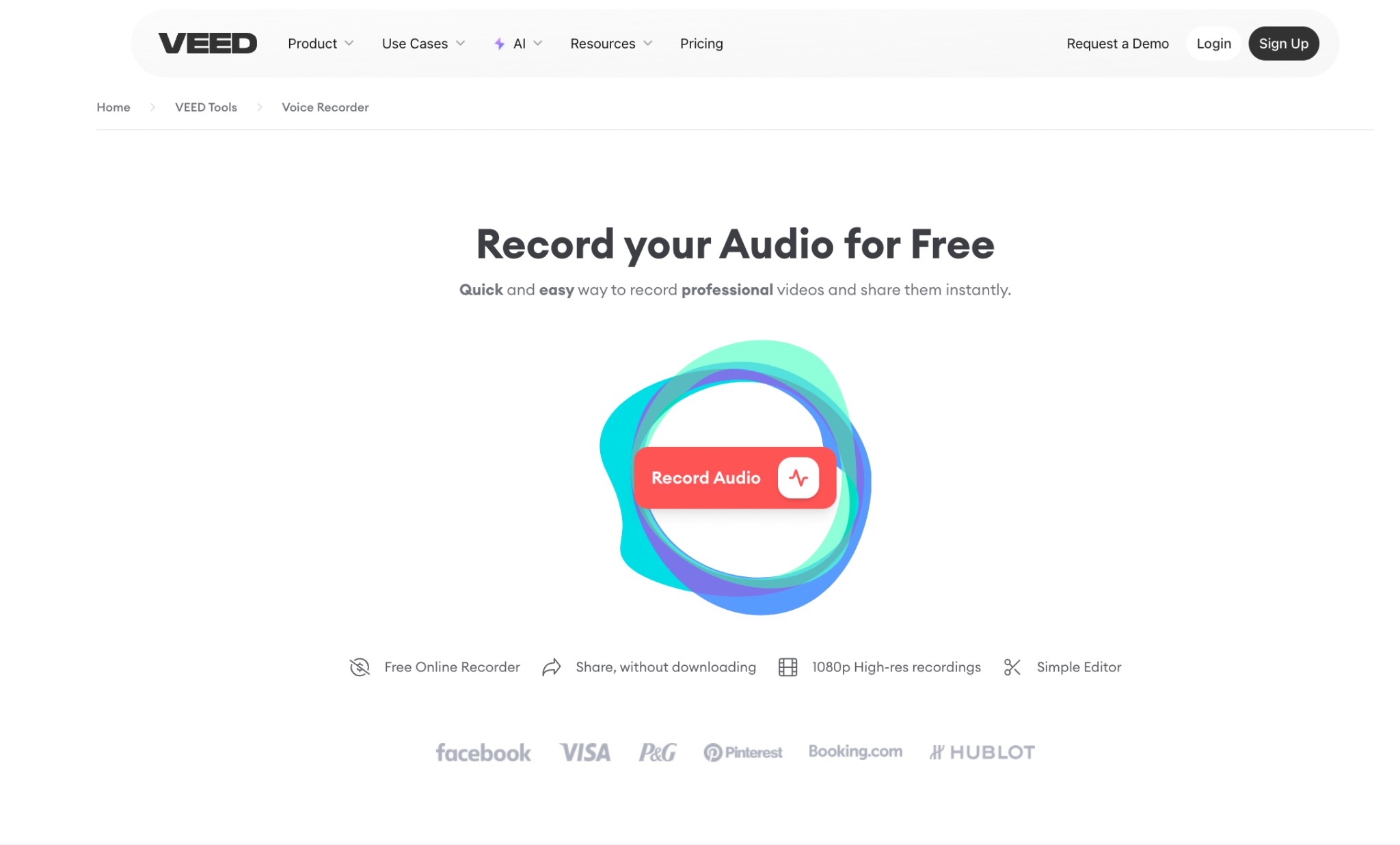
VEED.IO offers a reliable way to record Spotify without technical know-how. You might access Spotify from your computer, tablet, or phone. However, VEED.IO can help you save the music in MP3 format while guaranteeing exceptional quality.
Features:
- The Clean Audio feature removes background noise from your recordings with a single click.
- You can record the files at high resolution to enhance your auditory entertainment.
- A simple built-in editor allows you to make fundamental changes to the audio recordings.
- By copying and pasting the file link, you can share your favorite Spotify tracks on social media channels and via email.
Cons:
- The availability of strong internet connectivity might hinder users' experience.
- You will have to sign in to download the files generated.
- Free exports add a watermark
Free Trial: No restrictions under the free plan. However, to try out advanced features like Clean Audio, you need to subscribe to a paid plan.
Cinch Audio Recorder
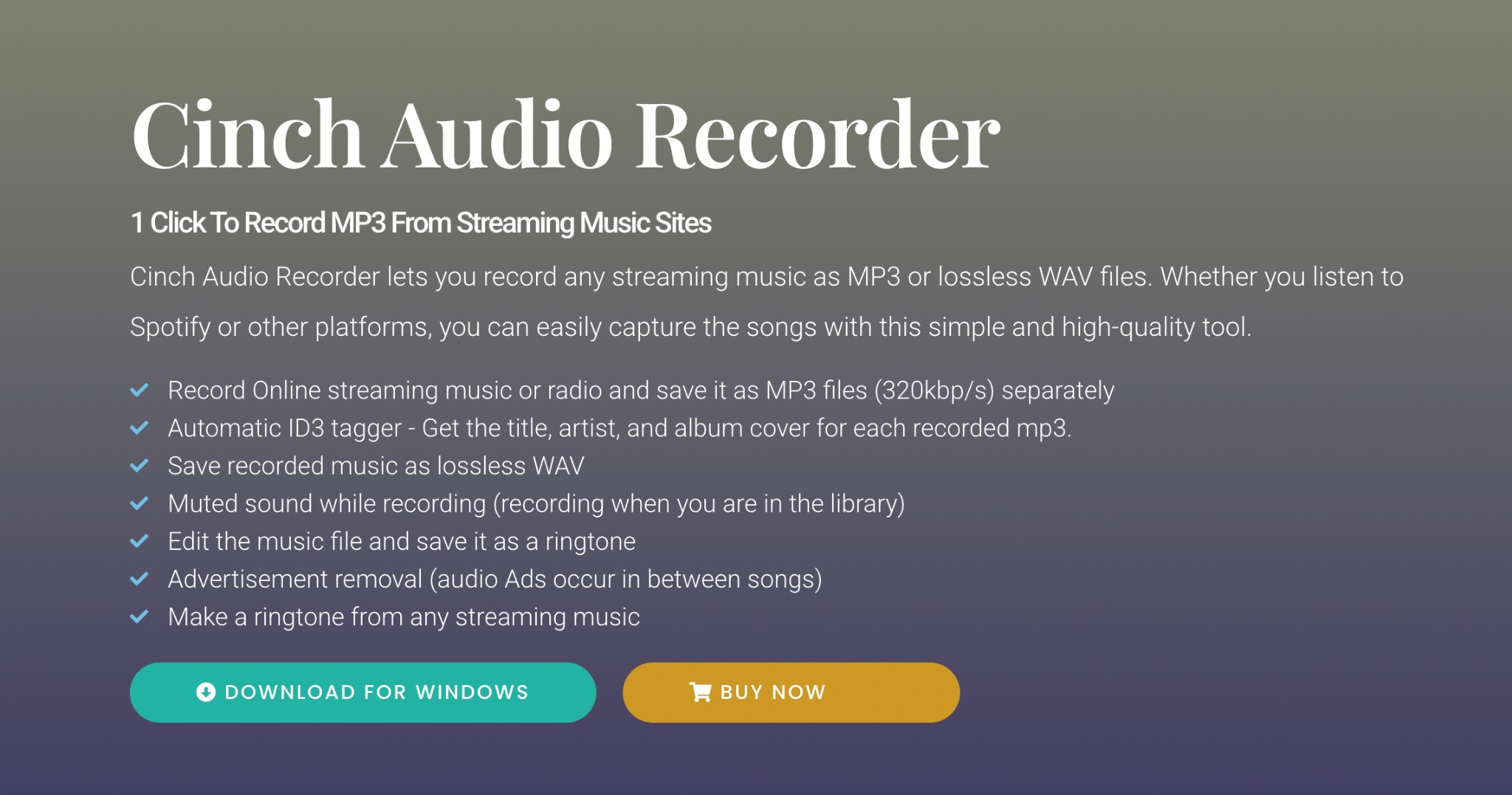
This versatile tool can tap into your computer's sound card and deliver premium-quality audio. Whether you're using Spotify, Apple Music, or Amazon Music, the software can convert it to MP3 while retaining the ID3 tags.
Features:
- ID3 tracking delivers complete information on each Spotify recording.
- Utilizes CAC Technology and records from the raw data provided by the sound cards.
- A built-in AD filter can help eliminate annoying advertisements.
- You can create ringtones from Spotify tracks with its Ring Maker feature.
Cons:
- Doesn't support converting in batches.
- The software tends to get unresponsive at times.
Free Trial: You can record up to 5 songs with the free plan.
4. Top 2 Advanced Tools To Convert Spotify to MP3
These two advanced tools can help you convert Spotify to MP3 by using your programming skills.
Chimera
Despite having a complicated setup, you can download music from multiple sources, such as Tidal, Deezer, Qobuz, and more. You can set up this cross-platform utility from the command line and convert music for free.
Features:
- Open source tool perfect for advanced users.
- The lightweight nature of Chimera will not cause system lag.
- You can download all playlists in one batch.
- Users can convert Spotify to MP3 for free using Chimera on various devices.
Cons:
- Users have often complained about compatibility issues with specific OS versions.
- Chimera is not suited for novice users.
Free Trial: Completely free tool
Telegram Bots
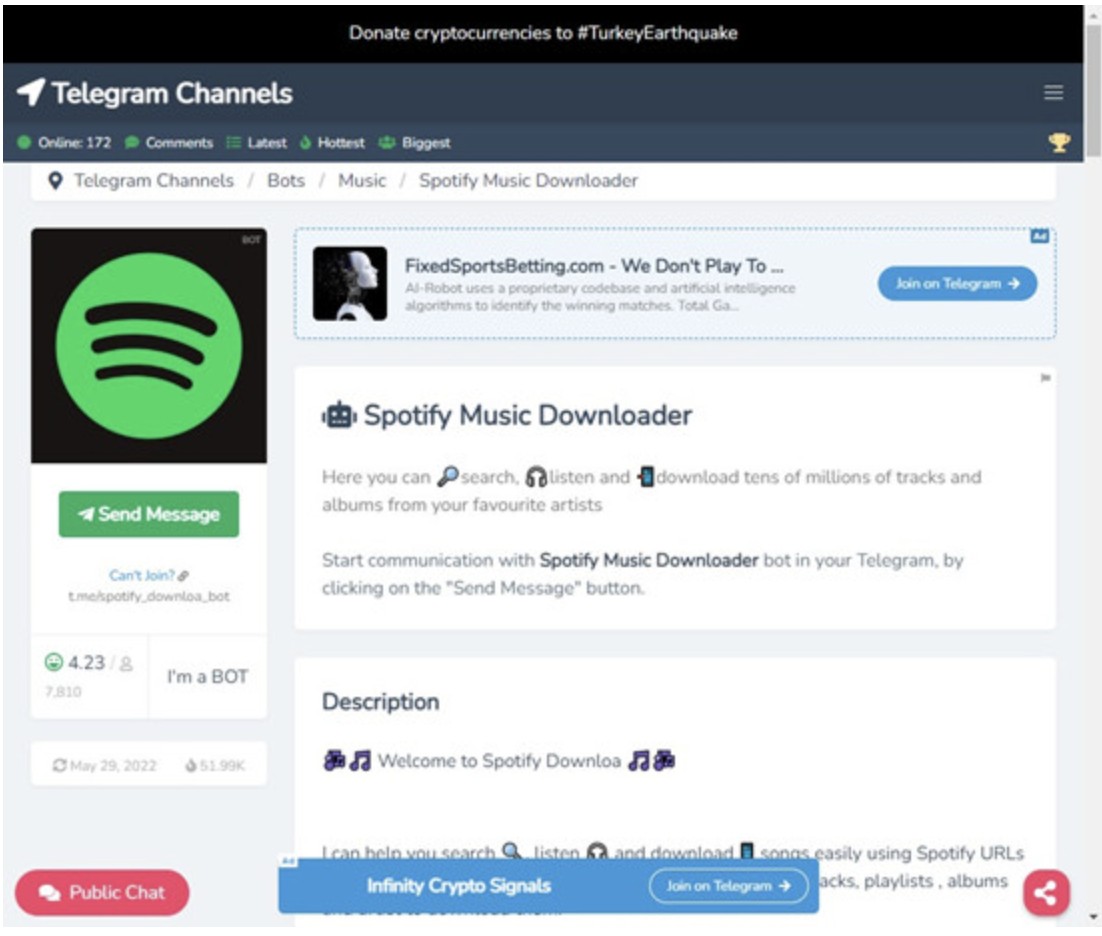
Did you know that you can convert music using various Telegram bots? Simply find an active bot and send a request, following which you will receive a Spotify link to an MP3 for download.
Features:
- Users can download audio files from Spotify and other sources like YouTube.
- Users can start chatting with the Telegram bot and be guided through the next steps for downloading Spotify tracks to MP3.
- You can choose among multiple output formats while downloading Spotify audio files.
- You can easily manage each playlist for easy access.
Cons:
- The features are limited when compared to professional software tools.
- The quality of downloads might vary drastically.
Free Trial: Completely free tool
Conclusion
Spotify has certain limitations, especially when it comes to offline downloads. However, the tools mentioned can help circumvent the limitations of the OGG Vorbis when playing them on MP3 players and similar devices.
If you value sound quality and large-scale downloads, MusicFab is the best choice. If you only need to download individual songs occasionally, online tools can also meet your needs. Choose any tool to download music from Spotify and get ready to take control of your music today.
Didn't find the right tool for you? Curious about how to get Spotify music on your Apple Watch? This comprehensive guide on how to download music from Spotify has all the answers you're looking for.
FAQs
Only use it for personal, non-commercial purposes and do not redistribute Spotify content.
Yes, you can use the MusicFab to download Spotify music without a premium.
Spotify is a rental service, and the files you download are cache files saved in an encrypted format. Unless you use any of the different tools listed above, Spotify downloads can be enjoyed only while using the Spotify app. You will not be able to export them to other devices.
How to convert Spotify to MP3 on a mobile phone?
Users can use online tools (such as accessing Fame.so through a mobile browser) or use Telegram bot to operate on their mobile devices. For more tools, this post will be helpful to you.: Download Spotify Music to Phone: Official App & Third-Party Alternatives
Does Converting Spotify Tracks to MP3 Improve Audio Quality?
No. Converting Spotify's already-compressed stream (Ogg/AAC) into MP3 is lossy transcoding. If your source is lossless, converting to MP3 reduces information and dynamic nuance.

In 2025, use a desktop converter like MusicFab to capture the best quality your account can stream and exports it as ture FLAC for personal offline use.
By Jane Chen - Dec 10, 2025
If you only need to listen Spotify offline, with no need to own your own audio files, use Spotify Premium's built-in download. For portable audio files, using in your own audio library, try thrid-party ways like MusicFab.
By Jane Chen - Nov 17, 2025
If you only need offline listening, the Spotify app lets you download podcast episodes inside the app with no premium needed. But if you need MP3 files of Spotify podcasts, you need an external Spotify podcast downloader. Here is a detailed guide to the most used and effective options for downloading podcasts from Spotify to MP3. Let's see Spotify podcast downloaders works on various platforms, devices, and OS.
By Jane Chen - Nov 13, 2025
Read to know how to download music from Spotify on both official method, its limits and several third-party methods beyond the platform's standard features.
By Jane Chen - Nov 11, 2025